
Disclosure: As an Amazon Associate, My Indoor Space earns from qualifying purchases through links in this article, at no extra cost to you.
Quick verdict
Choose Tapo P125M when Matter-compatible on/off control is the goal. Choose Kasa EP25 when viewing a connected device’s electricity use is the priority. Do not assume P125M measures energy because another Tapo plug does, or assume EP25 is a Matter device because it supports Apple HomeKit.
Research-based buying guide. Product information checked October 16, 2026. We have not tested these products hands-on; recommendations distinguish published features from our practical buying judgments.
Tapo P125M
Kasa EP25
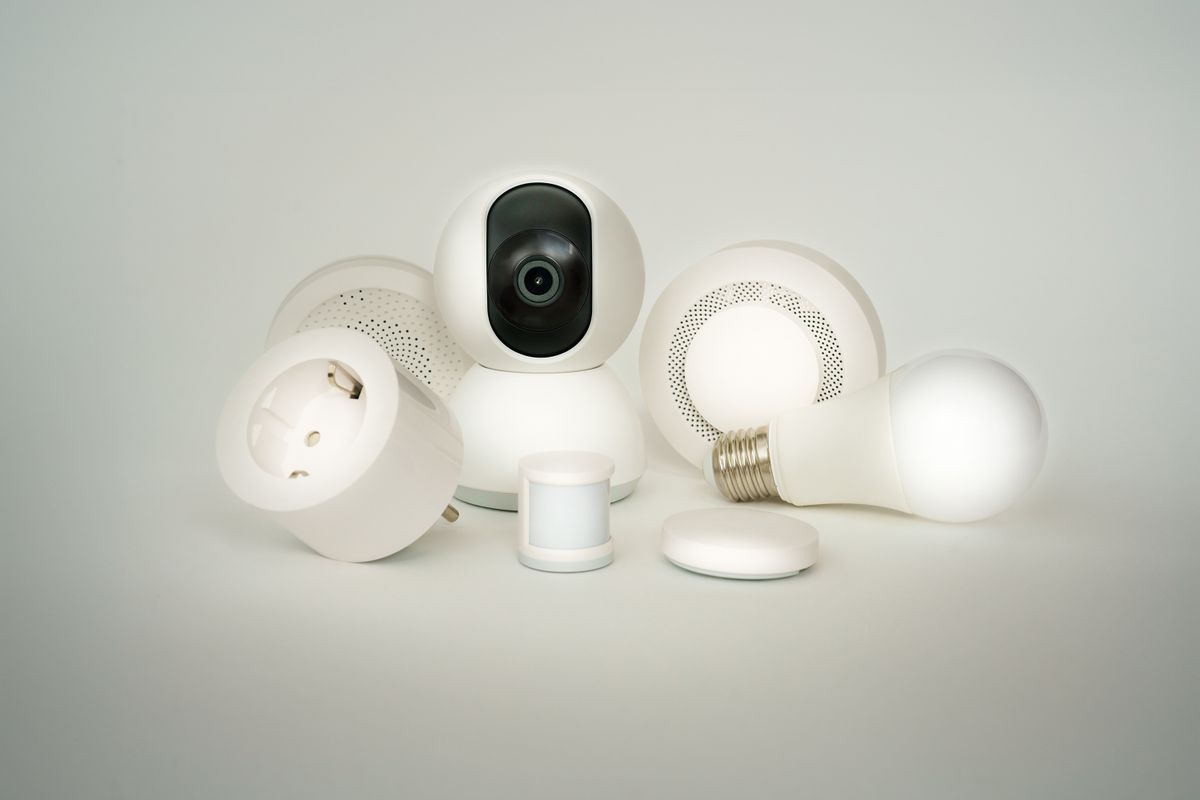
Smart plugs look interchangeable until you need a particular feature. These two TP-Link families illustrate the problem: cross-platform control and electricity monitoring are different capabilities. Buying the wrong one may still switch a lamp successfully while missing the reason you bought it.
The difference that decides this purchase
| Priority | Tapo P125M | Kasa EP25 |
|---|---|---|
| Matter-certified switching | Yes, a central advertised feature | Not the feature to assume from HomeKit support |
| Energy monitoring | Not listed for the cited P125M | Real-time and historical usage in the advertised feature set |
| Main app family | Tapo | Kasa |
| Good starting use | Compatible lamp scheduling | Monitoring a suitable connected device |
EP25P2 and EP25P4 packaging can indicate different pack sizes; confirm the individual plug model in the box. P110M, P115 and other Tapo numbers also name different products. A seller grouping several variants on one page makes this check especially important.
Who should buy P125M?
P125M suits someone building a Matter-based home who wants an ordinary on/off outlet accessory. Tapo lists voice control, scheduling, auto-off and away-mode functions. Which controls appear in another platform depends on the ecosystem, its controller and current software.
Matter is useful for connecting supported devices across ecosystems. It is not a promise that every app exposes every manufacturer feature. Check the platform’s setup requirements, including any controller needed for remote access or automation, before treating a plug-only purchase as a complete system.
Skip P125M if the point of the purchase is to measure appliance consumption. The cited P125M feature list does not establish that capability. Select an explicitly energy-monitoring model instead of hoping a future software update will add it.
Who should buy EP25?
TP-Link describes EP25 as a compact Wi-Fi plug with real-time and historical energy monitoring, schedules and Apple HomeKit support. That makes it a more relevant choice when you want to observe the consumption of a suitable device and decide whether a timer would help.
HomeKit support should not be read as Matter certification. Equally, energy monitoring in the manufacturer’s app does not guarantee the same history and cost display in Apple Home or another third-party app. Buy based on the place you intend to read the data.
Energy monitoring is information, not automatic savings
A reading can reveal when a device is drawing power. Saving money still requires a practical change, such as switching off an unused lamp or adjusting an appropriate schedule. The plug itself uses some electricity, and a low-power device may leave little room for financial savings.
For illustration, eliminating a continuous 5-watt load saves 3.6 kWh in a 30-day month. Multiply that by your actual marginal electricity rate; fixed account fees do not disappear. Do not use a generous whole-bill rate to exaggerate the saving. This example is arithmetic, not a measured result from either plug.
Test the appliance before buying a multipack
Unplug the device, leave its normal switch set as intended, and reconnect it. Does it resume the operation you want? A basic lamp with a mechanical switch may work well, while a device with a soft-touch power button may remain off after power returns.
A smart plug supplies or cuts mains power. It cannot press a separate electronic start button, dim an ordinary lamp unless specifically designed as a dimmer, or change a fan’s speed. Confirm the appliance’s own instructions allow this type of control.
Ratings and network requirements
The EP25 specifications list 2.4 GHz Wi-Fi and a maximum 15 A load, with a separate motor limit. A headline current rating is not permission to connect every appliance. Match the specific load type, local electrical approval and both products’ instructions.
For either purchase, use the locally sold version and inspect the label. Do not use a compact plug for unattended heating or other loads where remote switching conflicts with the appliance’s safety instructions. This guide recommends routine compatible switching, not overriding those instructions.
Outlet fit and household access
Check the shape of neighbouring plugs and adapters. A compact smart plug can still interfere with a bulky charger. Try one unit before filling a home with a multipack, especially if your outlets sit behind furniture.
Keep the physical power button reachable and make sure another household member can operate the lamp normally. Set up shared access deliberately, install available firmware updates and retain the pairing code where you can find it after a reset.
Best value in Canada and the U.S.
Compare the delivered price per plug, but only after confirming the needed feature and region. A cheaper P125M multipack is poor value if you need energy readings; an EP25 is unnecessary spending if all you need is a scheduled lamp and a simpler compatible plug costs less.
We have not measured energy-reading accuracy or long-term connectivity for these units. The verdict follows their published capabilities and practical setup requirements.
Final winner
P125M wins for buyers prioritizing Matter switching. EP25 wins for buyers prioritizing its advertised energy monitoring. If you want both, compare a current model explicitly listing both features rather than assuming either of these names guarantees everything.
Compare current listings in your country
These buttons open matching Amazon search listings, not a guaranteed in-stock offer. Check the exact model, included parts, seller, delivery total and return terms before buying. U.S. and Canadian offers can differ.
Tapo P125M
Kasa EP25
Related guides on My Indoor Space
- Smart Plugs for Beginners: 9 Useful Ways to Automate Your Home
- Best Humidity Monitor for Home: What to Look For