
Disclosure: As an Amazon Associate, My Indoor Space earns from qualifying purchases through links in this article, at no extra cost to you.
Quick verdict
Keep or buy a desktop stand when it puts the microphone where you need it without blocking the work. Choose a boom arm when frequent repositioning or recovering desk space justifies the cost. Check the microphone load and desk-mount requirements before buying an arm.
Research-based buying guide. Information checked October 16, 2026. We have not tested these products hands-on; published specifications and our buying judgments are identified separately.
microphone boom arms
desktop microphone stands
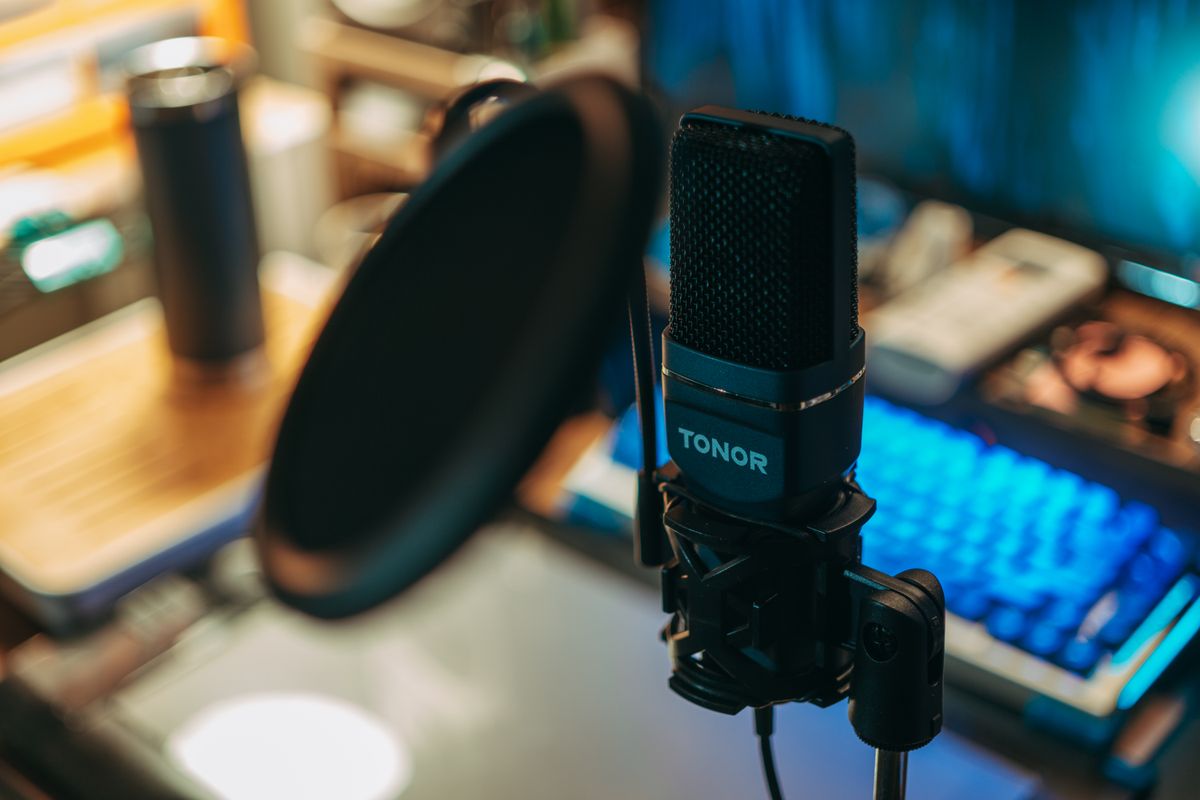
A support upgrade is worthwhile when it improves the microphone’s position, not merely the appearance of the desk. A heavy base can be perfectly useful, while a poorly matched arm can sag, obstruct the display or attach awkwardly to the desktop. Start with the position your microphone actually needs.
Compare the working space
| Priority | Desktop stand | Boom arm |
|---|---|---|
| Frequent movement | Reposition the base or height adjustment | Suitable arms move the mic through an arc |
| Desk surface | Base occupies usable space | Mount needs a compatible edge or fixing |
| Compatibility | Thread, height and stability | Thread, load range, reach and desk mount |
When the desktop stand is enough
A suitable weighted stand can be the simplest solution when the microphone stays in one place. RØDE’s DS1 is one example of this category. Compare the adjustment range and base footprint with your keyboard and the position from which you speak.
A small tripod supplied with a microphone can also be enough, provided its height and placement work. Do not replace it only because a larger arm looks more professional. If you must lean forward to use the microphone, however, the support may be limiting the setup more than the microphone itself.
When an arm solves a repeated problem
An arm can bring the microphone into position for recording and move it aside afterward. That is useful if the same desk handles writing, video calls and other work. Check both the forward reach and the space needed behind or above the display as the arm moves.
RØDE’s PSA1+ illustrates a purpose-built studio arm with specific supported loads and mounting options. Do not assume its capabilities apply to a cheaper generic arm. Some arms need a minimum load as well as having a maximum; a very light microphone can be a poor match too.
Count the whole assembly
Include the microphone, shock mount, adapter and any accessories when checking support limits. Confirm the thread and whether an adapter is supplied. Similar-looking microphone mounts are not necessarily interchangeable, especially when the microphone uses a particular proprietary clamp.
Check desk thickness, underside clearance and surface construction against the mount’s instructions. A clamp that physically opens wide enough is not proof that the desktop can support the arrangement. Glass, hollow-core surfaces and decorative edges may need a different permitted solution.
Cables and vibration still matter
Leave the cable movement recommended by the equipment makers and avoid tension at the microphone connector. Built-in cable management is useful only if it accommodates the cable and moving joints properly. A support change does not guarantee that desk bumps or typing will become inaudible.
The value decision
Pay for an arm when better reach and quick repositioning will be used daily. Choose a stable desktop stand when the position is already convenient. Keep the support you own if it works; the most expensive arm will not repair a microphone technique or room-noise problem by itself.
Compare listings in your country
These buttons open matching Amazon search results, rather than a guaranteed in-stock offer. Confirm the exact model, seller, included parts, delivered price and return terms. Prices and availability can differ between the United States and Canada.
microphone boom arms
desktop microphone stands
Related guides on My Indoor Space
- Best Laptop Stand for a Home Office
- Best Monitor Arm for a Small Desk
- Best Cable Management Box for a Home Office