
Disclosure: As an Amazon Associate, My Indoor Space earns from qualifying purchases through links in this article, at no extra cost to you.
Quick verdict
Choose a basic strip only when outlet expansion is the intended job and it suits the connected equipment’s instructions. Pay for a verified surge-protection model when that protection is what you need for desk electronics. A reset switch, USB port or smart app does not establish surge protection by itself.
Research-based buying guide. Information checked October 16, 2026 (Winnipeg). We have not tested these products hands-on; source findings and our buying judgments are identified separately.
Basic power strips
Desk surge protectors
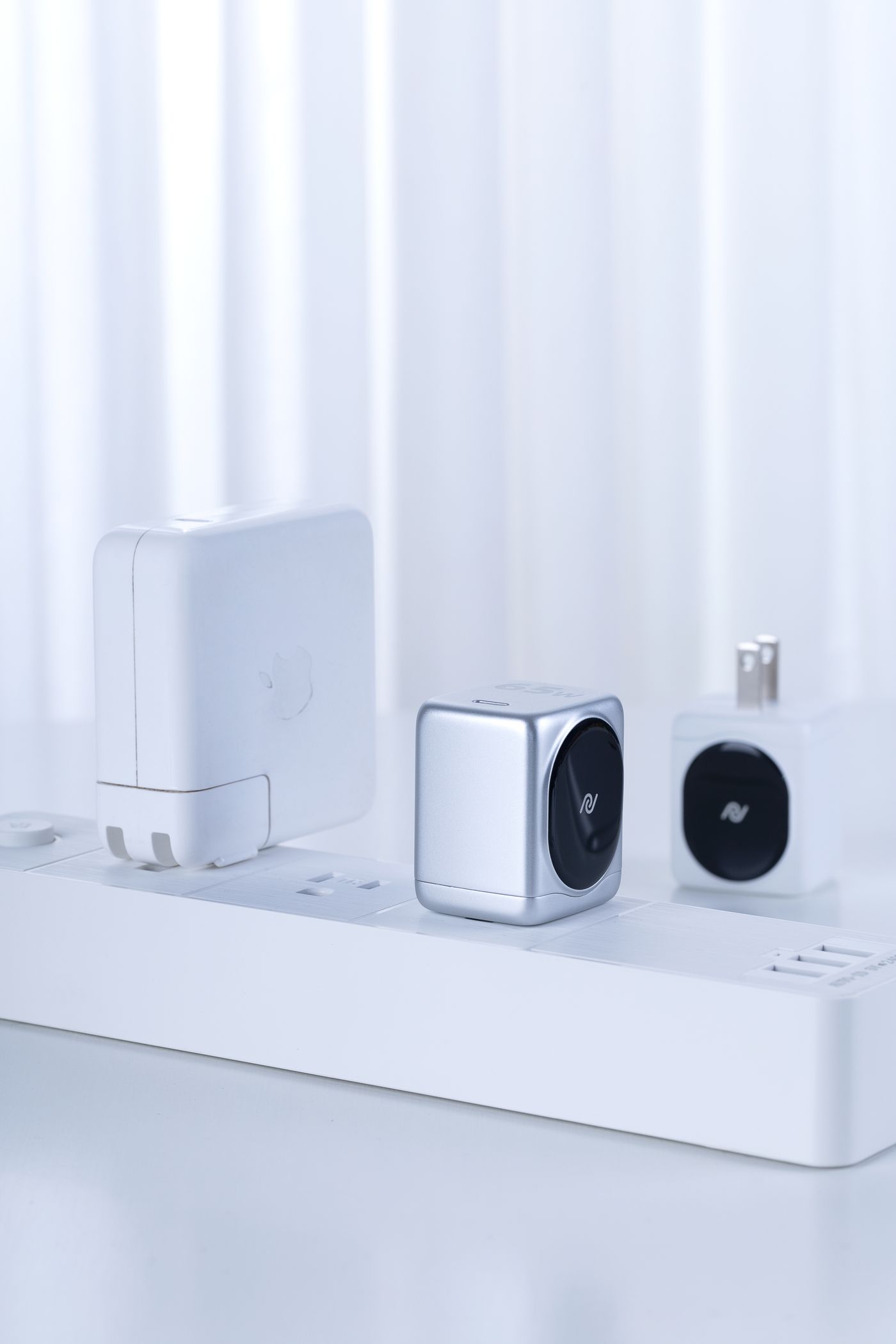
Similar-looking outlet bars can have different functions. A basic strip distributes power to more plugs; a surge protector adds specified suppression of voltage surges. Read the product label and documentation before choosing from the number of sockets or the color of the switch.
Compare the feature you need
| Question | Basic strip without surge protection | Surge protector |
|---|---|---|
| Main job | Provide additional outlets | Provide outlets plus stated surge protection |
| What to verify | Electrical rating and intended equipment | Those checks plus protection specifications |
| Power-outage backup | Not provided by an ordinary strip | Not provided by surge protection alone |
When a simple strip is enough
If expansion is the actual requirement, a suitable basic strip may cover it. Check the connected devices’ instructions, the strip’s load rating and the power connection required. More sockets do not increase the amount of power available from the circuit.
Plan for the real plugs. A large power adapter can block an adjacent socket, leaving fewer usable positions than the package count suggests. Outlet spacing, cord length and a reachable switch may be more useful than several extra sockets you cannot access.
When surge protection earns the upgrade
Eaton distinguishes power distribution from protection against voltage spikes. For computers and related electronics, confirm that the selected model actually states surge protection and provides the relevant specifications and certification for the market where it will be used.
A circuit-breaker reset button is a different feature. Likewise, a smart power strip or USB charging station may or may not include the protection you want. Check each function explicitly instead of treating an app or an illuminated switch as evidence.
Understand the indicator labels
Belkin’s support guidance distinguishes a protection indicator from other status lights and notes that behavior varies by model. Read the actual manual. A device can still supply power after its surge-protection function is exhausted, so merely seeing a connected lamp working does not prove protection remains.
Check replacement guidance and any equipment-coverage terms before assigning value to a large warranty figure. Coverage has conditions; it is not a guarantee that every loss will be reimbursed.
Who should buy or skip?
Buy the basic strip for suitable outlet expansion, or a verified protector for the protection feature. If you need the computer to keep running during an outage, compare an appropriately specified UPS as a separate category.
Follow the selected product’s installation instructions and supported loads. We have not tested surge performance. Keep a suitable working device when its documented functions still meet the need; spend on a feature that solves your setup rather than on an unexplained “premium” label.
Compare listings in your country
These buttons open matching Amazon search results, rather than a guaranteed in-stock offer. Confirm the exact model, seller, included parts, delivered price and return terms. Prices and availability can differ between the United States and Canada.
Basic power strips
Desk surge protectors
Related guides on My Indoor Space
- Best Smart Power Strip for a Home Office
- Best Cable Management Box for a Home Office
- 65W vs 100W USB-C Charger: Which Does Your Laptop Desk Need?