
Disclosure: As an Amazon Associate, My Indoor Space earns from qualifying purchases through links in this article, at no extra cost to you.
Quick verdict
Choose a compact hub for occasional connections when its exact video specification matches your laptop. Buy a powered docking station for a permanent desk with several peripherals. Two display sockets alone do not guarantee two independent screens.
Research-based buying guide. Product information checked October 16, 2026. We have not tested these products hands-on; recommendations distinguish published features from our buying judgments.
USB-C dual-monitor hubs
dual-monitor docking stations
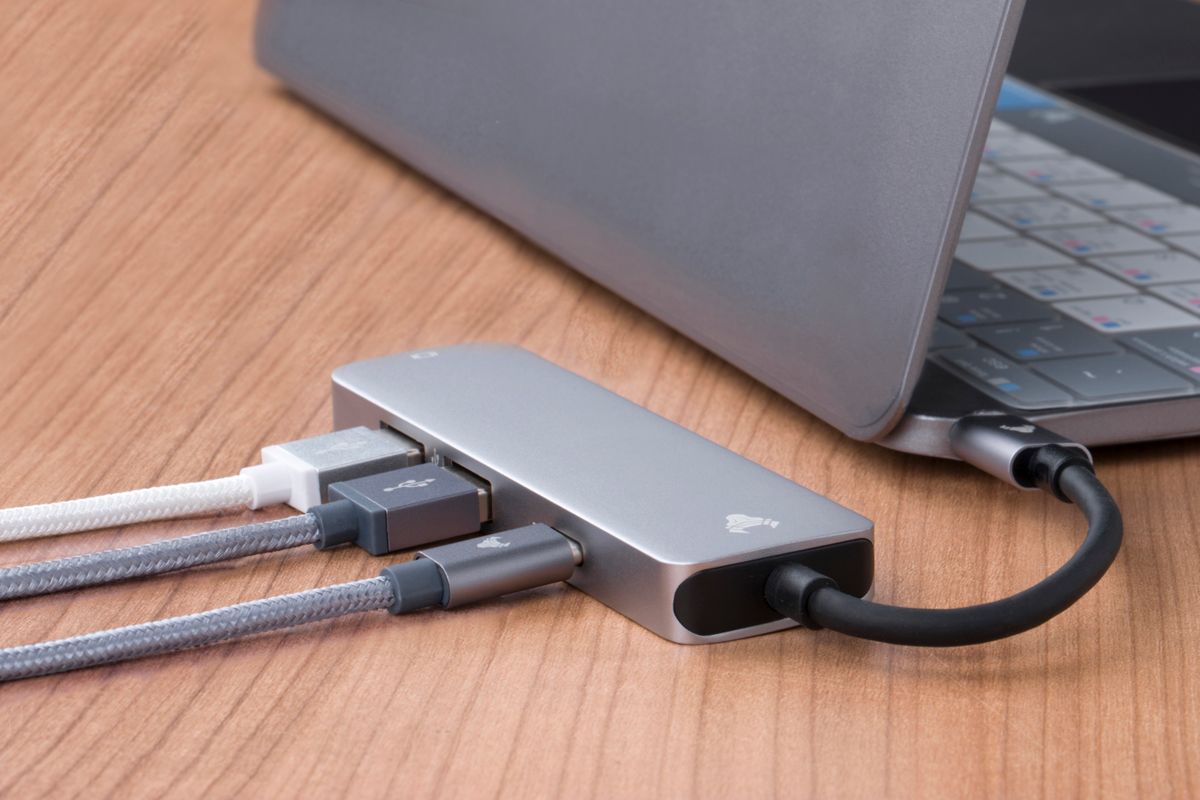
A hub and a docking station can look like two sizes of the same product. For a two-monitor desk, the important difference is the connection inside: the laptop must support the method the accessory uses to send video. Start with the computer model, not the number of HDMI ports in the photograph.
The buying differences
| Decision | Compact USB-C hub | Powered desk dock |
|---|---|---|
| Best setting | Travel or a desk you clear regularly | Permanent keyboard, drives, network and displays |
| Power | Often requires your separate charger for pass-through | May include a supply; verify laptop power delivered |
| Two screens | Depends on host, video method and bandwidth | Still depends on host and dock technology |
Check the laptop before ordering
A USB-C connector is a shape, not a promise of video output. Read the computer’s port specifications for DisplayPort video, Thunderbolt or USB4 support, then compare the dock’s supported operating systems. Record the resolution and refresh rate you want on both screens simultaneously. A single-screen maximum can be different from the dual-screen maximum.
Many adapters use DisplayPort Multi-Stream Transport, or MST. StarTech documents macOS limitations for independent extended displays through MST hubs. A suitable Thunderbolt dock or a DisplayLink solution may be appropriate instead, depending on the exact Mac and software. Check the manufacturer’s compatibility table for your model; “Mac compatible” can mean mirrored screens rather than the arrangement you want.
Power and peripherals can change the answer
A pass-through hub does not create charger power. Its own operation also takes some power, so the charger input rating and the laptop’s available charging output are different numbers. Confirm whether the advertised wattage requires a separately purchased adapter. With a powered dock, check the included supply, host cable and actual charging output, rather than assuming the power brick’s total rating reaches the computer.
Count your USB accessories and their connector types. An external drive, webcam and wired network connection can make a larger dock useful even if a smaller hub handles the screens. Conversely, paying for unused Ethernet, audio and extra ports adds cost and clutter. Check cable length and whether the dock can sit where its ventilation stays clear.
When the upgrade is worth it
Buy the hub if you connect one or two basic accessories and have verified the display combination in writing. Buy the dock when a single daily connection replaces several cables and its power delivery suits the laptop. Keep your existing setup if it already runs both screens reliably: a larger enclosure by itself does not improve picture quality.
Before you click buy
Write down the laptop model, operating system, two monitor inputs, target resolutions, charging requirement and included cables. Match every item to the listing or manual. Return terms matter when a compatibility table does not explicitly cover your configuration.
Compare current listings in your country
These buttons open matching Amazon search listings rather than a guaranteed in-stock offer. Confirm the exact model, seller, included parts, delivered price and return terms. Offers can differ between the United States and Canada.
USB-C dual-monitor hubs
dual-monitor docking stations
Related guides on My Indoor Space
- Best Laptop Stand for a Home Office
- Best Monitor Arm for a Small Desk
- Best Cable Management Box for a Home Office