
Disclosure: As an Amazon Associate, My Indoor Space earns from qualifying purchases through links in this article, at no extra cost to you.
Quick verdict
Choose Brio 100 for straightforward seated calls when its narrower view fits your desk. Choose C920s when autofocus and a wider frame are useful. Both support 1080p at 30 fps; paying more does not guarantee that a calling app or a poorly lit room will show more detail.
Research-based buying guide. Information checked October 16, 2026. We have not tested these products hands-on; published specifications and our buying judgments are identified separately.
Logitech C920s webcams
Logitech Brio 100 webcams
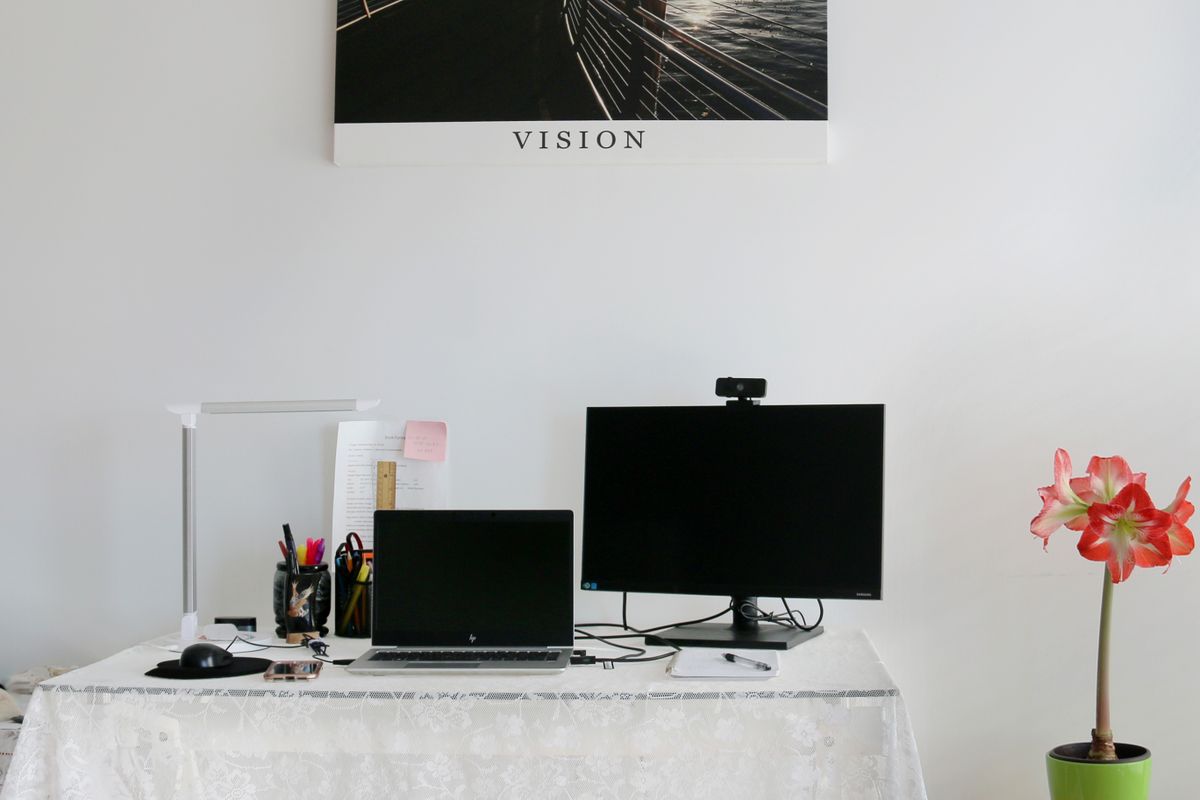
A webcam upgrade should fix a specific problem: poor framing, a weak built-in camera or a need to focus at different distances. Start by looking at your current video-call preview. If your face is dark because a bright window sits behind you, changing the camera alone may leave the main problem untouched.
Compare the published camera features
| Feature | C920s | Brio 100 |
|---|---|---|
| Full HD mode | 1080p at 30 fps | 1080p at 30 fps |
| Focus | Autofocus | Fixed focus |
| Diagonal field of view | 78 degrees | 58 degrees |
| Privacy cover | Included shutter | Integrated shutter |
When Brio 100 is enough
A narrower view can be helpful when you want a head-and-shoulders frame and less of the room behind you. At a fixed desk position, Brio 100’s simple arrangement may cover the job. Measure how far the display sits from your chair before choosing; a narrow view can feel too tight when the camera is close.
Fixed focus does not mean every object at every distance will look sharp. Check the manufacturer’s guidance and try your normal seating position during the return period. If you regularly show a small object near the lens, choose around that task rather than assuming the 1080p label settles it.
When C920s earns the upgrade
Autofocus can be useful when the subject distance changes, and the wider view provides more space for movement or a second person. That also shows more background. Decide whether you actually want the extra room rather than treating a wider angle as inherently better.
We have not tested focus tracking, low-light performance or image processing side by side. The feature comparison establishes what each product offers; it does not prove which looks better under your lamp or in your meeting software. For that, compare your own preview with the actual app and lighting you use.
Microphones and software can change the result
Both webcams include audio capture, but an existing headset or separate microphone may make that feature unimportant. Select the intended camera and microphone in the calling application. Otherwise, a new webcam can be installed while the app continues using the laptop’s built-in camera or another audio device.
Check the USB connection, display-top mounting and cable route. A webcam may compete with a monitor light bar for space. Also check the app’s supported resolution and account settings: the camera’s maximum is not a promise of the resolution delivered to everyone in a call.
Who should buy or skip?
Buy Brio 100 when you need a basic external camera and its framing works. Pay for C920s when autofocus or the wider field addresses a real task. Keep a working webcam when moving the lamp or adjusting its height solves the problem. A model name containing “Pro” does not, by itself, establish the better purchase for your room.
Compare listings in your country
These buttons open matching Amazon search results, rather than a guaranteed in-stock offer. Confirm the exact model, seller, included parts, delivered price and return terms. Prices and availability can differ between the United States and Canada.
Logitech C920s webcams
Logitech Brio 100 webcams
Related guides on My Indoor Space
- Monitor Light Bar vs Desk Lamp: Which Fits a Small Desk?
- Best Desk Lamp for a Home Office
- Best Monitor Arm for a Small Desk