
Disclosure: As an Amazon Associate, My Indoor Space earns from qualifying purchases through links in this article, at no extra cost to you.
Quick verdict
Choose M650 for a one-computer setup when its quiet-click design and available size suit your hand. Choose M720 when switching among up to three devices or its extra controls will be used regularly. Receiver compatibility and hand fit come before a discount.
Research-based buying guide. Information checked October 16, 2026. We have not tested these products hands-on; published specifications and our buying judgments are identified separately.
Logitech M650 mice
Logitech M720 mice
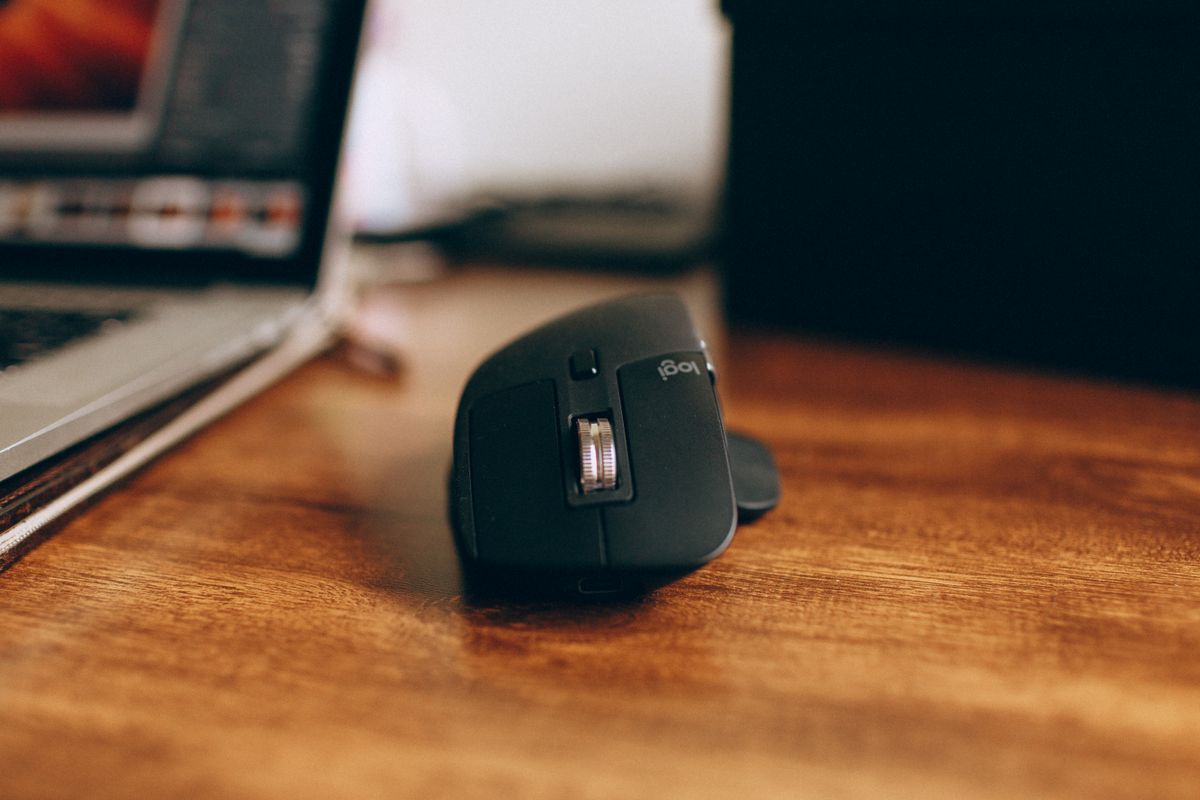
The choice is simpler than comparing every number on the box: do you need a quiet everyday mouse for one computer, or a mouse that can move between several devices? M650 and M720 solve those jobs differently. Neither replaces the need to check its shape against your hand and grip.
The differences that change the purchase
| Priority | Signature M650 | M720 Triathlon |
|---|---|---|
| Device connections | One connection channel | Pair with up to three devices and switch |
| Receiver family | Logi Bolt | Logitech Unifying |
| Useful reason to choose | Quiet clicks and suitable size | Multi-device routine and extra controls |
Buy M650 when one computer is the whole job
Logitech specifies silent main-click switches and a SmartWheel on M650. For a shared room or evening browsing, quieter clicks can be a practical feature. We have not measured noise ourselves, and quiet does not mean every button or wheel action is inaudible.
Check the size and handedness of the actual listing. The M650 family includes different versions; a photograph of one should not establish the dimensions of another. If you can try the shape, assess the side-button reach without changing your normal grip. Paying less for the wrong size is not a useful saving.
Buy M720 when switching is part of every day
M720 can pair with up to three devices and switch using its Easy-Switch control. That suits a desk where a personal laptop, another computer and perhaps a compatible tablet all need the same mouse. The feature adds less value if you only move between applications on one computer.
Its dual-mode scrolling and extra controls can also help with long pages or repeated actions. Logitech’s Flow software functions are separate from basic device switching and have operating-system and software requirements. Verify those requirements if moving content between computers is the feature you actually want.
Do not buy the wrong receiver
Bolt and Unifying are different systems. A receiver from one family is not a universal spare for the other. Check the included receiver, available USB port and Bluetooth support on the computer. A USB-C-only laptop may need an appropriate adapter for a supplied USB-A receiver.
Software-based customization also needs a compatibility check. A mouse can support basic pointing on an operating system while offering fewer configurable features there. An employer-managed computer may restrict software installation, so base the purchase on what you can use on that machine.
When is the upgrade worth it?
Choose the lower-cost suitable M650 if your work stays on one device and its feel is comfortable. Pay for M720 when switching or its controls remove a repeated inconvenience. Keep an existing mouse if it already does those jobs reliably. A larger feature list is not a reason to accept a shape that makes your grip awkward.
Compare listings in your country
These buttons open matching Amazon search results, rather than a guaranteed in-stock offer. Confirm the exact model, seller, included parts, delivered price and return terms. Prices and availability can differ between the United States and Canada.
Logitech M650 mice
Logitech M720 mice
Related guides on My Indoor Space
- Logitech Lift vs MX Vertical: Choose by Hand Fit Before Price
- Logitech Pebble Keys 2 K380s vs MX Keys Mini: Is the Upgrade Worth It?
- Best Laptop Stand for a Home Office