
Disclosure: As an Amazon Associate, My Indoor Space earns from qualifying purchases through links in this article, at no extra cost to you.
Quick verdict
Choose K380s for a compact, lower-cost everyday keyboard when basic typing is enough. Pay for MX Keys Mini if you want illuminated keys and prefer its more conventional key shape and feel. If you enter numbers all day, consider a keyboard with a number pad before buying either compact model.
Research-based buying guide. Product information checked October 16, 2026. We have not tested these products hands-on; recommendations distinguish published features from our buying judgments.
Logitech Pebble Keys 2 K380s
Logitech MX Keys Mini
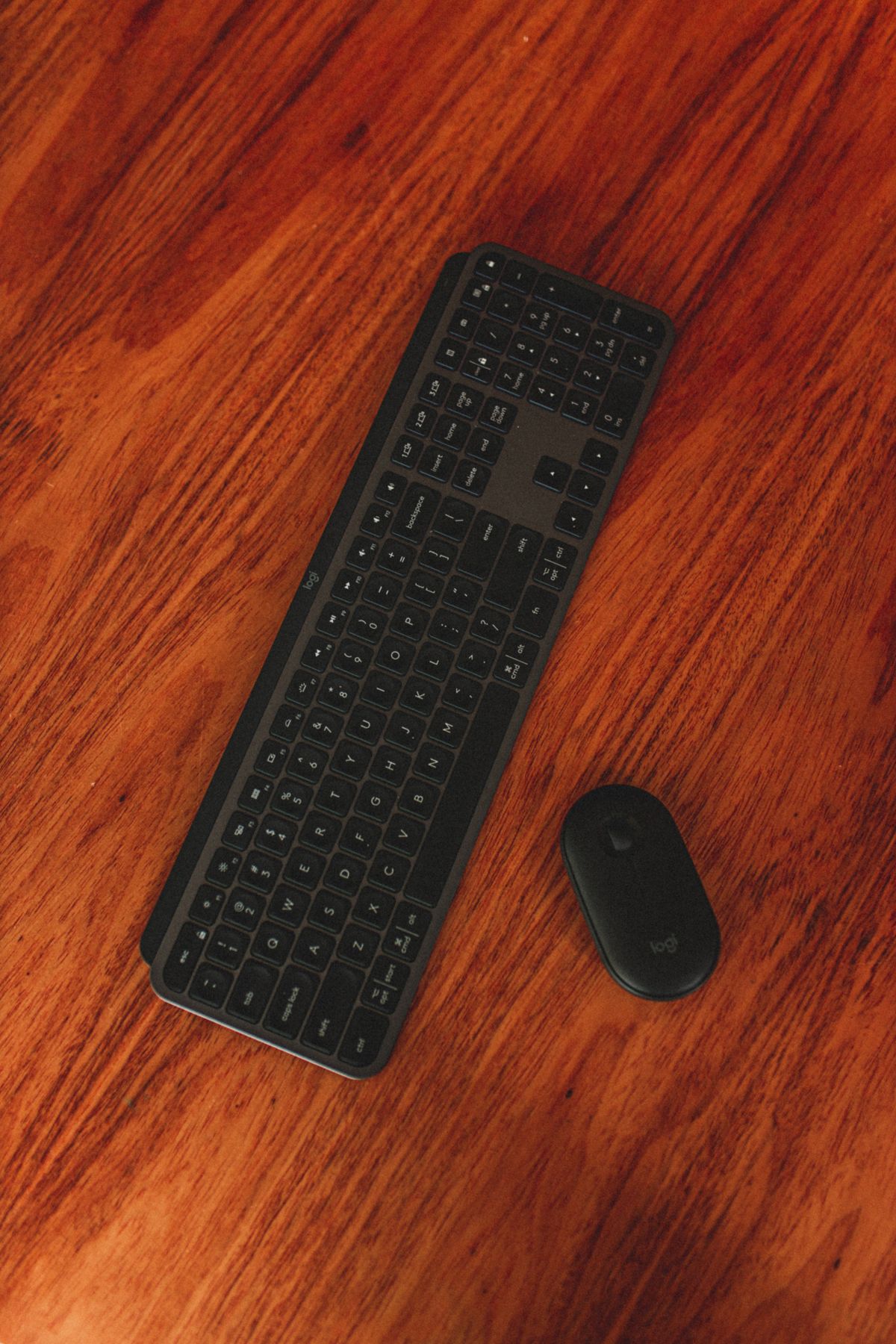
Compact keyboards can free space beside a laptop and let you position the mouse closer. But a small layout is only an improvement if its keys and shortcuts suit your work. The K380s and MX Keys Mini both target that compact desk, with different priorities and price levels.
Which upgrade would you notice?
| Priority | Starting choice | Why |
|---|---|---|
| Lower purchase cost | K380s | Simple compact typing proposition |
| Backlit keys | MX Keys Mini | Smart illumination is a listed feature |
| Frequent spreadsheet number entry | Compare another layout | Neither has a dedicated number pad |
| Preferred key feel | Try both | Shape and spacing are personal |
Why K380s can be enough
Logitech describes Pebble Keys 2 as a slim keyboard with round, low-profile keys and shortcut functions. Choose it for a simple desk or portable setup when you do not need a premium illuminated surface.
Check that the listing is K380s rather than the older K380. Similar photos do not establish identical shortcut or software support. Choose the correct regional key layout and verify compatibility with the devices you want to pair.
What MX Keys Mini adds
Logitech highlights smart illumination that lights the keys as hands approach and adjusts to the environment. That can be a useful upgrade when you genuinely work in dim conditions. It may matter little on a well-lit desk where you rarely look at the keyboard.
The compact MX also offers customization through supported Logitech software. Decide whether you will use those functions and whether your operating system permits them. A feature accessible on one computer may not behave identically on a tablet or managed work machine.
What independent testing contributes
RTINGS compares these two directly, describing the MX as more premium-feeling and slightly larger, with more conventional rectangular keycaps and a somewhat better typing experience in its assessment. That is independent testing context, not our own hands-on finding.
Do not assume that every typist will prefer the same feel. A low-cost keyboard you type accurately on is better value than a premium model whose layout repeatedly interrupts you.
Check the keys you use most
Look at arrows, Delete, Home and End access, function-row behaviour and operating-system legends. A photographer, writer and spreadsheet user can have different shortcut needs. Compact layouts can put a frequent action behind a combination you dislike.
Type an ordinary paragraph and perform your common editing tasks during the return period. Switching between a laptop and external keyboard should feel predictable. Keep the receipt until you have used the setup for real work.
Desk fit and connection details
Place a paper outline of the keyboard beside the mouse. Check whether you can keep both comfortably within reach and still use the desk surface. The benefit of a compact keyboard is lost if you place it too far away or leave the mouse at an awkward angle.
Confirm Bluetooth and any receiver requirements for the exact package. Do not assume a USB receiver is supplied because another Logitech product included one. Charging connections and supported operating systems should also be checked before ordering.
When to skip both
Choose a full-size layout or separate keypad if regular numeric entry is central to your work. If you prefer tall mechanical switches, compare that category instead of expecting a slim office keyboard to feel the same.
Keep an existing comfortable keyboard if the only reason to change is a new model name. Backlighting is useful when you need it; it is not a requirement for effective typing.
Canadian value and final winner
Compare the same keyboard layout, condition and bundle in CAD or USD. A bargain imported layout can be frustrating if familiar symbols move. Check local returns and service terms before paying a premium.
K380s is the sensible value starting point. MX Keys Mini earns an upgrade for illumination and a feel you prefer enough to use daily. Decide by your actual typing and layout needs, not the assumption that more expensive keys necessarily improve your work.
Compare current listings in your country
These buttons open matching Amazon search listings rather than a guaranteed in-stock offer. Confirm the exact model, seller, included parts, delivered price and return terms. Offers can differ between the United States and Canada.
Logitech Pebble Keys 2 K380s
Logitech MX Keys Mini