
Disclosure: As an Amazon Associate, My Indoor Space earns from qualifying purchases through links in this article, at no extra cost to you.
Quick verdict
Choose C210 when it meets your viewing and alert needs at a lower price. Consider C220 when its documented 4MP resolution or specific detection features solve your use case. Check hardware version and region: current C210 listings already advertise some smart detection, so ‘C210 has no AI’ is an unreliable blanket comparison.
Research-based buying guide. Product information checked October 16, 2026. We have not tested these products hands-on; recommendations distinguish published features from our buying judgments.
Tapo C210
Tapo C220
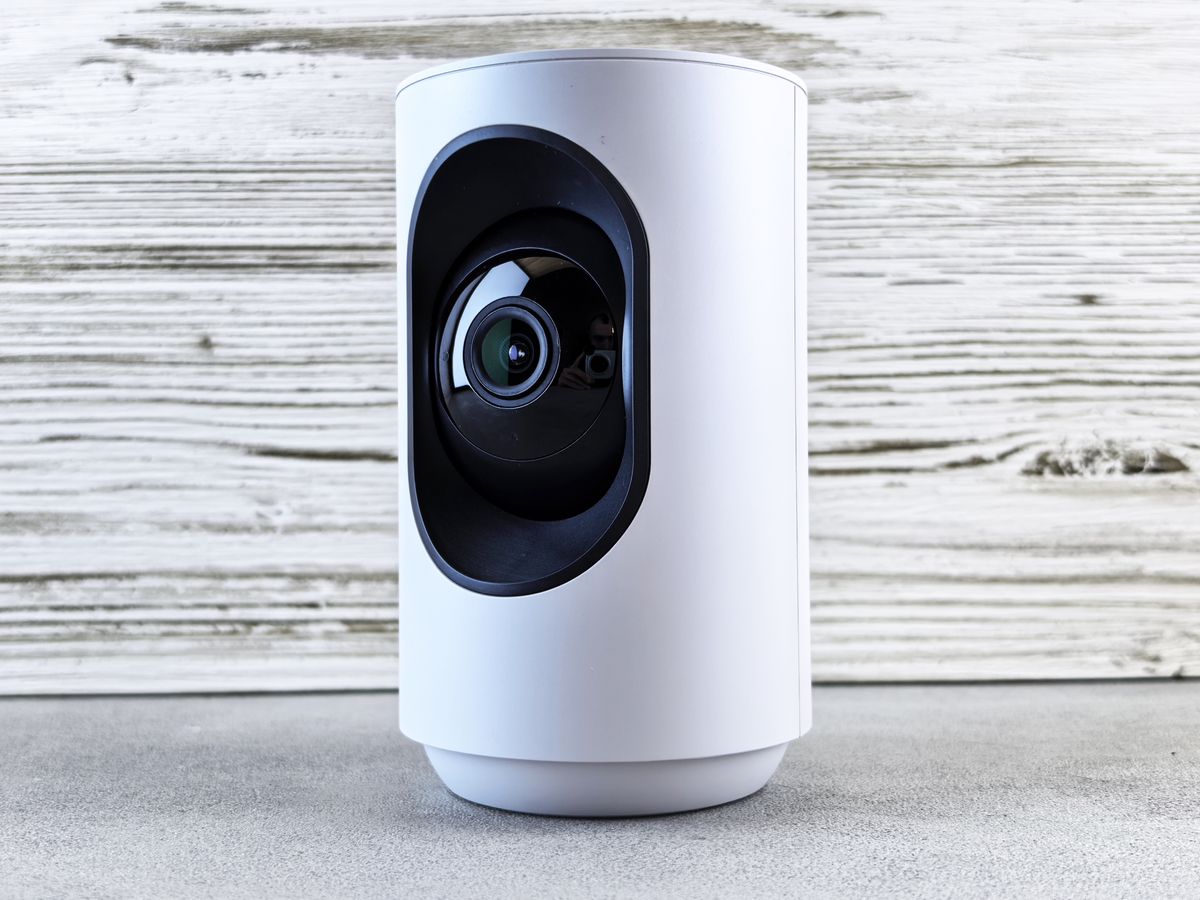
A small indoor camera should help you see a particular area and retrieve useful recordings. A higher number on the box does not solve poor placement, unreliable Wi-Fi or an unsuitable storage plan. Start with the scene you need to see.
The comparison needs a version number
TP-Link’s published V1 comparison lists C210 at 2304 × 1296 resolution, commonly described as 3MP, and C220 at 2560 × 1440, described as 4MP QHD. These specifications apply to the referenced versions, not every regional revision sold under the same name.
Current U.S. C210 marketing also includes person detection, while C220 highlights additional detection uses. Read the regional specification and firmware support for the stock you will receive. Avoid paying for an upgrade based on a feature the cheaper unit already supplies.
Which difference is useful?
| Your priority | What to inspect |
|---|---|
| General room overview | Placement and usable field of view |
| Seeing a smaller detail | Resolution at your actual distance |
| Fewer irrelevant alerts | Exact supported detection types and settings |
| Retrieving a recording | Local storage and any cloud-plan requirements |
Resolution is only part of image quality
C220’s documented resolution is a reason to consider it when you need more detail, but we have not tested image quality side by side. Lighting, subject distance, compression and movement can affect what you can identify.
Put the camera close enough to the area of interest without blocking its movement. A clear view of an entire room can still leave faces or labels too small to interpret. Decide what detail matters rather than buying on the phrase “2K,” which appears across different resolutions.
Pan and tilt do not see everywhere simultaneously
These cameras can aim around a room, but the lens records the direction it is facing at that moment. Coverage claims should not be interpreted as a simultaneous panoramic recording of every corner.
Check how tracking, privacy zones and saved positions behave on your actual model. For a critical doorway, a stable useful view may matter more than frequent automatic movement. Verify the camera returns to the position you expect.
Storage needs its own budget
Check the supported memory-card capacity, recording modes and recommended card type for the exact version. An empty card slot does not include a card. Cloud clips and features may involve a separate Tapo Care plan, so confirm what remains available without a subscription.
Test playback and exporting a clip before relying on the system. Local storage is convenient, but a card inside a camera can be lost with the camera. Choose an appropriate arrangement for the importance of the footage.
Privacy and household use
Place indoor cameras deliberately and tell household members where they record. Use privacy mode and zones as supported, and check whether audio is enabled. Avoid putting a camera where sensitive personal activity is unnecessarily captured.
Secure the account, apply available updates and review sharing permissions. Neither a privacy button nor a detection feature substitutes for understanding who can access live view and recordings.
Who should skip both?
Choose an outdoor-rated camera for weather exposure, or a different type where power and network needs do not fit. These indoor pan-and-tilt models should not be selected as battery cameras merely because they connect by Wi-Fi.
We have not tested alert accuracy, night imaging or network recovery. Marketing descriptions and hardware comparisons establish features, not a guarantee that an alert will arrive for every event.
Final value decision
Compare the correct regional adapter, hardware revision, card cost and optional plan before paying. For Canadian buyers, a lower U.S. price may add warranty and return complications.
C210 is the value starting point for a suitable general view. C220 earns an upgrade for verified detail or detection benefits you will use. Confirm the exact feature difference on today’s listing before treating the model number as the answer.
Compare current listings in your country
These buttons open matching Amazon search listings rather than a guaranteed in-stock offer. Confirm the exact model, seller, included parts, delivered price and return terms. Offers can differ between the United States and Canada.
Tapo C210
Tapo C220