
Disclosure: As an Amazon Associate, My Indoor Space earns from qualifying purchases through links in this article, at no extra cost to you.
Quick verdict
Choose HL-L2460DW if you mainly need black-and-white printing and already have a satisfactory way to scan. Choose DCP-L2640DW when regular copying and document scanning justify the larger all-in-one. Both are monochrome laser printers, so neither is the answer for color prints.
Research-based buying guide. Information checked October 16, 2026. We have not tested these products hands-on; published specifications and our buying judgments are identified separately.
Brother HL-L2460DW printers
Brother DCP-L2640DW printers
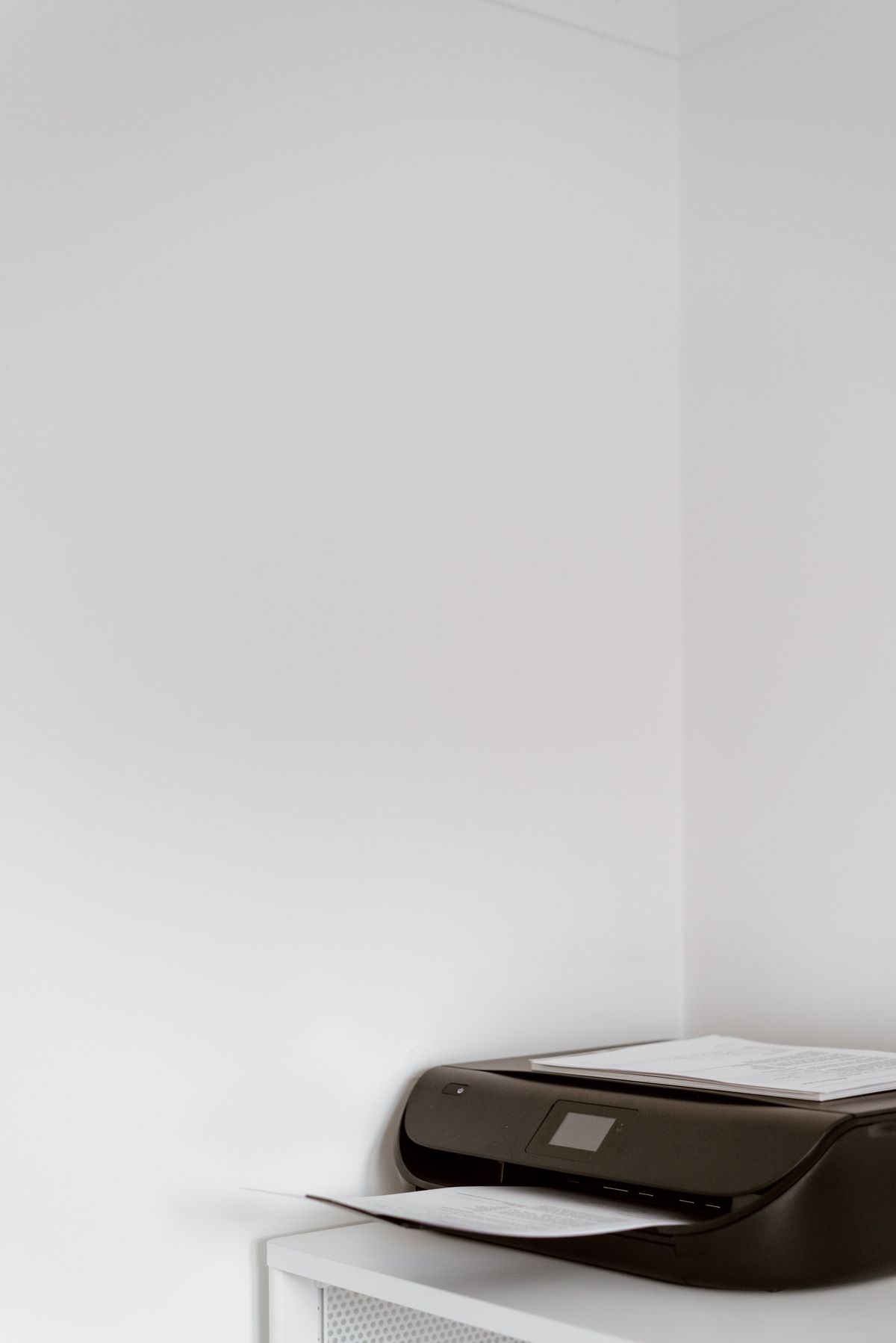
A multifunction printer is good value when the scanner will actually be used. For occasional printing, the extra hardware can occupy space without changing the job. These Brother models provide a clear example of choosing the function first and comparing consumables afterward.
Compare the main jobs
| Need | HL-L2460DW | DCP-L2640DW |
|---|---|---|
| Black-and-white printing | Yes | Yes |
| Copying and document scanning | Not a built-in function | Built-in multifunction capability |
| Automatic two-sided printing | Supported | Supported |
| Best reason to choose | Printing is the whole task | Recurring scan and copy work |
When print-only is enough
If most output is labels on paper, letters, forms or reading copies, a print-only device can be the simpler purchase. Check the paper types and sizes allowed for the intended job; a household laser printer is not automatically suitable for every adhesive sheet or specialty material.
A phone’s document-capture feature may be enough for an occasional short form. Assess that honestly before buying a scanner you will rarely open. If you already have a separate scanner that works well, duplicating it in a new printer may add little practical value.
When DCP-L2640DW earns the upgrade
For repeated copying and scanning, having those functions at the desk can simplify the routine. Check the flatbed and document-feeding capabilities against the types of originals you handle. Loose sheets, bound pages and fragile items can need different handling.
Automatic duplex printing is not the same as automatic two-sided scanning. Confirm the scan workflow if two-sided originals are common. A printer listing can prominently advertise duplex while referring only to how it prints paper, so read the function-specific specifications.
Include access space and network setup
Measure the machine with the paper path, trays and scanner lid usable, not just its closed body. Allow access for loading and consumable replacement. An all-in-one that barely fits under a shelf can be inconvenient when you need to lift the lid.
Brother’s Canadian pages describe USB and network connection options. Match the setup to your home equipment and computer permissions. For a shared household printer, decide whether it will join the network or connect directly to one computer; those arrangements affect how other devices can reach it.
Compare the ownership cost
Look up the correct toner and drum supplies, their stated yields and the starter contents of the exact package. Yield figures use defined test conditions and do not predict every person’s page count. A low purchase price can be offset by replacement-supply costs or a bundle you do not need.
A consumable subscription offer is a separate decision from choosing the hardware. Read its current terms and compare it with buying supplies normally. Do not assume an advertised delivery service is necessary simply because it appears beside the printer.
Our buying judgment
Buy HL-L2460DW for a clear print-only need. Pay for DCP-L2640DW when scanning and copying remove recurring work. Skip both if color output is essential, and keep an existing printer if it already covers the actual workload without an expensive or inconvenient maintenance routine.
Compare listings in your country
These buttons open matching Amazon search results, rather than a guaranteed in-stock offer. Confirm the exact model, seller, included parts, delivered price and return terms. Prices and availability can differ between the United States and Canada.
Brother HL-L2460DW printers
Brother DCP-L2640DW printers
Related guides on My Indoor Space
- Best Laptop Stand for a Home Office
- Best Smart Power Strip for a Home Office
- Best Cable Management Box for a Home Office