
Disclosure: As an Amazon Associate, My Indoor Space earns from qualifying purchases through links in this article, at no extra cost to you.
Quick verdict
Choose Pebble V3 when USB audio and a compact desk arrangement suit the computer. Choose Z207 when its Bluetooth switching and accessible headphone connection match your routine. Both require power even when playing wirelessly; neither should be treated as a portable battery speaker.
Research-based buying guide. Information checked October 16, 2026. We have not tested these products hands-on; published specifications and our buying judgments are identified separately.
Creative Pebble V3 speakers
Logitech Z207 speakers
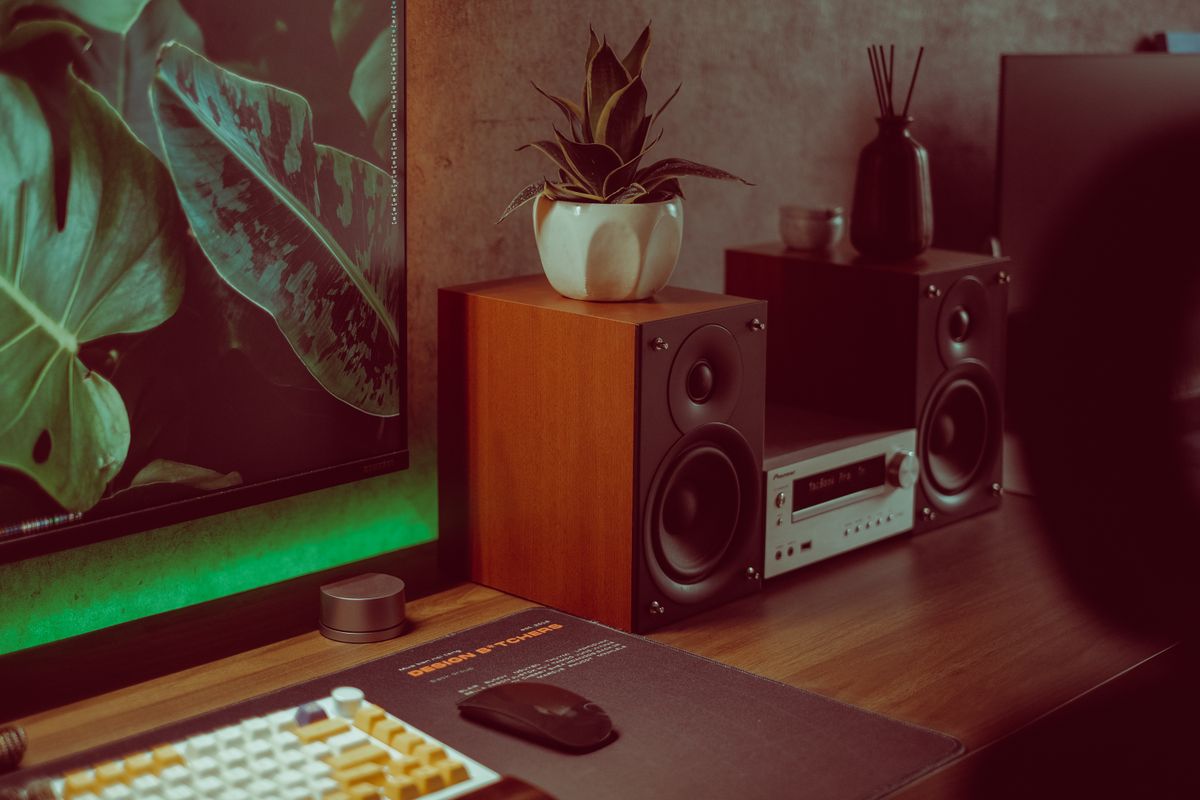
For a home computer, the easiest speaker setup is the one that accepts your audio source without extra adapters and fits around the display. Pebble V3 and Z207 both offer Bluetooth, but their wired connections and power arrangements deserve a closer look.
Compare the connections
| Question | Pebble V3 | Z207 |
|---|---|---|
| USB computer audio | Supported USB audio input | Use its documented Bluetooth or analog inputs |
| Bluetooth | Supported; still needs USB power | Supported, including switching between paired sources |
| Headphone use | Plan around your computer’s output | Check its accessible headphone socket |
When Pebble V3 is the better fit
Creative describes USB-C as providing both audio and power for Pebble V3. That can be convenient on a compatible computer because a separate analog audio cable is not required for that mode. Check the operating-system and USB requirements, plus any included adapter, against the actual laptop.
Power still matters. Creative specifies an appropriate USB power supply and explains that Bluetooth operation does not remove that requirement. A low-power socket or an unsuitable adapter can make the setup different from the listing’s preferred conditions. Do not assume every USB port supplies the same usable power.
When Z207 makes sense
Logitech describes Z207 switching between connected Bluetooth sources and providing conventional audio connections. That can suit a desk where both a computer and phone supply sound. Verify how the controls behave with your sources rather than assuming automatic switching will always choose the device you want.
A convenient headphone socket can matter more than a small claimed power difference if you regularly move between speakers and private listening. Check where the control speaker will sit and whether the cable layout reaches it. Keep access to the volume control clear.
Measure the pair, not one speaker
Allow room for both speakers beside the display, with their required connecting cable and the route to power. Check the supplied cable lengths before placing the computer under a desk or on the opposite side. A small cabinet does not necessarily mean a flexible cable arrangement.
Also compare the listening position. A desktop pair is normally used close to the listener, and placement can affect the result. Avoid buying either as a substitute for a larger room system solely because a product description calls the sound room-filling.
What we can and cannot rank
The manufacturer specifications establish the connections and controls. We have not measured output, bass extension, distortion or Bluetooth delay. Those details matter for music, games and video, so use suitable return terms if the sound itself is the deciding factor.
Where is the best value?
Choose Pebble V3 when its USB workflow removes cable or port inconvenience. Choose Z207 when source switching and headphone access solve a daily need. Keep working speakers if their inputs already fit your equipment. A Bluetooth label alone is not an upgrade over a reliable wired setup you enjoy.
Compare listings in your country
These buttons open matching Amazon search results, rather than a guaranteed in-stock offer. Confirm the exact model, seller, included parts, delivered price and return terms. Prices and availability can differ between the United States and Canada.
Creative Pebble V3 speakers
Logitech Z207 speakers
Related guides on My Indoor Space
- Smart Speaker vs Bluetooth Speaker: Which Fits a Bedroom?
- USB-C Hub vs Docking Station: What Works for Two Monitors?
- Best Cable Management Box for a Home Office