
Disclosure: As an Amazon Associate, My Indoor Space earns from qualifying purchases.
Quick verdict
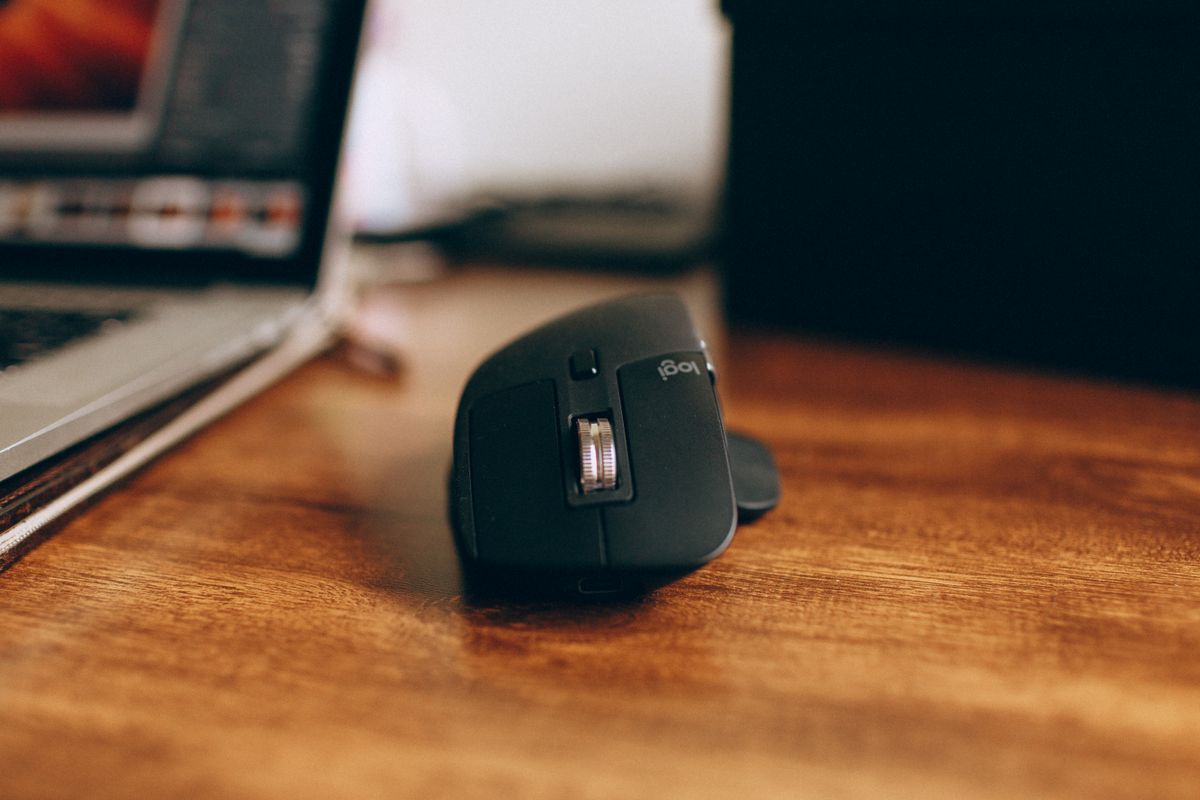
Consider the ERGO M575S when you want a stationary pointing device and like controlling the cursor with your right thumb. Keep a regular mouse if its movement and grip already suit you. A trackball saves the space normally used to slide a mouse, but introduces a different technique and does not guarantee better comfort for every hand.
Research-based buying guide. Checked October 17, 2026. We have not tested these products hands-on. Manufacturer information, attributed external findings and our editorial judgments are distinguished below.
Which option fits your routine?
| Choice | Choose it for | Tradeoff |
|---|---|---|
| M575S thumb trackball | Cursor movement without sliding the body | Thumb-control learning and ball cleaning |
| Regular mouse | A familiar pointing technique | Needs movement space |
| Left-hand-friendly pointing device | A different hand or shared setup | M575S’s sculpted thumb layout may not fit |
Stationary does not mean no hand movement
The M575S stays in one place while the thumb rolls its ball. That is useful on a crowded desk where a conventional mouse runs into papers or reaches the edge of a mat. Its body still occupies a fixed footprint, so measure that space rather than assuming it is tiny.
The different technique may take practice for small selections, dragging and scrolling. We have not tested learning time, precision or individual comfort. Choose for the control method and fit instead of treating the ergonomic label as a medical outcome.
Buy the M575S you intend
Logitech’s M575S has quieter-click marketing and different connectivity from some older consumer M575 configurations. The linked product in both countries is the M575S black body with silver ball. Do not mix its specifications with an older M575 or a differently packaged business listing.
Logitech’s current setup guide specifies Bluetooth or the Logi Bolt receiver and one AA battery. Check that the package includes the expected receiver and confirm current operating-system requirements. Bolt and Unifying are different receiver systems; owning a Unifying dongle is not evidence it will pair.
Fit matters more than the feature list
Look closely at the right-thumb position, palm support and reach to the wheel and side buttons. A household that swaps hands or shares a computer may prefer a different layout. A device comfortable for one person can be awkward for another.
Use an appropriate return policy when assessing fit. Do not force yourself to continue a grip that feels uncomfortable just because it reduces sliding space. Your chair, desk height and available support remain part of the overall workspace.
Software and cleaning are ownership tasks
Logitech’s setup documentation points to Options+ for customization and cursor adjustments. Check that you can install supported software on your computer if those functions matter, particularly on an employer-managed machine. Basic connection and advanced customization are different requirements.
The guide identifies a ball-eject opening for maintenance. Follow its cleaning directions and keep the tracking area clear of buildup. We have not tested long-term wear or how often cleaning will be needed in different homes. A stationary device still needs upkeep.
Our buying decision
Buy the M575S if a fixed pointing position solves a real space problem and thumb control appeals after checking fit. Compare its complete price and connectivity with an ordinary mouse you already own.
Skip it when a familiar mouse works well, you need a different hand layout or the required connection is unavailable. The strongest reason to change is a preferred working method in your specific space. It is an optional alternative rather than a required upgrade for every small desk.
Buying in the United States or Canada
Choose the button for your country and compare the exact model, included parts, seller, delivered cost and return terms. Offers and replacement-part availability can differ between Amazon USA and Canada. Confirm regional manufacturer support before relying on a guarantee for an imported product. We do not promise stock, a fixed price or delivery to every address.
Related guides on My Indoor Space
- Logitech Lift vs MX Vertical: Choose by Hand Fit Before Price
- Logitech M650 vs M720: Quiet Clicks or Multi-Device Switching?
- Wool Felt vs Leather Desk Mat: Which Is Worth Buying?
Sources and research
- Logitech Canada: ERGO M575S design and current product family
- Logitech: M575S connection, battery, customization and maintenance guide
Specifications establish stated features, not independent proof of performance. We base our value judgments on the task, fit, upkeep and alternatives. External experiences are attributed to their sources; no personal testing or measured savings is claimed.