
As an Amazon Associate, My Indoor Space earns from qualifying purchases.
Quick verdict
K650 is the sensible choice when you want deeper keys and an integrated palm rest for one main computer. Pay more for K950 when its laptop-like keys and three-device switching solve a daily need. Neither is a backlit keyboard, so choose elsewhere if readable keys in a dark room are essential.
Research-based buying guide, checked October 18, 2026. We have not tested these products hands-on. Manufacturer specifications and attributed outside findings are distinguished from our buying judgments.
Who should buy or skip
Buy if: the key feel or device-switching limits of your current keyboard interrupt normal work.
Skip if: your existing keyboard feels comfortable, or you mainly want gaming performance or illuminated keys.
Compare the choices
| Choice | Choose it for | Main tradeoff |
|---|---|---|
| K650 | Deeper keys and built-in palm support | Larger front-to-back presence |
| K950 | Slimmer typing and three paired devices | No backlighting |
| Current keyboard | A familiar layout at no added cost | No new switching or key-feel feature |
Choose the typing feel before the feature count
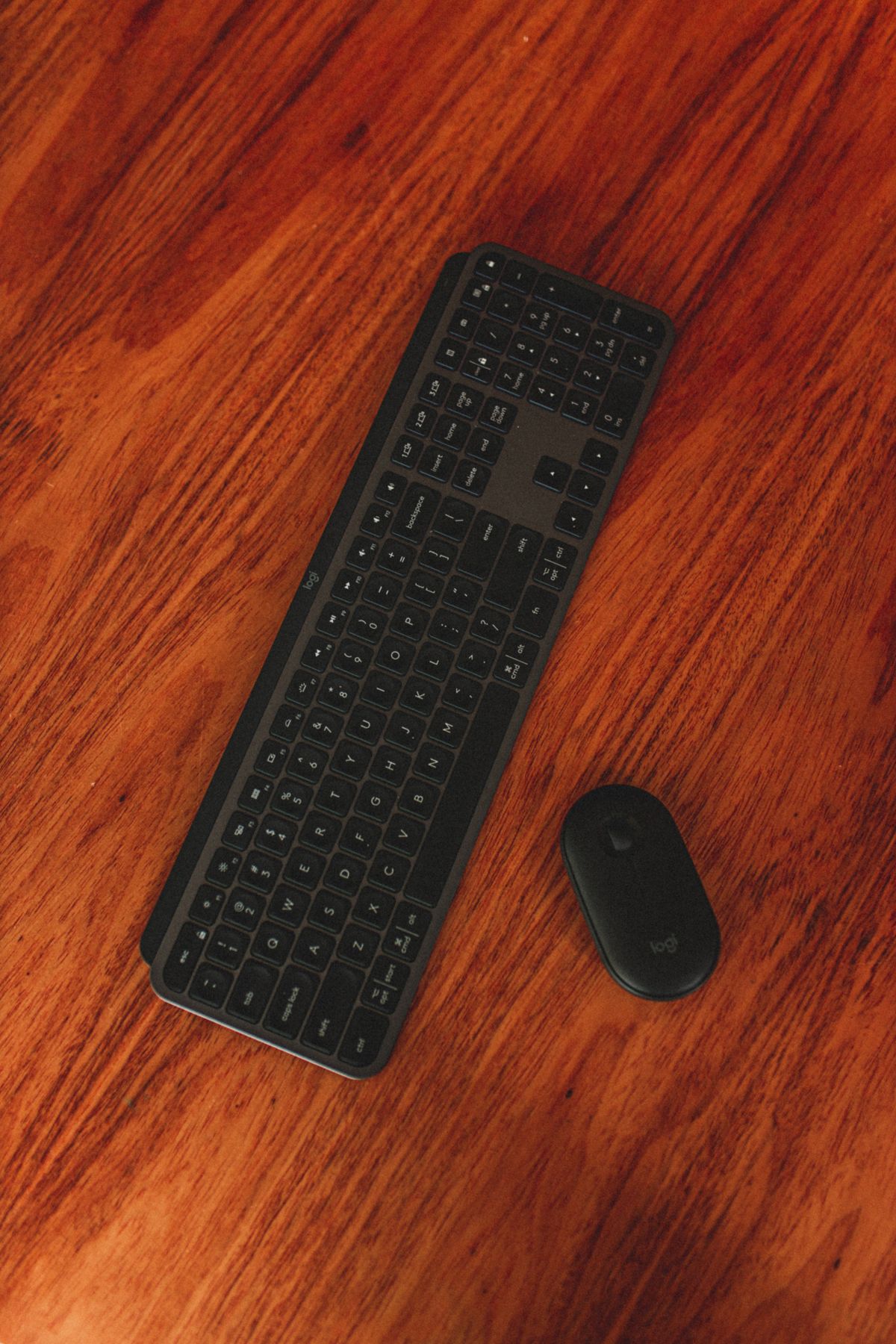
Logitech describes K650 with deep-cushioned keys and an integrated soft-touch palm rest. K950 uses a slim, laptop-style design. These are different experiences, not a simple good-versus-better ranking. Someone who prefers a laptop keyboard may dislike the taller alternative even if it costs less.
RTINGS tested both models and describes K950 as a good office keyboard, while noting materials that feel less premium than higher-priced options. Do not mistake the Signature name for the same build or key feel as an MX keyboard. Try the feel during the return period if possible.
K950’s upgrade is repeated device switching
The K950 supports pairing with three devices and switching with its dedicated controls. That is valuable when you regularly move between a work computer, personal computer or tablet. If all your typing happens on one computer, much of that advantage goes unused.
Both product families offer Bluetooth and Logi Bolt connection options in their checked information, but a connection type does not imply identical switching features. Check the exact consumer package and included receiver. Bolt and older Unifying receivers are not interchangeable systems.
Check desk space and missing features
A full-size number pad can be helpful for figures, but it pushes the mouse farther outward than a compact keyboard. Measure usable desk width and depth, including the K650 palm-rest area. A slim keyboard is still a full-size keyboard, not necessarily a good travel choice.
The K950 review confirms no backlighting and limited customization compared with more advanced keyboards. Basic typing does not require treating software shortcuts as essential. If a managed work computer blocks optional software, make sure the features you actually want remain available. We have not tested personal comfort or typing speed on either model.
Buying in the United States or Canada
Confirm language layout and whether the offer is keyboard-only or a keyboard-and-mouse combo. Compare full delivered cost and regional warranty support; a discount on an unfamiliar layout can be poor value.
The buttons open the named country’s Amazon search results. Match the exact model, size and included parts before ordering. Compare delivered cost, seller and return terms; no fixed price, availability or warranty eligibility is promised.
Questions before ordering
Is K950 rechargeable?
The reviewed K950 uses replaceable AAA batteries, rather than USB charging.
Should I replace a working K650?
Only if K950’s key feel or device switching solves an ongoing problem.
Final buying decision
Choose K650 for its key feel and palm rest. Choose K950 for a slimmer feel plus real use of switching. Keep a comfortable keyboard when those changes would add little.