
Disclosure: As an Amazon Associate, My Indoor Space earns from qualifying purchases through links in this article, at no extra cost to you.
Quick verdict
Choose a clamp-on hanger when a suitable desk edge and clear space below it are available. Choose a freestanding stand when you need easy access without attaching anything to the desk. A stand’s occupied footprint can be worthwhile if it prevents awkward reaching or cable snags.
Research-based buying guide. Information checked October 16, 2026. We have not tested these products hands-on; published specifications and our buying judgments are identified separately.
Lamicall clamp-on hanger
Lamicall H1 desktop stand
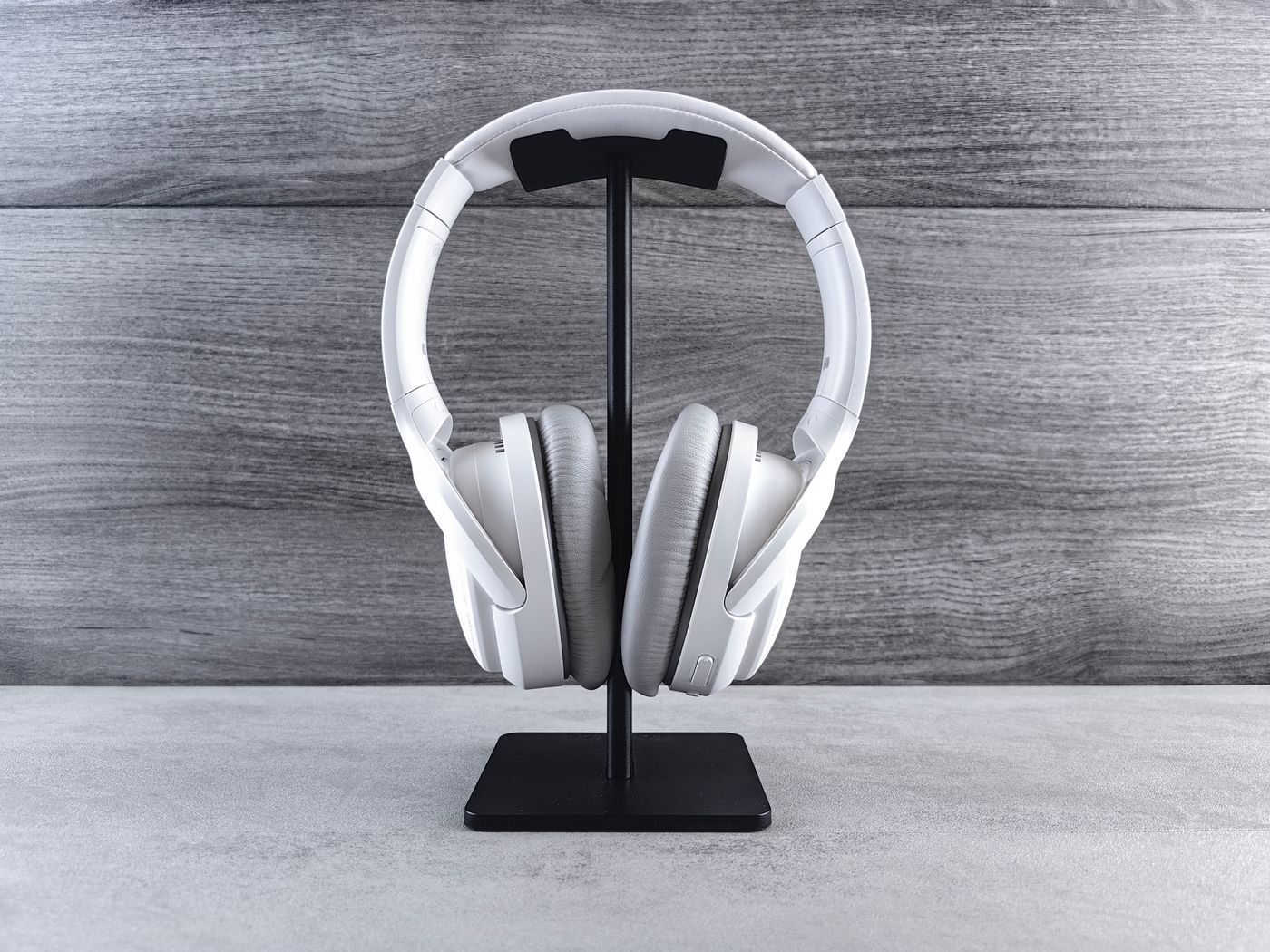
Headphones need a repeatable place to go between calls or listening sessions. A hook can free the worktop; a stand keeps the headset visible and easy to reach. The best choice is the one that fits your desk and your way of putting the headphones down.
Compare the storage positions
| Question | Clamp-on hanger | Desktop stand |
|---|---|---|
| Attachment | Needs a suitable desk edge | Rests on the worktop |
| Clearance | Below and beside the desk | Above the base |
| Moving desks | Release and refit clamp | Lift and reposition |
When a hanger is the useful upgrade
The cited Lamicall clamp design lists a 5–50 mm thickness range and a rotating arm. That can suit a plain edge where the clamp makes full contact and the headset can hang without entering your knee space.
Measure the underside as well as the desktop thickness. A drawer, support rail, cable tray or beveled edge may obstruct the clamp. A thickness that falls inside the stated range is only one compatibility check; it does not establish suitability for a delicate or unusual desktop material.
When a desktop stand is better value
Lamicall’s H1 is a freestanding holder with a curved support area. This category can be useful on a shared desk, a glass surface where clamping is unsuitable, or a setup that changes often. Verify the actual product’s dimensions and support shape for your headset.
Leave room for the ear cups, microphone boom and cable rather than measuring only the stand’s base. Some headsets hang wider than the post suggests. We have not tested tipping resistance, headband impressions or compatibility with every headset named in a seller’s list.
Plan the cable route
Check where the charging or audio lead goes when the headset is stored. A hook under the desk can be tidy until a cable catches on a chair arm. A stand can keep the cable in sight but still create clutter if it crosses the keyboard or mouse area.
Extra USB ports or lighting are separate features, not inherent benefits of a desktop stand. If a powered version costs more, identify what it actually adds and whether it needs a wall supply or connection to the computer.
Who should buy or skip?
Buy a simple clamp hanger for a verified edge and clear hanging position. Choose a stand for easy repositioning and access. Skip the purchase when an existing suitable storage spot already protects the headset and leaves its cable manageable. There is little value in a premium holder that solves the photograph of the desk but makes everyday use awkward.
Compare listings in your country
These buttons open matching Amazon search results, rather than a guaranteed in-stock offer. Confirm the exact model, seller, included parts, delivered price and return terms. Prices and availability can differ between the United States and Canada.
Lamicall clamp-on hanger
Lamicall H1 desktop stand
Related guides on My Indoor Space
- Microphone Boom Arm vs Desktop Stand: Is the Upgrade Worth It?
- Best Cable Management Box for a Home Office
- Logitech M650 vs M720: Quiet Clicks or Multi-Device Switching?