
Disclosure: As an Amazon Associate, My Indoor Space earns from qualifying purchases through links in this article, at no extra cost to you.
Quick verdict
Choose a suitable flash drive for occasional documents and small transfers where compactness and low cost matter. Pay for a portable SSD when frequent large transfers or working files justify it and your computer supports the connection. A faster advertised read speed does not guarantee the same write speed or real-world transfer time.
Research-based buying guide. Information checked October 16, 2026 (Winnipeg). We have not tested these products hands-on; source findings and our buying judgments are identified separately.
SanDisk Ultra Flair flash drives
Samsung T7 Shield SSDs
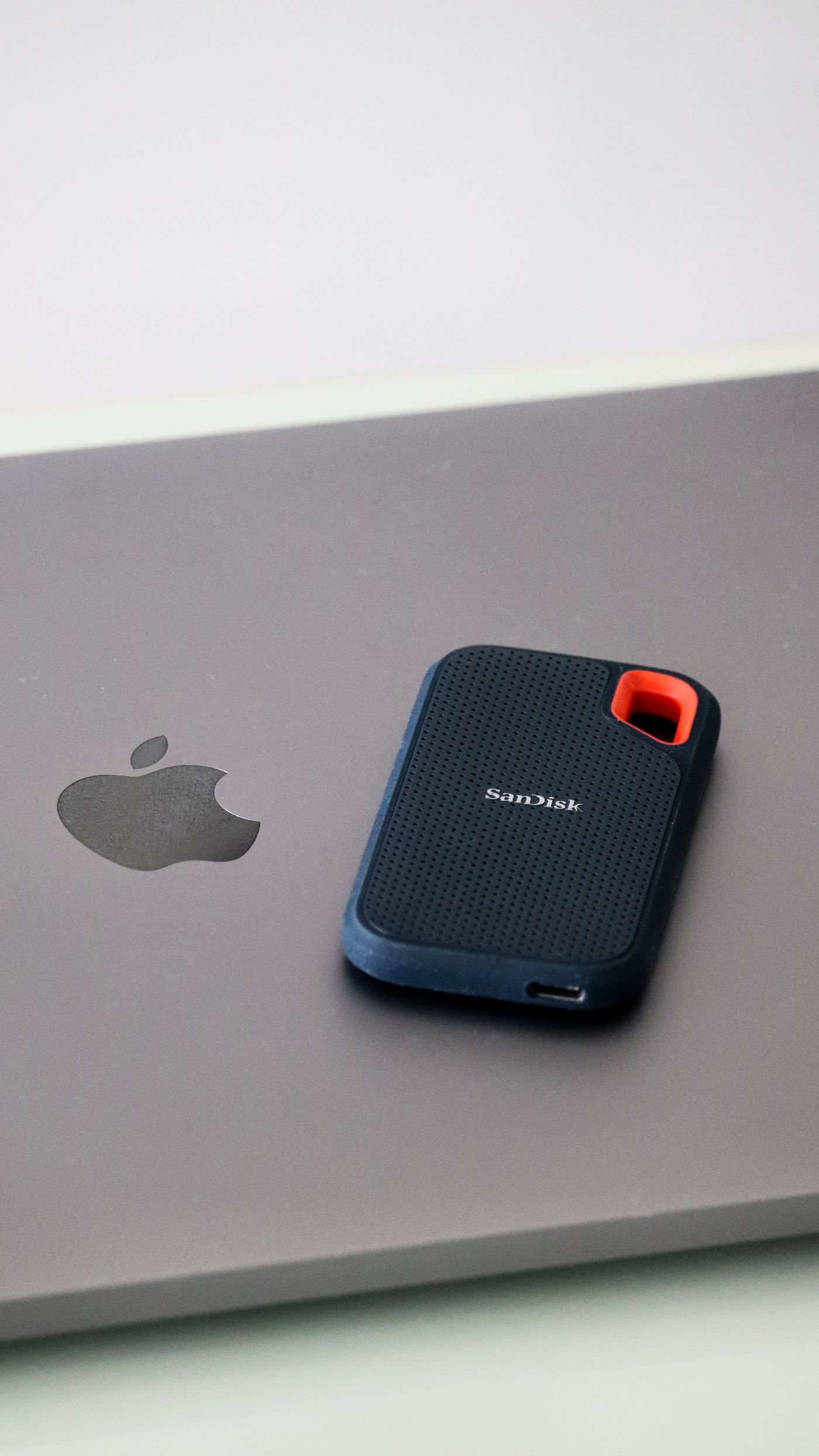
Both products store files outside the computer, but they are not automatically equivalent because their capacities overlap. Compare the size and frequency of your transfers, the receiving device and the connection path before paying for a faster drive.
Compare the claims correctly
| Question | SanDisk Ultra Flair example | Samsung T7 Shield example |
|---|---|---|
| Connection style | USB-A plug | USB-C drive connection and appropriate cable |
| Published read claim | Up to 150 MB/s | Up to 1,050 MB/s |
| Published write claim used here | Do not infer it from read speed | Up to 1,000 MB/s under stated conditions |
When a flash drive is enough
For a few documents or an occasional small handoff, a compact flash drive can be practical and inexpensive. Check the capacity variant and receiving device’s USB port. Ultra Flair’s USB-A connector will not directly fit a USB-C-only port without a suitable adapter or hub.
Choose the storage you need with reasonable room for growth rather than the cheapest capacity shown in the search result. Marketplace titles can combine several sizes, and the selected variant is what determines the actual offer.
When the SSD earns its cost
The cited T7 Shield uses a 10 Gbps USB 3.2 Gen 2 interface. Samsung conditions its maximum performance on the host, cable and supported operating mode. That can suit repeated photo or video transfers and larger working folders when the rest of the system can keep up.
A USB-C-shaped port does not prove a particular transfer rate. Check the computer and any hub or cable in the route. A slower connection or source disk can limit the benefit of the faster external drive.
Do not turn read claims into write promises
Reading from a drive and writing to it are different operations. Lots of small files can also behave differently from one large file. We have not benchmarked either device or compared sustained writes, so the advertised numbers are specifications rather than predicted completion times for your folder.
If moving large projects is the main reason for buying, look for testing of the exact capacity and generation as well as the official specification. A result for a similarly named drive may not describe the product in your basket.
Who should buy or skip?
Choose the flash drive for modest occasional transfers and an appropriate port. Choose the SSD for a repeated larger-file workflow that justifies the premium. Keep an existing drive if it already performs the task acceptably.
Include a separate backup plan in the total purchase: a drive holding the only copy of important photos is still the only copy. Paying for speed or a rugged casing does not remove the need for another independent copy of files you want to keep.
Compare listings in your country
These buttons open matching Amazon search results, rather than a guaranteed in-stock offer. Confirm the exact model, seller, included parts, delivered price and return terms. Prices and availability can differ between the United States and Canada.
SanDisk Ultra Flair flash drives
Samsung T7 Shield SSDs
Related guides on My Indoor Space
- USB-C Hub vs Docking Station: What Works for Two Monitors?
- Best Laptop Stand for a Home Office
- Best Cable Management Box for a Home Office