
Disclosure: As an Amazon Associate, My Indoor Space earns from qualifying purchases.
Quick verdict
K400 Plus is worth considering for controlling a compatible computer connected to your TV when a keyboard and touchpad in one object would simplify couch use. Keep your remote for ordinary TV navigation. Do not buy it on the assumption that a USB port makes every smart TV and streaming app compatible.
Research-based buying guide. Checked October 17, 2026. We have not tested these products hands-on. Manufacturer information, attributed external findings and our editorial judgments are distinguished below.
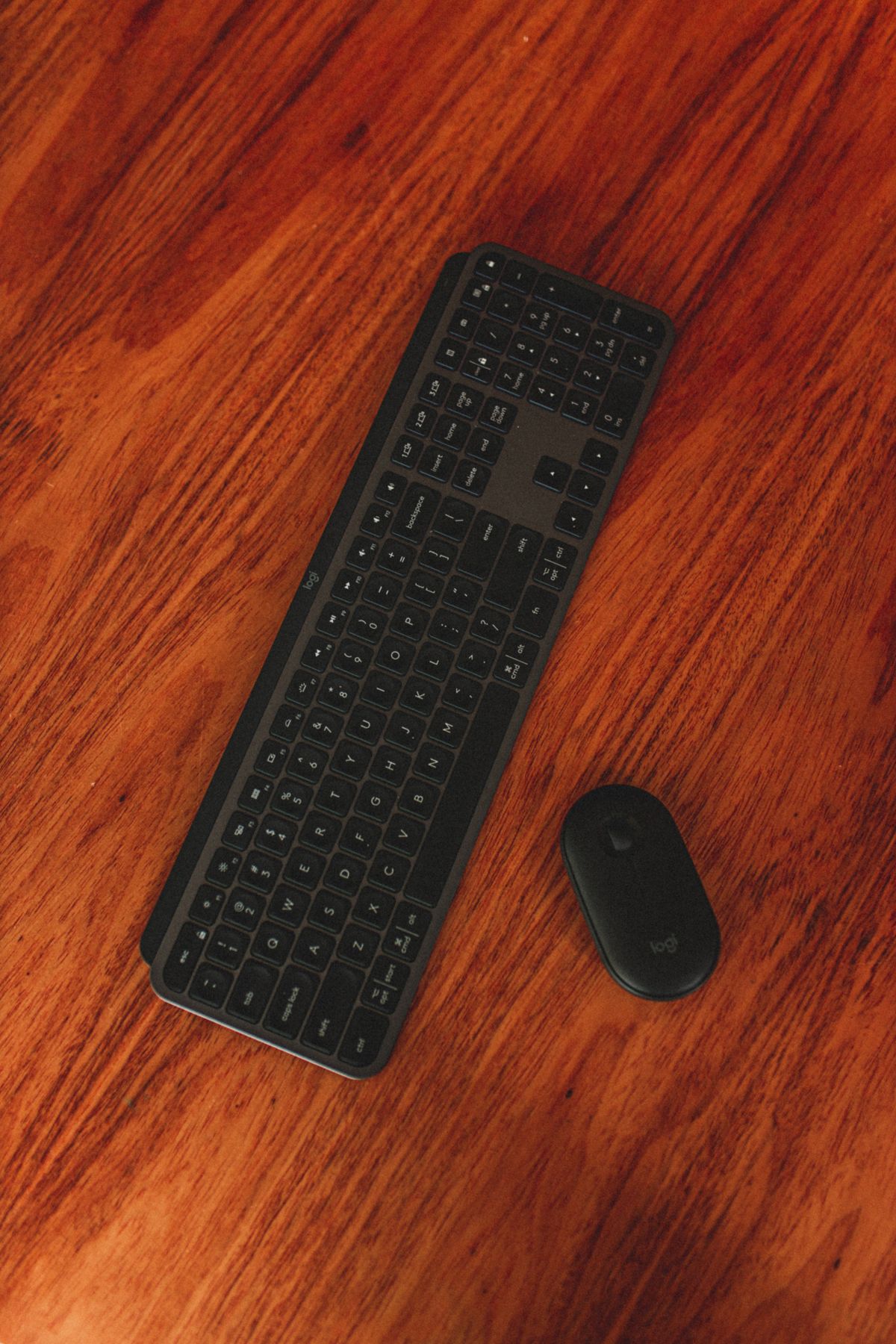
Which option fits your routine?
| Choice | Choose it for | Tradeoff |
|---|---|---|
| K400 Plus | Typing and pointer control on a supported TV-connected computer | Needs its USB receiver and supported host |
| TV remote | Normal television controls and short searches | Slower long-text entry |
| Separate keyboard and mouse | Existing equipment or more typing comfort | Two objects to use and store |
PC-connected TV is the important phrase
Logitech positions the K400 Plus for a computer that uses the television as its display. Its built-in touchpad combines pointer and keyboard input, with media controls for the intended setup. The connection uses a USB Unifying receiver rather than direct Bluetooth pairing.
Connect the receiver to the supported host you are actually controlling. A television may have USB sockets intended for storage or servicing without accepting all keyboard functions. Check the TV manufacturer’s input guidance and the specific app before buying for direct TV use.
Check operating-system support and the port
The current Logitech page lists Windows, ChromeOS and Android support with version requirements. Verify the exact host and current requirements, especially if you are using an unusual streaming box or tablet. A supported operating-system name does not guarantee every app exposes keyboard text entry.
The included receiver needs a suitable USB connection. Count that port as part of the setup cost if your host has only USB-C or its available sockets are already occupied. Do not confuse the receiver with Logitech Bolt or assume an unrelated wireless dongle will substitute.
Couch convenience versus sustained typing
A combined keyboard and touchpad means fewer items to balance on a lap or side table. That is useful for searching, starting media or occasional browsing. Think about where it will rest and whether the touchpad position suits your hands.
For long writing sessions, a stable desk and an existing full-size keyboard may still be preferable. We have not tested typing comfort, touchpad accuracy or range in a furnished home. The K400 Plus is most persuasive as an entertainment-control tool rather than an automatic replacement for a work keyboard.
Batteries and storage still need a plan
Logitech specifies two AA batteries and an on/off switch, with an up-to battery-life claim that depends on use. That means no daily charging routine, but you still need replacements and access to the compartment. We have not measured battery life.
Store the receiver with the device when it is not installed and keep the keyboard where it can be found easily. If you already lose remotes among sofa cushions, a larger controller may help visibility but also needs a dedicated spot. Consider its full footprint before ordering.
Our buying decision
Buy it when you have verified a compatible host, a receiver connection and a real need for occasional text plus pointer control from the sofa. Compare the cost against using a keyboard and mouse you already own.
Skip it when the task is ordinary channel and playback control, when direct-TV compatibility is uncertain or when you need a different typing layout. Keep the remote available for functions the keyboard does not replace. A practical living-room setup can still use both tools for their appropriate jobs.
Buying in the United States or Canada
Choose the button for your country and compare the exact model, included parts, seller, delivered cost and return terms. Offers and replacement-part availability can differ between Amazon USA and Canada. Confirm regional manufacturer support before relying on a guarantee for an imported product. We do not promise stock, a fixed price or delivery to every address.
Related guides on My Indoor Space
- USB-C Hub vs Docking Station: What Works for Two Monitors?
- Lap Desk vs Bed Tray: Which Portable Work Surface Fits Your Home?
- Is the OXO Sweep and Swipe Laptop Cleaner Worth It?
Sources and research
- Logitech Canada: K400 Plus purpose, connection and compatibility
- Logitech: K400 Plus hardware and receiver specifications
Specifications establish stated features, not independent proof of performance. We base our value judgments on the task, fit, upkeep and alternatives. External experiences are attributed to their sources; no personal testing or measured savings is claimed.