
As an Amazon Associate, My Indoor Space earns from qualifying purchases.
Quick verdict
Choose MK295 when you want a conventional full-size quiet combo for a stationary desk. Choose MK470 when the slimmer keyboard and flatter portable mouse appeal to you. Buy neither bundle if you already like one of your existing input devices and only need to replace the other.
Research-based buying guide, checked October 18, 2026. We have not tested these products hands-on. Manufacturer specifications and attributed outside findings are distinguished from our buying judgments.
Who should buy or skip
Buy if: both your keyboard and mouse need replacing and the bundled shapes suit you.
Skip if: you need Bluetooth, backlighting or frequent switching between several computers.
Compare the choices
| Choice | Choose it for | Main tradeoff |
|---|---|---|
| MK295 | Conventional full-size layout and quiet operation | Uses its USB receiver |
| MK470 | Low-profile keys and a slim mouse | Flatter mouse feel is not for everyone |
| Separate devices | Keeping one accessory you already like | May cost more than a discounted bundle |
A slim layout is a physical choice
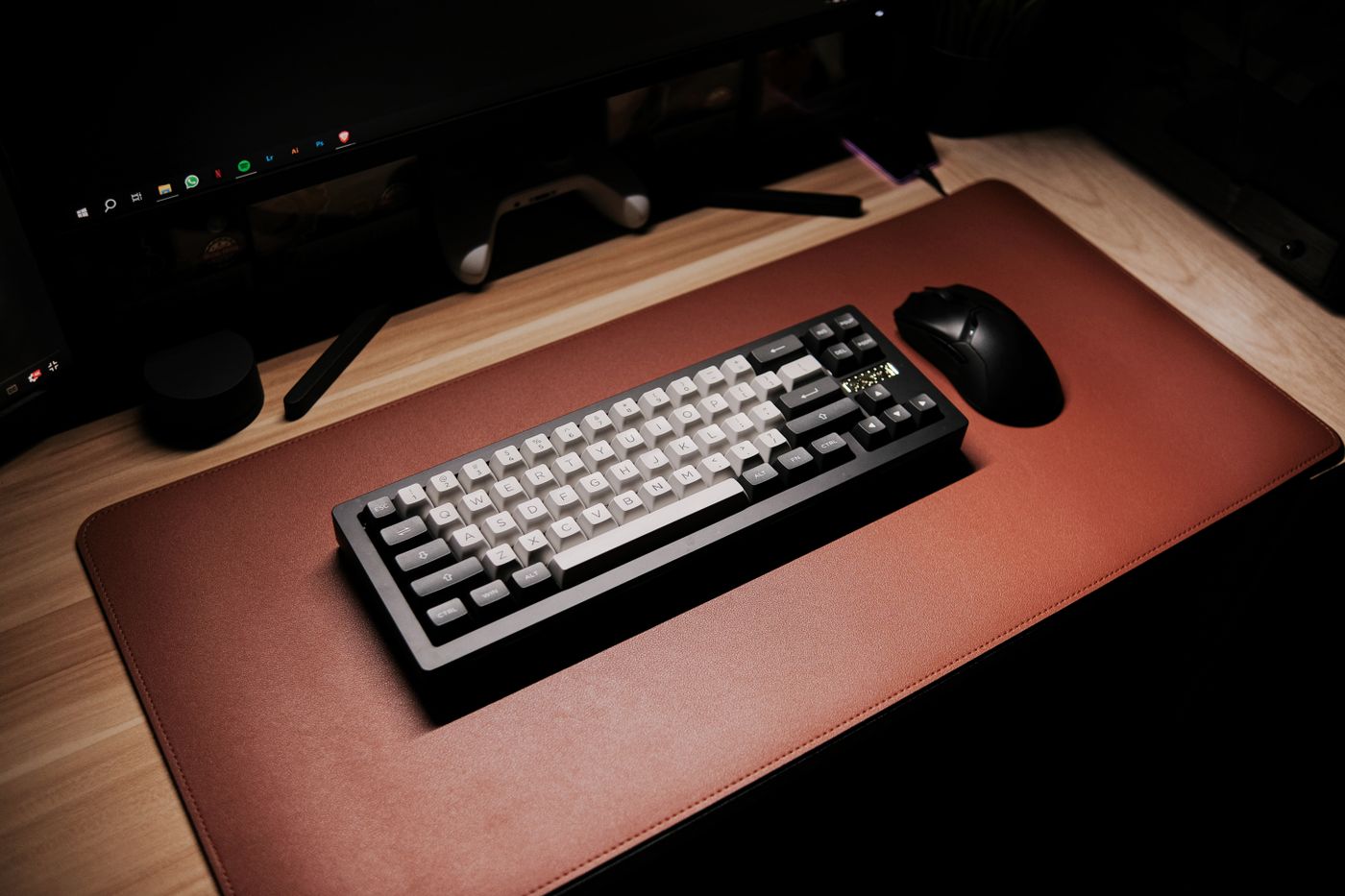
Logitech’s MK470 description identifies low-profile scissor keys and a compact keyboard that still includes a number pad. MK295 uses a more conventional full-size arrangement. A photograph can make both look equally compact, so check the dimensions and key spacing against your actual desk.
The important question is whether you prefer a laptop-like stroke or a more familiar desktop feel. PCWorld’s firsthand MK470 review treats it as a budget bundle with particular typing and mouse compromises. It is not evidence that everyone will prefer slim keys.
Judge the mouse independently
MK470’s low-profile, pebble-shaped mouse can be easy to pack, while a conventional mouse shape may feel more familiar at a permanent desk. A bundle becomes poor value when the keyboard is useful but the mouse goes into a drawer immediately.
Think about hand size, grip and the hours spent using it. A short store demonstration or return period is more informative for fit than a quiet-click label. Do not pay extra merely to keep a matched set if your existing mouse is already comfortable.
Check receiver and quietness expectations
Both consumer bundles discussed here connect using their included USB receivers. They should not be purchased as Bluetooth solutions for a port-limited laptop. Check whether an adapter would be required, and retain the correct receiver rather than assuming all Logitech dongles pair interchangeably.
Logitech markets both for reduced noise; MK295’s percentage reduction is a manufacturer comparison under its test conditions. This does not promise silent scrolling or typing in every room. Best Buy Canada’s owner feedback includes easy-setup reports, some collected through promotions, which are useful context but not controlled durability testing.
Buying in the United States or Canada
Confirm regional keyboard layout, complete receiver-and-battery contents and whether the offer is new. Compare the bundle against the cost of replacing only the device you need. Do not import an inconvenient layout solely for a lower sticker price.
The buttons open the named country’s Amazon search results. Match the exact model, size and included parts before ordering. Compare delivered cost, seller and return terms; no fixed price, availability or warranty eligibility is promised.
Questions before ordering
Can I connect them without the USB receiver?
These consumer bundles use their included receiver; they are not the Bluetooth alternative in this comparison.
Is a bundle always better value?
Only when both devices meet your needs. One unwanted accessory can erase the saving.
Final buying decision
MK295 suits the conventional desk setup; MK470 suits a preference for slim keys and a flat mouse. Choose separate devices when the best keyboard and mouse for you are not in the same box.