Illuminated kitchen cabinet containing glassware
Smart Home

Is the Philips Hue Smart Plug Worth It for an Ordinary Lamp?

Disclosure: As an Amazon Associate, My Indoor Space earns from qualifying purchases.

Quick verdict

The Hue Smart Plug is most useful when you want an ordinary compatible lamp to join an existing Hue lighting routine. It provides switched power, not the adjustable brightness or color of a Hue bulb. A basic switch is enough if you do not need that lamp in the system.

Research-based buying guide. Checked October 17, 2026. We have not tested these products hands-on. Manufacturer information, attributed external findings and our editorial judgments are distinguished below.

Illuminated kitchen cabinet containing glassware
Household lighting context; the Hue Smart Plug and a compatible installation are not pictured. Stock photo: Pexels.

Which option fits your routine?

Choice Choose it for Tradeoff
Hue Smart Plug An ordinary lamp in a Hue routine On/off control rather than bulb dimming
Compatible Hue bulb Adjustable smart lighting at the bulb Bulb size, fitting and lamp compatibility matter
Existing lamp switch A lamp already easy to reach No remote or automated switching

Decide whether you need switching or dimming

Philips positions this plug as a way to add ordinary lights to the Hue system. Check the lamp’s behavior after its power is disconnected and restored: a lamp with electronic controls may not resume the state you expect.

A switched outlet cannot add color control or dimmability to a conventional bulb. If setting a gentle bedtime brightness is your real goal, compare a suitable smart bulb and the lamp’s instructions instead of expecting an on/off plug to create that feature.

Include the control method in the price

Hue describes Bluetooth control and expanded features through a Hue Bridge. Basic nearby operation and a wider automated system are different buying cases. Check the exact features you need before assuming that the plug alone delivers every function shown in a Hue promotion.

For an established Hue household, keeping one lighting system can have practical value. Starting a whole system for a single reachable lamp is harder to justify. Compare the delivered plug price and any required Bridge with a simple timer or the lamp’s existing switch.

Check the outlet and the lamp together

Use the locally appropriate North American product and follow the load ratings and lighting-use instructions supplied with it. This recommendation is for a suitable lamp; it does not extend to heaters or other high-load appliances.

Look at nearby sockets, furniture clearance and the plug’s accessibility. Leave the lamp’s own switch in the position needed for remote operation, and explain the arrangement to anyone sharing the room. A routine that repeatedly loses power at a wall switch can be frustrating.

When an upgrade is unnecessary

Keep a working compatible plug if its current functions meet your needs. Buying a different ecosystem’s accessory simply for another app can increase setup work without improving the lamp.

Choose this model when adding the lamp to your Hue scenes or controls solves a repeated task. Skip it if you need energy-use measurement without confirmed support, bulb dimming or an assumed electricity payback. We have not measured switching reliability or savings.

Buying in the United States or Canada

The direct USA and Canada links identify the same North American Hue Smart Plug listing. A purchasable USA offer was not confirmed during our check; the page loading does not guarantee stock. Check country-specific seller, exact model, delivered cost, electrical suitability and returns. Do not substitute an imported plug shape to obtain a lower displayed price.

Related guides on My Indoor Space

Sources and research

Specifications establish stated features, not independent proof of performance. We base our value judgments on the task, fit, upkeep and alternatives. External experiences are attributed to their sources; no personal testing or measured savings is claimed.

Living room with sofa, shelves and window curtains
Smart Home

Is SwitchBot Blind Tilt Worth It? Check Your Blinds First

Disclosure: As an Amazon Associate, My Indoor Space earns from qualifying purchases.

Quick verdict

SwitchBot Blind Tilt is worth considering for compatible horizontal wand blinds that you want to tilt more conveniently. It does not turn curtains, vertical blinds or roller shades into compatible hardware. It also does not solve the separate task of raising the whole blind. Start with the fit check, then price the controls you actually need.

Research-based buying guide. Checked October 17, 2026. We have not tested these products hands-on. Manufacturer information, attributed external findings and our editorial judgments are distinguished below.

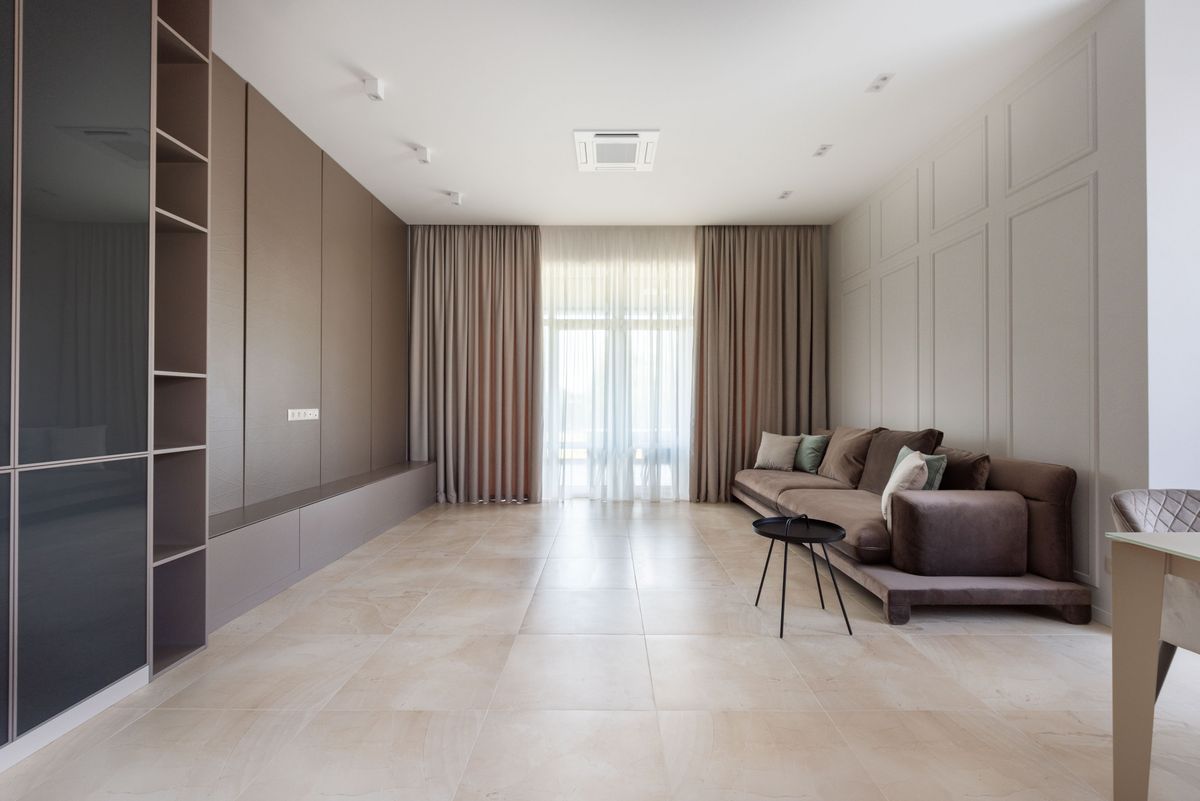
Living room with sofa, shelves and window curtains
Window-treatment context; this photo does not show Blind Tilt or demonstrate compatible horizontal blinds. Stock photo: Pexels.

Which option fits your routine?

Choice Choose it for Tradeoff
Blind Tilt retrofit Keeping suitable horizontal wand blinds Changes slat angle, not the whole window covering
Manual wand An accessible blind used occasionally No automatic adjustment
Different motorized covering Replacing an unsuitable or worn blind Greater cost and a different installation

Measure the wand before buying

SwitchBot’s Canadian fit guidance specifies horizontal blinds with a pole and gives supported pole sizes of 6.2–10.2 mm and 12 mm. Inspect the actual mechanism and use the current compatibility guidance, rather than assuming that every set of slats works.

Check space around the wand, mounting position and whether the existing blind moves smoothly. A retrofit cannot repair a stiff or damaged mechanism. If the blind itself needs replacement, compare a complete new covering with the cost of preserving the old one.

Tilt is different from raising a blind

The useful question is whether changing the slat angle solves your problem. A morning adjustment for daylight may fit this device well. Wanting the full stack lifted out of a window is a different requirement and should change your shopping list.

Avoid purchasing a tilt motor merely because a listing says smart blinds. Decide what open means in your room: light through angled slats, a clear view through a raised covering, or curtains moved sideways. Those tasks need different mechanisms.

Price local use and remote access separately

SwitchBot describes local Bluetooth app control and additional control through a separately purchased hub. Check the exact hub, platform and supported functions if remote access or integration is your reason for buying. The classic Remote can be useful for shared physical control.

Solar charging depends on the available light at the panel. A shaded window or a short winter day is not equivalent to favorable test conditions. Confirm the package contents and plan how you would recharge or service the unit; we do not promise maintenance-free operation or measured battery life.

Buy one before committing to every window

For several blinds, begin with one compatible window and assess setup, sound, convenience and household acceptance within the return period. This is a suggested buying process, not a report of our own installation.

Keep manual tilt when the wand is easy to reach and adjustments are infrequent. Buy the retrofit when recurring access is awkward and the underlying blind is worth keeping. Do not replace a working motor unless a specific, verified feature will improve your routine.

Buying in the United States or Canada

Choose the button for your country and compare the exact model, included parts, seller, delivered cost and return terms. Offers and replacement-part availability can differ between Amazon USA and Canada. Confirm regional manufacturer support before relying on a guarantee for an imported product. We do not promise stock, a fixed price or delivery to every address.

Related guides on My Indoor Space

Sources and research

Specifications establish stated features, not independent proof of performance. We base our value judgments on the task, fit, upkeep and alternatives. External experiences are attributed to their sources; no personal testing or measured savings is claimed.

Television and remote in a home entertainment setting
Smart Home

Is the SwitchBot Remote Worth It? Check the Two-Button Limits

Disclosure: As an Amazon Associate, My Indoor Space earns from qualifying purchases.

Quick verdict

Buy the classic two-button SwitchBot Remote if you already own supported SwitchBot devices and want a simple physical control beside a bed, chair or desk. Skip it as a replacement for a television’s infrared remote. It is an accessory for the SwitchBot system, and scene control introduces hub and firmware requirements.

Research-based buying guide. Checked October 17, 2026. We have not tested these products hands-on. Manufacturer information, attributed external findings and our editorial judgments are distinguished below.

Television and remote in a home entertainment setting
General remote-control context; the classic SwitchBot two-button Remote is not pictured. Stock photo: Pexels.

Which option fits your routine?

Choice Choose it for Tradeoff
Classic SwitchBot Remote A reachable physical control for supported devices Two buttons and a defined compatibility list
SwitchBot app Setup and occasional adjustments Requires a phone at the moment of use
Existing physical control A device already easy to operate May be less convenient across a room

Match the exact accessory to the device

This guide concerns the classic two-button Remote, not a Bot-and-Remote bundle or a different SwitchBot remote model. Check the order contents: the Remote does not include the button-pushing Bot or blind motor it controls.

SwitchBot publishes a supported-device list covering functions such as Bot commands and supported curtain or blind control. Its support article specifies current firmware requirements. Confirm your exact device generation and intended command against that list before ordering; sharing a Bluetooth logo is not sufficient.

Separate direct commands from scenes

A physical button can remove the need to open the app for each everyday action after setup. More involved scenes require a compatible SwitchBot hub and the specified firmware. Do not price a scene-based setup as though the Remote alone supplies its network connection.

Write down the two actions you would actually assign. If they are simple, repeated tasks, the limited interface can be helpful. If you want many individually selectable lights, schedules and devices, two buttons may add another control without removing much app use.

Place it where the decision happens

A bedside location makes more sense for opening a supported blind than a drawer across the room. A desk position may help with a Bot mounted on an awkward but suitable button. Test operation from the intended location before treating it as a dependable part of your routine.

Keep the device’s ordinary control usable where possible. A missing Remote, depleted battery or changed configuration should not make a normal household task unnecessarily difficult. We have not measured radio range through your walls or response time.

When the cheaper option is enough

Use the existing app if adjustments are rare and you normally have your phone nearby. Keep a working Remote if it already performs the commands you need; a new listing alone is not a reason to replace it.

Buy when shared access or a reachable button solves a daily inconvenience. Skip it for controlling arbitrary televisions, unrelated Bluetooth products or a broad entertainment system. Include any required hub in the delivered cost before deciding that physical scene control is good value.

Buying in the United States or Canada

Choose the button for your country and compare the exact model, included parts, seller, delivered cost and return terms. Offers and replacement-part availability can differ between Amazon USA and Canada. Confirm regional manufacturer support before relying on a guarantee for an imported product. We do not promise stock, a fixed price or delivery to every address.

Related guides on My Indoor Space

Sources and research

Specifications establish stated features, not independent proof of performance. We base our value judgments on the task, fit, upkeep and alternatives. External experiences are attributed to their sources; no personal testing or measured savings is claimed.

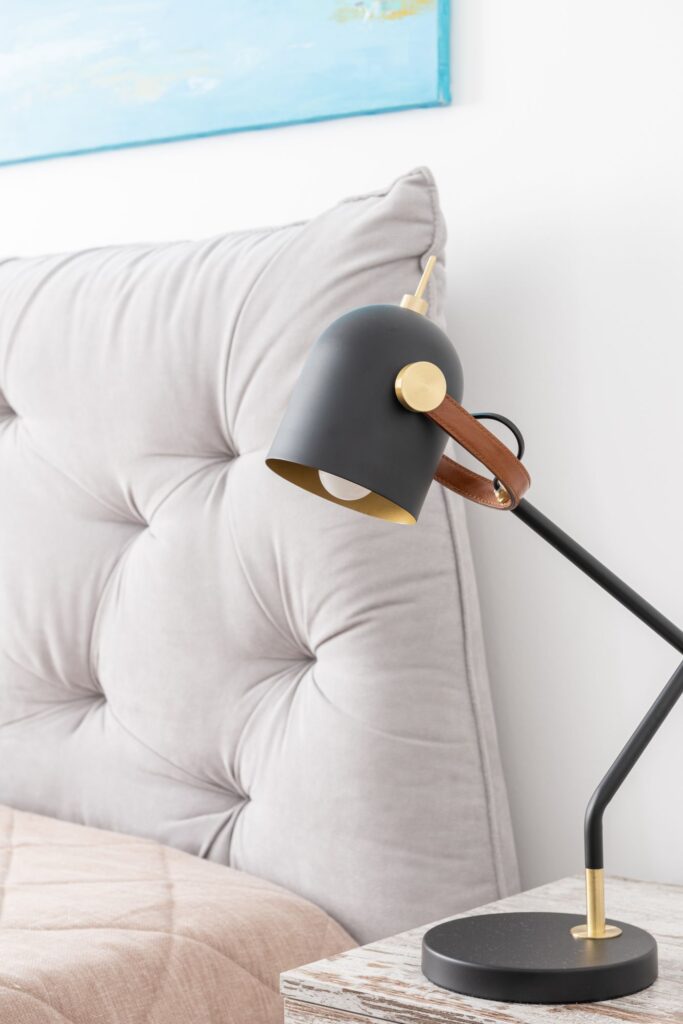
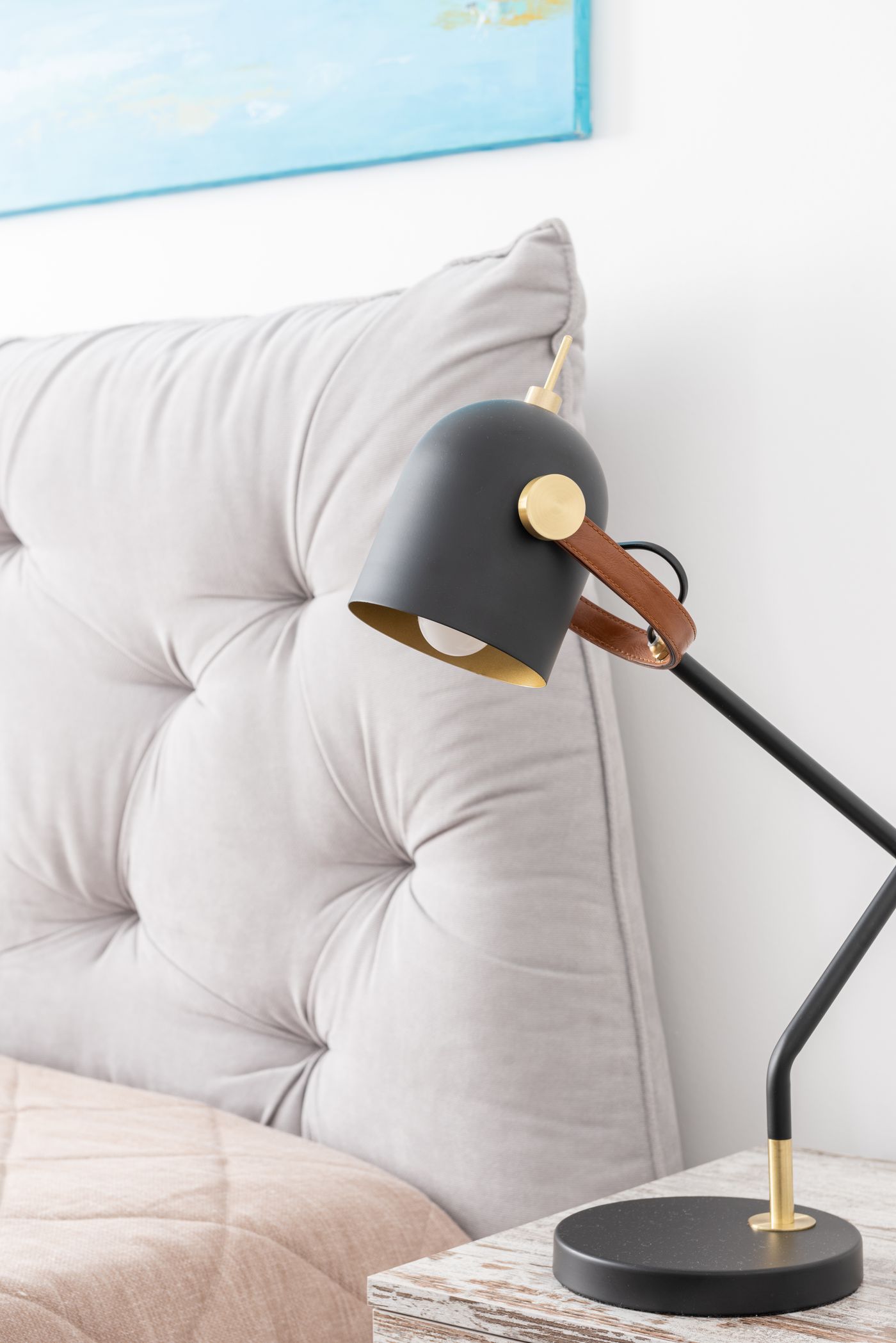
Lamp and bedside table beside a bed
Smart Home

Is the Philips Hue Indoor Motion Sensor Worth It?

Disclosure: As an Amazon Associate, My Indoor Space earns from qualifying purchases.

Quick verdict

The Hue indoor motion sensor makes most sense when you already own a Hue Bridge and want lights to react as you enter a hallway or similar passing space. A manual dimmer is usually the better first purchase for a reading corner where you sit still. Include the Bridge in the cost if you are starting from scratch.

Research-based buying guide. Checked October 17, 2026. We have not tested these products hands-on. Manufacturer information, attributed external findings and our editorial judgments are distinguished below.

Lamp and bedside table beside a bed
Bedroom lighting context; the Philips Hue sensor and its installation are not pictured. Stock photo: Pexels.

Which option fits your routine?

Choice Choose it for Tradeoff
Hue indoor motion sensor Hands-free lighting in an existing Hue system Requires a Bridge and thoughtful placement
Hue dimmer switch Choosing a scene while sitting or entering Someone must press a button
Basic timer A predictable daily lighting schedule Does not react to arrival or daylight

Buy the indoor version and budget for the system

Philips specifies a Hue Bridge-controlled setup for this sensor. It is battery powered and uses two AAA batteries. Do not confuse this indoor model with the larger outdoor Hue sensor or assume that owning a Bluetooth Hue bulb alone completes the setup.

That dependency changes the value calculation. Adding one sensor to an established system is a smaller decision than buying a Bridge, lights and sensor to automate a single occasional trip through a room. Price the complete usable setup before comparing it with an inexpensive timer.

Movement is a useful trigger, with a practical limit

Hue supports daylight-sensitive lighting and actions after a period without detected motion. Those features can help a hallway light respond differently by day and night. They do not establish how well a particular position will detect you in your own room.

A person quietly reading may move less than someone walking past. Keep a convenient manual control, and experiment with the delay before using an aggressive lights-off rule. Our recommendation concerns lighting convenience; we have not measured detection latency, coverage or security reliability.

Try the position before fixing it in place

The manufacturer’s guidance recommends testing a sensor before permanent mounting. Choose a spot that sees the movement you actually want to trigger, then try approaches from both directions and the lighting conditions you commonly use.

A position that catches every passerby outside a room may be less useful than one that sees the doorway itself. Think about whether an automatic scene should override a manually chosen setting. Hue’s do-not-disturb option is relevant when someone has already selected a scene.

When keeping your existing controls is enough

Buy this sensor when hands-free arrival lighting solves a repeated inconvenience and the rest of the Hue system is already useful to you. Skip it when a switch is within easy reach or a fixed schedule meets the need.

An existing working sensor does not need replacement simply because a newer listing is available. Upgrade only for a confirmed compatibility or feature benefit. We cannot justify a payback claim from electricity savings without your lamp load, usage and actual avoided runtime.

Buying in the United States or Canada

Choose the button for your country and compare the exact model, included parts, seller, delivered cost and return terms. Offers and replacement-part availability can differ between Amazon USA and Canada. Confirm regional manufacturer support before relying on a guarantee for an imported product. We do not promise stock, a fixed price or delivery to every address.

Related guides on My Indoor Space

Sources and research

Specifications establish stated features, not independent proof of performance. We base our value judgments on the task, fit, upkeep and alternatives. External experiences are attributed to their sources; no personal testing or measured savings is claimed.
Living room window with curtains and outdoor view
Smart Home

Is the Tapo T110 Contact Sensor Worth It for Doors and Windows?

Disclosure: As an Amazon Associate, My Indoor Space earns from qualifying purchases.

Quick verdict

T110 is worth considering when you want a compatible Tapo setup to respond to a door or window opening. Choose a motion sensor for movement within a room instead. This two-piece contact sensor needs a supported hub and a mounting position that keeps the pieces correctly aligned when the opening is closed.

Research-based buying guide. Checked October 17, 2026. We have not tested these products hands-on. Manufacturer information, attributed external findings and our editorial judgments are distinguished below.

Living room window with curtains and outdoor view
Window context; the T110 sensor is not pictured. Stock photo: Pexels.

Which option fits your routine?

Choice Choose it for Tradeoff
T110 contact sensor Knowing an opening’s contact state Two-piece alignment and hub requirements
Motion sensor Detecting movement in an area Does not directly report a door’s position
Manual check An occasional noncritical task No automatic event or notification

Choose the event you actually need

TP-Link describes the T110 for open/close monitoring and supported Tapo automations. It responds to the relationship between its sensor and magnet, which is different from watching an area for movement. A window can be open without anyone currently moving near it.

That distinction is useful for a lighting scene or a reminder about an opening. It does not make the sensor a physical lock. We have not tested it as a protective security system and do not promise that an app notification prevents intrusion.

Check alignment before adhesive mounting

The device has two parts that need a suitable relationship when closed. Raised frames, hinges and moving tracks can complicate placement. Consult the supplied gap and alignment directions for the exact hardware version rather than attaching both pieces wherever they look neat.

Make a temporary positioning plan and ensure normal opening and closing remain unobstructed. Keep access to the battery compartment and original window or door hardware. Adhesive mounting avoids wiring, but does not guarantee damage-free removal from every finish.

A supported regional hub is required

The official T110 documentation requires a Tapo hub. TP-Link warns that model and hardware availability vary by region, and its sensor range uses region-specific Sub-1GHz bands. Match the hub and sensor region before buying, especially from an importing seller.

Check whether the exact automation or platform integration you want is supported by the current hub and firmware. A compatible router is not a substitute for the sensor hub. Include that additional hardware in the cost if you are not already using a supported Tapo setup.

Our buying decision

Buy T110 when a specific open/close event is useful, both pieces fit the frame and the required hub is established. Compare the complete one-sensor package, battery and mounting parts rather than assuming every bundle includes a hub.

Skip it when occasional manual checking is sufficient or a room-motion event is the actual requirement. Notifications depend on the complete configured system, not just attaching the sensor. We have not measured battery endurance, alert delay or reliability across different doors and network conditions.

Buying in the United States or Canada

Choose the button for your country and compare the exact model, included parts, seller, delivered cost and return terms. Offers and replacement-part availability can differ between Amazon USA and Canada. Confirm regional manufacturer support before relying on a guarantee for an imported product. We do not promise stock, a fixed price or delivery to every address.

Related guides on My Indoor Space

Sources and research

Specifications establish stated features, not independent proof of performance. We base our value judgments on the task, fit, upkeep and alternatives. External experiences are attributed to their sources; no personal testing or measured savings is claimed.
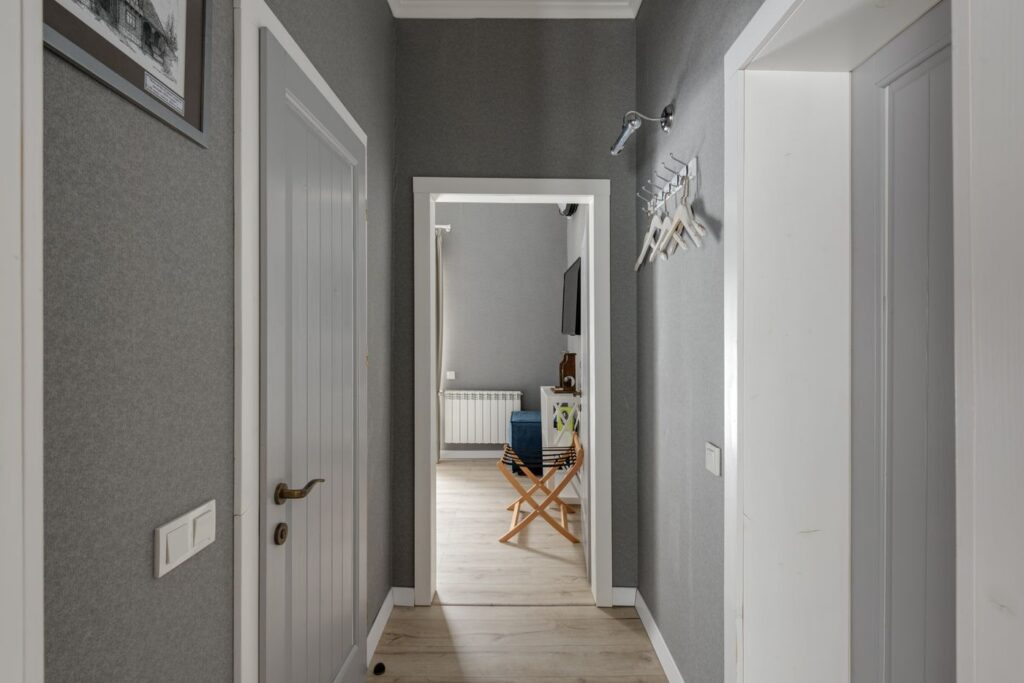
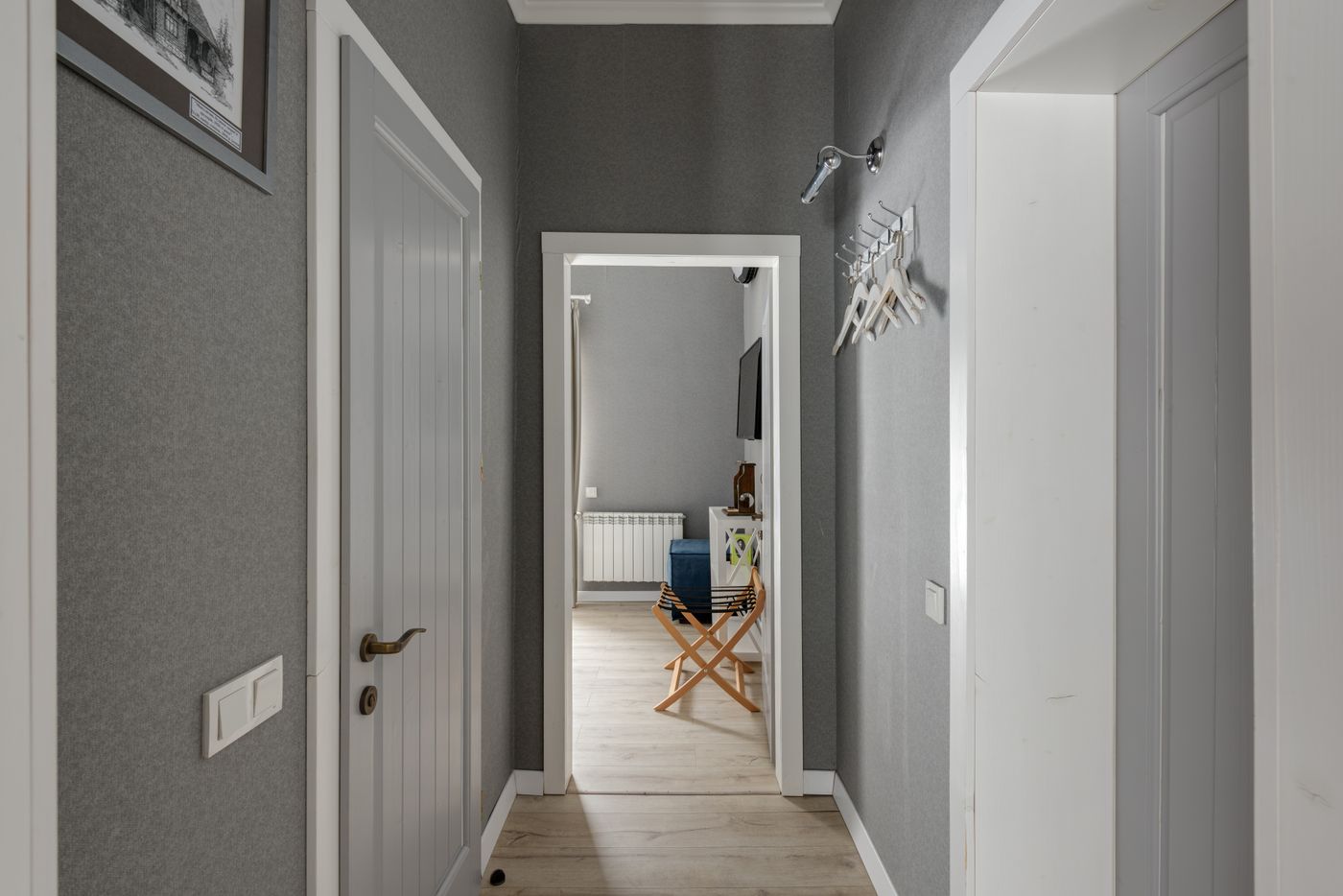
Home hallway with grey walls and wooden doors
Smart Home

Is the Tapo T100 Motion Sensor Worth It for Automatic Lights?

Disclosure: As an Amazon Associate, My Indoor Space earns from qualifying purchases.

Quick verdict

T100 is worth considering when movement is a useful trigger for compatible Tapo lights and a supported hub is already available or budgeted. Keep a manual button for deliberate control or a timer for predictable schedules. A motion sensor is less useful when the real need is reliably recognizing a person sitting still.

Research-based buying guide. Checked October 17, 2026. We have not tested these products hands-on. Manufacturer information, attributed external findings and our editorial judgments are distinguished below.

Home hallway with grey walls and wooden doors
Hallway context for motion-triggered lighting; the T100 sensor is not pictured. Stock photo: Pexels.

Which option fits your routine?

Choice Choose it for Tradeoff
T100 motion sensor Lighting triggered by movement Hub, placement and detection interval
Manual button A deliberate lighting decision Someone must press it
Timer or schedule A predictable routine Does not respond to actual movement

Budget for the correct regional hub

TP-Link says the T100 requires a Tapo hub. It uses a Sub-1GHz radio link, and the official page warns that different regions use different frequency bands. Confirm the sensor and hub are a supported regional pair rather than buying an import because the model name matches.

A compatible Wi-Fi router alone does not replace the required sensor hub. Include the hub, power connection and controlled lights in the complete system cost. Existing Tapo owners may already have suitable infrastructure; a first-time buyer should check that before comparing sensor prices.

Range is a manufacturer specification

TP-Link advertises adjustable sensitivity, up to seven meters of detection and a 120-degree view. It also allows modifying the detection interval. Those features give setup choices; they are not independent proof that every position in your hallway will behave as expected.

We have not measured detection range, missed events or false activations. Consider doors, furniture and other movement in the intended view. Test the actual routine before relying on an automatic off-time that may be inconvenient while someone remains in the room.

Movement and presence are different buying questions

A motion trigger can suit walking through an entryway or reaching a cupboard. A reading chair, desk or other low-movement activity creates a different requirement. Do not buy from a lighting demonstration alone if the intended room use is mostly seated.

A manual control can remain useful alongside automation. Decide what should happen when somebody wants the light on longer or prefers it off. The best automation is one that fits the room’s use and remains understandable to everyone sharing it.

Our buying decision

Buy T100 when a specific movement-triggered task, compatible regional hub and suitable mounting location are established. TP-Link lists a battery-powered design and magnetic or adhesive placement; follow supplied instructions and leave access for maintenance.

Skip it when a schedule or ordinary button already handles the task, when the hub cost is disproportionate or when a different sensing technology is required. Battery-life claims depend on conditions. We have not tested it as a security system and do not promise that notifications or hub alarms replace a monitored protective service.

Buying in the United States or Canada

Choose the button for your country and compare the exact model, included parts, seller, delivered cost and return terms. Offers and replacement-part availability can differ between Amazon USA and Canada. Confirm regional manufacturer support before relying on a guarantee for an imported product. We do not promise stock, a fixed price or delivery to every address.

Related guides on My Indoor Space

Sources and research

Specifications establish stated features, not independent proof of performance. We base our value judgments on the task, fit, upkeep and alternatives. External experiences are attributed to their sources; no personal testing or measured savings is claimed.

Armchair and lamp in a reading corner
Smart Home

Is the Aqara Wireless Mini Switch Worth It for Everyday Controls?

Disclosure: As an Amazon Associate, My Indoor Space earns from qualifying purchases.

Quick verdict

Aqara’s Wireless Mini Switch is worth considering when you already have a compatible Aqara hub and want a simple physical trigger for everyday scenes. Keep app control if it is sufficient. A low button price is misleading for a new buyer who also needs a hub and compatible devices to control.

Research-based buying guide. Checked October 17, 2026. We have not tested these products hands-on. Manufacturer information, attributed external findings and our editorial judgments are distinguished below.

Armchair and lamp in a reading corner
Reading-corner lighting context; the Aqara button is not pictured. Stock photo: Pexels.

Which option fits your routine?

Choice Choose it for Tradeoff
Classic Mini Switch Physical scene control in a compatible Aqara setup Aqara hub and setup required
Existing app Scenes already easy to operate Requires access to a phone
Another system’s button A different ecosystem already owns the lights Do not assume Zigbee guarantees compatibility

An Aqara hub is part of this purchase

Aqara explicitly requires its hub for the Wireless Mini Switch. Its product guidance describes Apple Home integration through a compatible Aqara hub, not direct pairing to a phone by itself. Confirm the exact hub, region and current support before buying.

Do not assume every third-party Zigbee coordinator or smart speaker provides the same supported behavior. The checked listing identifies the classic Wireless Mini Switch; newer T1 products are separate model choices. Match the package to the instructions and integration you intend to use.

Three actions need three understandable jobs

The manufacturer describes single, double and long presses for assigning routine actions or scenes. Those can be useful for a bedside light, a room scene or another supported device group. Write down what each gesture should do before setting it up.

More assignments are not automatically easier for visitors. A single obvious action may be better than several combinations nobody remembers. We have not tested gesture recognition, response time or how the actions appear in every third-party platform.

Place it where the task happens

The battery-powered design avoids mains wiring and can be placed or attached using the supplied mounting approach. Check surface compatibility and access for battery replacement before choosing a permanent spot. Follow the product instructions rather than assuming adhesive removes harmlessly from every finish.

Think about who will reach the button and whether it should stay in one location. A portable control can be convenient, but a fixed retrieval spot often makes it more useful. Keep ordinary controls available for the room’s basic functions.

Our buying decision

Buy the classic Mini Switch when the hub and desired automation are verified, the physical button improves a repeated task and the full delivered cost is sensible. If you are starting from zero, include a suitable hub and any controlled devices in that comparison.

Skip it when your current app routine works or another ecosystem already supplies the required controls more simply. Aqara’s battery-life and durability statements are manufacturer claims, not measurements by us. A button earns its place by making one useful action easier, not by adding another app to manage.

Buying in the United States or Canada

Choose the button for your country and compare the exact model, included parts, seller, delivered cost and return terms. Offers and replacement-part availability can differ between Amazon USA and Canada. Confirm regional manufacturer support before relying on a guarantee for an imported product. We do not promise stock, a fixed price or delivery to every address.

Related guides on My Indoor Space

Sources and research

Specifications establish stated features, not independent proof of performance. We base our value judgments on the task, fit, upkeep and alternatives. External experiences are attributed to their sources; no personal testing or measured savings is claimed.

Digital room meter displaying temperature and humidity
Smart Home

Is SwitchBot Hub 2 Worth Upgrading from a Basic Hub Mini?

Disclosure: As an Amazon Associate, My Indoor Space earns from qualifying purchases.

Quick verdict

Hub 2 is worth upgrading to when a basic Hub Mini lacks a specific feature you will use, such as supported Matter bridging or an on-device temperature and humidity display. Keep the basic hub when its existing remote-control job works. Hub Mini Matter Enabled is a separate product, and Hub 3 now exists, so compare exact names rather than generations alone.

Research-based buying guide. Checked October 17, 2026. We have not tested these products hands-on. Manufacturer information, attributed external findings and our editorial judgments are distinguished below.

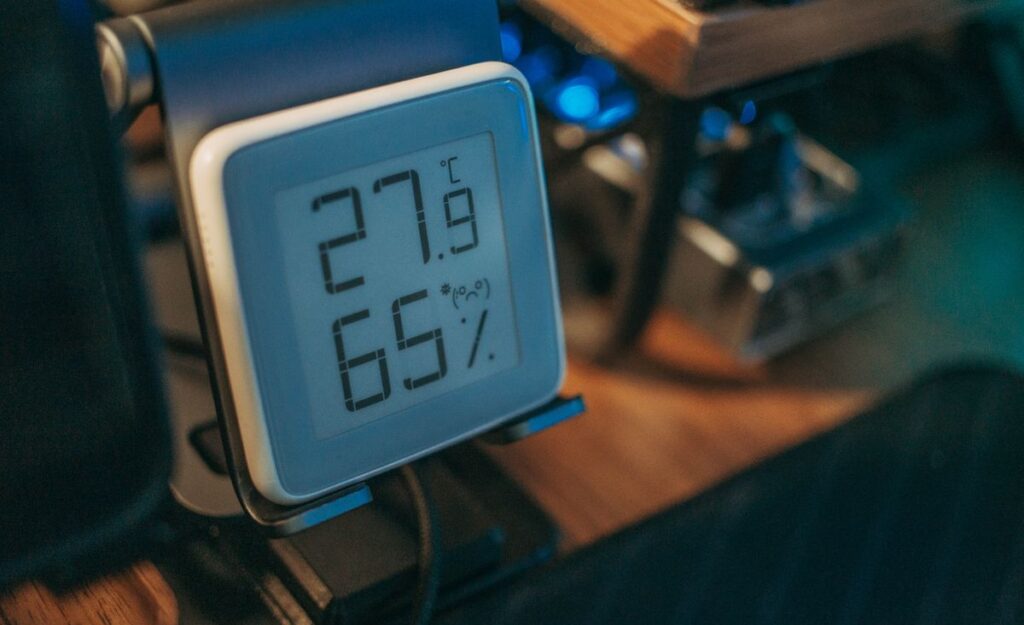
Digital room meter displaying temperature and humidity
Room-reading context; this digital meter is not SwitchBot Hub 2. Stock photo: Pexels.

Which option fits your routine?

Choice Choose it for Tradeoff
Keep basic Hub Mini Current IR and supported remote functions are enough No Matter in the basic model
Hub 2 Display, sensors and supported Matter bridging Powered placement and sub-device limits
Other current SwitchBot hub A requirement beyond Hub 2’s capabilities Verify the exact feature and total price

Separate the three similarly named purchases

SwitchBot’s current comparison distinguishes basic Hub Mini, Hub Mini Matter Enabled and Hub 2. Basic Hub Mini lacks Matter, while both named Matter-capable options support it. Hub 2 adds its display-related sensor features and touch scene controls.

An existing basic Hub Mini is not automatically obsolete because another hub offers more features. Name the missing task first. Replacing a working hub for a display you will never look at is a weaker purchase than solving a specific compatibility requirement.

Matter support has boundaries

The maker’s current table lists eight third-party sub-devices for Hub 2, compared with four for Hub Mini Matter Enabled and thirty for Hub 3. Supported actions also differ by device and firmware. Check the live support table for the accessories you actually own.

Do not assume a hub exposes every SwitchBot feature to every other platform. A device working in the SwitchBot app is a different question from the functions visible through Matter. We have not tested interoperability across all controllers or current firmware combinations.

Placement affects sensors and infrared use

Hub 2 requires power and 2.4GHz Wi-Fi. SwitchBot describes a sensor-bearing USB-C cable, so treat the supplied cable as part of the functional package rather than substituting any charging lead without checking.

Choose a location that suits the infrared devices and sensible room readings. Hiding the hub beside a warm appliance may be convenient for a socket but unhelpful for a representative temperature reading. We have not measured sensor accuracy or infrared reach in different rooms.

Our buying decision

Buy Hub 2 when its verified additional functions justify the delivered price and its current sub-device limit fits the intended setup. Confirm the standalone hub, required sensor cable and included power components in the regional offer.

Keep a working basic Hub Mini if it already performs the tasks you need. Compare other current hubs if eight bridged sub-devices or the supported action set is insufficient. An upgrade is worthwhile for a concrete capability; a higher model number alone is not a reason to replace reliable hardware.

Buying in the United States or Canada

Choose the button for your country and compare the exact model, included parts, seller, delivered cost and return terms. Offers and replacement-part availability can differ between Amazon USA and Canada. Confirm regional manufacturer support before relying on a guarantee for an imported product. We do not promise stock, a fixed price or delivery to every address.

Related guides on My Indoor Space

Sources and research

Specifications establish stated features, not independent proof of performance. We base our value judgments on the task, fit, upkeep and alternatives. External experiences are attributed to their sources; no personal testing or measured savings is claimed.
Person holding a TV remote in a living room
Smart Home

Is the SwitchBot Bot Worth It for an Existing Button or Switch?

Disclosure: As an Amazon Associate, My Indoor Space earns from qualifying purchases.

Quick verdict

SwitchBot Bot is worth considering when a compatible physical button needs remote pressing and replacing the device is impractical. A suitable smart plug may be simpler for a lamp that resumes correctly when power returns. Check the mechanics first: a little robotic arm cannot reliably operate every shape, stiff switch or touch control.

Research-based buying guide. Checked October 17, 2026. We have not tested these products hands-on. Manufacturer information, attributed external findings and our editorial judgments are distinguished below.

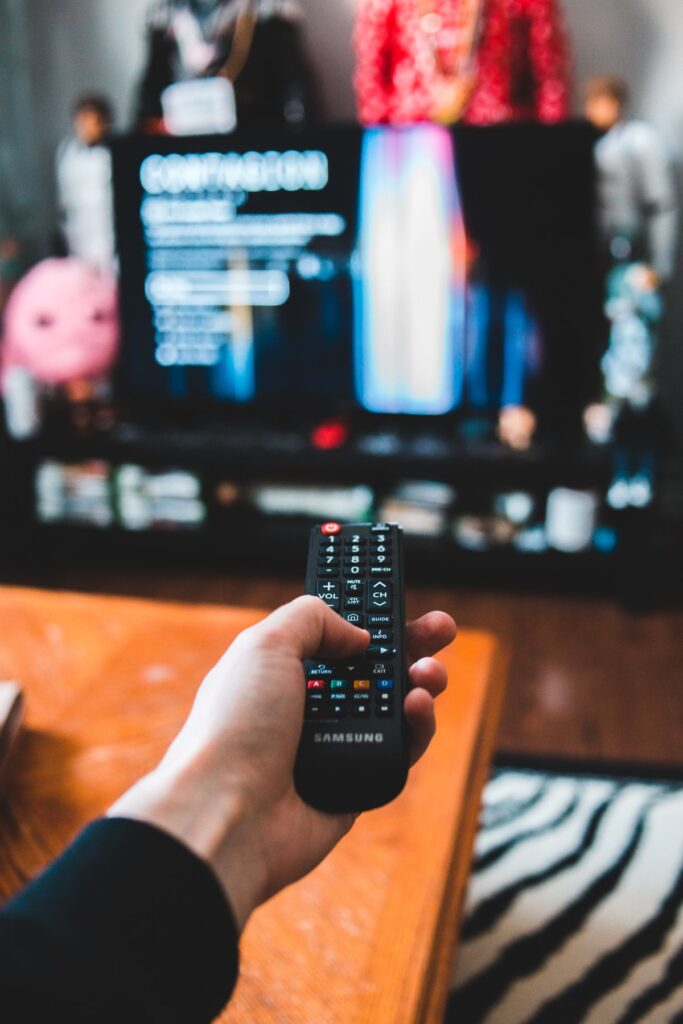
Person holding a TV remote in a living room
Living-room control context; this conventional remote is not a SwitchBot Bot. Stock photo: Pexels.

Which option fits your routine?

Choice Choose it for Tradeoff
SwitchBot Bot Physically pressing a compatible existing control Mounting, reach and battery upkeep
Suitable smart plug A permitted load that resumes correctly Power switching differs from button pressing
Existing manual control Occasional use without automation You operate the device directly

Start with the physical control

SwitchBot describes Bot for rocker switches and one-way buttons and excludes overly hard or aged buttons. The arm needs a suitable mounting area and enough travel to reach the intended spot. Confirm the actual control with the maker rather than relying on a broad works-with-most claim.

Touch-sensitive controls, unusual rocker shapes and cramped panels deserve an explicit compatibility check. A product being Bluetooth-enabled says nothing about whether its arm can operate your appliance. Check access to the original control after installation as well.

Pressing and switching are different tasks

The maker describes a push action and an add-on for pulling compatible rockers back. Choose the intended mode according to the actual control and follow the supplied setup directions. Do not assume one press always means on when a device’s button cycles through several states.

Treat remote operation as a command, not proof that the appliance reached the state you intended. Check normal behavior in person and use automation only where the appliance maker permits it. We would not buy this to bypass an appliance’s required supervision or safety controls.

Include the hub only for features you need

Bot supports local Bluetooth operation, while the checked listings identify an optional hub requirement for remote or voice features. SwitchBot’s current Matter table also requires a compatible Matter-capable hub to expose supported Bot actions to that system.

A phone controlling Bot nearby is therefore a different purchase from a complete remote-access setup. Count the hub, power connection and supported ecosystem before comparing costs. Existing SwitchBot owners may have much of that infrastructure already; a new buyer may not.

Our buying decision

Buy Bot if the exact button and mounting area are compatible, the repeated task is useful and the complete system cost is sensible. The manufacturer specifies a CR2 battery, so include future replacement and access to the battery compartment in your placement decision.

Skip it for a stiff or unsuitable control, rare use or a simpler permitted smart-plug task. We have not tested arm durability, adhesive life or command reliability. Keep manual access available and choose the smallest setup that solves the actual control problem.

Buying in the United States or Canada

Choose the button for your country and compare the exact model, included parts, seller, delivered cost and return terms. Offers and replacement-part availability can differ between Amazon USA and Canada. Confirm regional manufacturer support before relying on a guarantee for an imported product. We do not promise stock, a fixed price or delivery to every address.

Related guides on My Indoor Space

Sources and research

Specifications establish stated features, not independent proof of performance. We base our value judgments on the task, fit, upkeep and alternatives. External experiences are attributed to their sources; no personal testing or measured savings is claimed.
Lit desk lamp beside a computer and plant
Smart Home

Is the Philips Hue Dimmer Switch V2 Worth It?

Disclosure: As an Amazon Associate, My Indoor Space earns from qualifying purchases.

Quick verdict

The Hue Dimmer Switch is worth considering when a household already uses Hue lights and wants a physical control that visitors can understand without an app. Keep app or voice control when it is already convenient. This battery-powered remote is not a wired dimmer for ordinary bulbs, and Bridge-dependent features belong in the setup cost.

Research-based buying guide. Checked October 17, 2026. We have not tested these products hands-on. Manufacturer information, attributed external findings and our editorial judgments are distinguished below.

Lit desk lamp beside a computer and plant
Lamp-and-workspace context; the Hue dimmer remote is not pictured. Stock photo: Pexels.

Which option fits your routine?

Choice Choose it for Tradeoff
Hue dimmer remote Shared physical control for a Hue setup Compatible lights and hub features matter
Hue app Existing individual control A phone must be available
Existing ordinary switch A simple conventional lighting routine Cutting power can interrupt smart-light control

Buy a Hue control, not a mains dimmer

Philips describes the accessory as a wireless, battery-powered control with a removable wall plate and magnetic placement options. It changes commands sent to compatible Hue lighting rather than physically replacing household wiring.

The checked U.S. and Canadian listings specify a Hue Bridge requirement. Older or other regional maker descriptions discuss limited direct control, but we would not buy this offer assuming every advertised function works without a Bridge. Confirm the exact package and current setup instructions before ordering.

What the Bridge changes

Hue’s product guidance describes Bridge-based customization for rooms, zones and scenes. If that is why you want the dimmer, include a compatible Bridge in the real system cost when one is not already installed. A low remote price does not represent a complete new lighting system.

If a working Hue setup already exists, the incremental purchase is easier to assess. Decide which lights and actions you would assign before buying. A remote that duplicates controls nobody uses is less valuable than one placed beside a frequently used doorway or chair.

Physical access and mounting

The maker describes adhesive installation and using the switch as a portable remote. Check the surface and supplied mounting directions before attaching the plate. Adhesive placement should not be assumed harmless to every finish, and nearby conventional switches should remain understandable.

Think about where everyone will look for the control and whether removing it from its plate makes it easier to lose. Choose a consistent position with clear labels or an obvious purpose. We have not tested button feel, response times or battery life.

Our buying decision

Buy the dimmer when the household regularly wants quick Hue on/off, brightness or scene control and a suitable placement is available. Verify one remote and its expected mounting parts rather than assuming the package contains a Bridge or bulbs.

Skip it when app control works comfortably, the home has no compatible Hue lights or a different ecosystem is the actual goal. It adds a convenient way to operate an existing system; it does not make ordinary bulbs independently smart. Compare the complete setup cost before starting a new system around one attractive remote.

Buying in the United States or Canada

Choose the button for your country and compare the exact model, included parts, seller, delivered cost and return terms. Offers and replacement-part availability can differ between Amazon USA and Canada. Confirm regional manufacturer support before relying on a guarantee for an imported product. We do not promise stock, a fixed price or delivery to every address.

Related guides on My Indoor Space

Sources and research

Specifications establish stated features, not independent proof of performance. We base our value judgments on the task, fit, upkeep and alternatives. External experiences are attributed to their sources; no personal testing or measured savings is claimed.

Scroll to Top