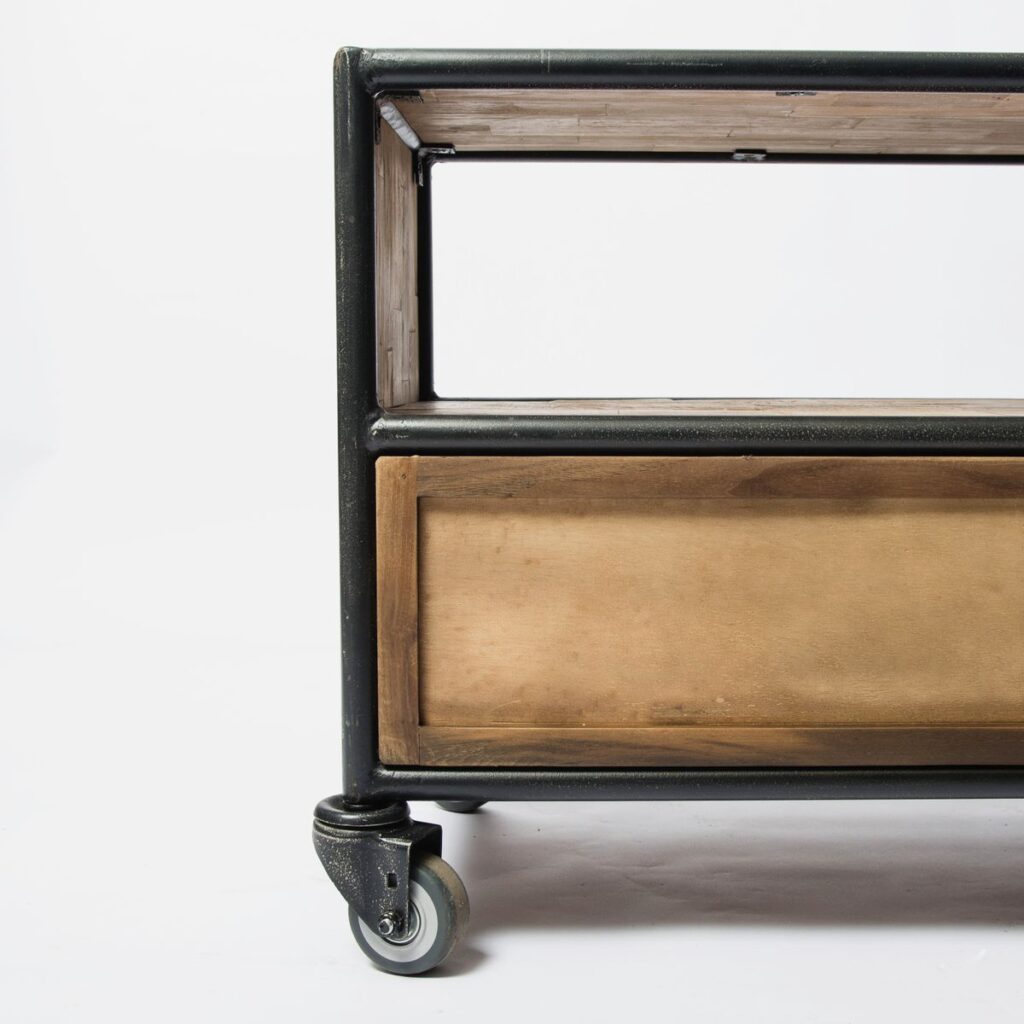
Storage cabinet on wheels with open shelving
Home Organization

Metal vs Plastic Rolling Storage Carts: Which Works Better in a Small Home?

Disclosure: As an Amazon Associate, My Indoor Space earns from qualifying purchases through links in this article, at no extra cost to you.

Quick verdict

Choose a metal cart when its rated load, tray layout and wheel design suit heavier everyday supplies. Choose a slim plastic cart when fitting a narrow gap and easy wipe-down matter more. Material alone does not establish strength, stability or durability: the exact dimensions, load rating and caster design should decide.

Research-based buying guide. Product information checked October 16, 2026. We have not tested these products hands-on; recommendations distinguish published features from our buying judgments.

Metal rolling storage carts

Slim plastic rolling storage carts
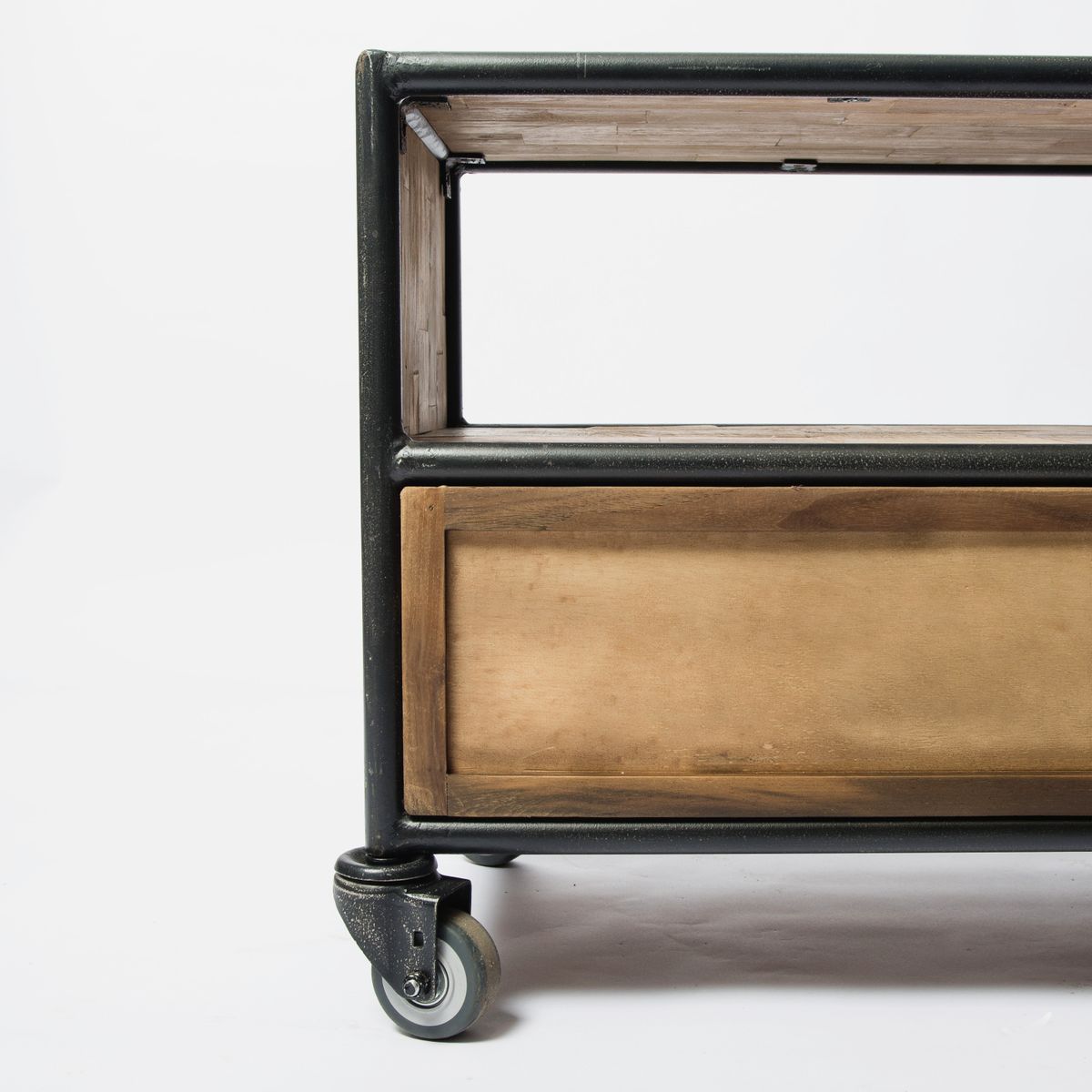
Storage cabinet on wheels with open shelving
Illustrative mobile-storage photo; not an IKEA Raskog or Vesken product. Photo: Pexels.

A rolling cart can make a small room more useful by bringing supplies where you need them. It can also become a tall stack of clutter that catches on furniture. The useful comparison starts with the route it will travel and the objects it will hold.

Which problem are you solving?

Storage need What to prioritize
Heavy craft or kitchen supplies Published load limits and stable construction
Narrow bathroom gap External width and pull-out clearance
Frequent movement Casters, thresholds and comfortable access
Spill-prone supplies Tray shape, material care and cleaning access

Use real examples carefully

IKEA’s Raskog and Vesken show how different the shapes can be. The cited metal Raskog is 35 × 45 × 77 cm, while the slim plastic Vesken cart is 54 × 18 × 71 cm. Those are different footprints as well as different materials.

There is also a smaller Raskog version. A brand or range name does not establish size. Other metal and plastic carts have their own ratings and construction, so do not apply IKEA’s specifications to an Amazon alternative that merely looks similar.

When metal is the stronger starting point

Consider a metal cart for supplies whose combined weight and daily use suit the exact rated shelves and frame. A tray with a useful lip can keep objects from shifting during gentle movement. Check whether the intended contents actually fit the tray’s internal area.

Do not assume metal automatically means rustproof, stable or safe for a large appliance. Coating damage, joints, wheel attachment and the load distribution all matter. Follow the manufacturer’s room-use and care guidance.

When plastic is the better fit

A slim plastic cart can fit a gap that a wider metal trolley cannot. It may be useful for light toiletries or cleaning supplies where the manufacturer allows the environment. Check shelf spacing with the bottles you intend to store, including pumps and handles.

Narrowness can be a compromise. A very slim cart may need a clear straight route and careful loading, and its shelves may not accept wide packages. Do not buy from the external width alone and discover that the actual tray holds very little.

Wheels decide whether it is truly mobile

Check the surface the cart must cross: smooth floor, grout lines, rugs, a doorway strip or a bathroom threshold. A cart that rolls well in a product demonstration may be awkward on your own route.

Look for brake requirements and operating instructions on the exact model. Keep heavier permitted items low and do not stack loads above the designed storage area. Never treat a cart as a seat or step, and do not use it as a support surface for something outside its rating.

Measure the working space

Allow for handles, protruding wheels and the room needed to pull the cart out. A unit fitting between a toilet and wall is not useful if there is no room to reach its shelves or roll it forward.

Sketch the route and shelf positions before ordering. For craft supplies, check whether a working surface is actually provided or whether the item is only a storage tray. For kitchen use, keep ventilation and heat clearance in mind around appliances.

When fixed shelving is better

Choose fixed storage if the cart will never move and wheels only add height or instability. A simple shelf can be more appropriate for a permanent collection of heavy items, provided it is correctly installed and rated.

Skip a new cart if it merely relocates unused products. Sort the contents first, then choose storage sized for what remains. An attractive mobile organizer does not remove the need to limit clutter.

Best value and final winner

Compare local CAD or USD totals, assembly requirements, replacement casters, return costs and the actual tray dimensions. IKEA examples may be better purchased directly when reseller prices are high; the Amazon buttons below compare other matching cart types, not guaranteed equivalents.

Metal is worth considering for the right rated working load; plastic is worth considering for a narrow, lighter-duty fit. Choose the exact cart’s dimensions, wheels and limits rather than treating the material as a complete quality score.

Compare current listings in your country

These buttons open matching Amazon search listings rather than a guaranteed in-stock offer. Confirm the exact model, seller, included parts, delivered price and return terms. Offers can differ between the United States and Canada.

Metal rolling storage carts

Slim plastic rolling storage carts

Related guides on My Indoor Space

Sources and research

Person adjusting a mist-producing device on a wooden surface
Bedroom & Comfort

Levoit Dual 150 vs Classic 300S: Is the Smart Humidifier Upgrade Worth It?

Disclosure: As an Amazon Associate, My Indoor Space earns from qualifying purchases through links in this article, at no extra cost to you.

Quick verdict

Choose Dual 150 for a simpler manual-knob routine and smaller tank. Choose Classic 300S if its larger tank, automatic control and app scheduling are functions you will actually use. First establish that the room needs added moisture; neither model is an upgrade for a space that is already damp.

Research-based buying guide. Product information checked October 16, 2026. We have not tested these products hands-on; recommendations distinguish published features from our buying judgments.

Levoit Dual 150

Levoit Classic 300S

Person adjusting a mist-producing device on a wooden surface
Illustrative humidifier photo; not a verified image of either Levoit model. Photo: Pexels.

A humidifier purchase should start with the room’s conditions and the cleaning routine you can maintain. Smart controls can be convenient, but they do not eliminate refilling, descaling or checking what is happening around windows and furniture.

The features that change ownership

Feature Dual 150 Classic 300S
Published tank size 3 litres 6 litres
Control style Manual mist knob Manual choices plus automatic and app functions
Best starting use Simple supervised room routine Users wanting scheduling and automatic adjustment
Cleaning Still required Still required

Why Dual 150 may be enough

Levoit’s Canadian page describes a three-litre top-fill unit with a mist-control knob and adjustable nozzle. This is the straightforward choice when you want direct controls and are happy to assess the room and adjust the output yourself.

A smaller tank can be easier to carry and empty, although it may need more frequent refilling. Think about the distance to the sink and how you will drain the appliance for cleaning. Capacity is not a benefit if handling the filled unit is awkward.

What Classic 300S adds

The cited Classic 300S has a six-litre tank and VeSync app functions including scheduling and target settings. Auto mode adjusts output using the unit’s sensing and settings. That can be a useful convenience for a buyer willing to manage the app and placement properly.

A sensor near the appliance does not necessarily represent conditions everywhere in a room. Check the manual’s placement instructions and compare observations in the part of the room you actually use. Do not keep increasing output solely because one nearby reading looks low.

Runtime claims need their conditions

Levoit advertises up-to runtimes at low or minimum output. Those figures are not a promise that a full tank will last equally long at a higher setting or in every room. A larger water tank also does not mean that a room needs more moisture.

We have not tested mist output, sensor accuracy, noise or effective coverage. This comparison uses the published design difference and ownership questions, not a laboratory room-performance ranking.

Measure before buying

Use a suitable room humidity monitor and watch for condensation or other signs that added moisture is unwelcome. If a space has an existing dampness problem, address that cause rather than purchasing a humidifier for it.

For a home with several rooms, do not assume one appliance or its integrated reading represents the entire property. A closed door, different heating or a cold window can create a different local condition.

Cleaning access is a purchase feature

Inspect the tank opening, base channels and removable parts. Ask whether you can reach the surfaces and empty water without spilling onto electronics. Follow the model-specific schedule for fresh water, cleaning, descaling and drying.

Use the water type and cleaning products directed in the manual. Smart operation does not make stagnant water or mineral buildup acceptable. If you are unlikely to keep up with the prescribed routine, skip both models rather than treating “easy clean” as maintenance-free.

Room setup and controls

Keep the mist away from surfaces and electronics as instructed, and allow the required clearance. Check display lights and control access if the device will be in a bedroom. A screen or app you like during the day can feel different beside a bed.

Confirm Wi-Fi and app requirements for the Classic, and verify which functions remain available without a network. Choose the locally approved voltage and do not assume an imported unit has the same warranty coverage.

Value and final choice

Compare delivered CAD or USD prices along with refill frequency, cleaning time and any water-treatment or replacement-part needs. Keep a functioning simple unit if you do not need automatic controls or more capacity.

Dual 150 is the sensible simple-control choice. Classic 300S earns its upgrade for users who need the larger tank and use its automatic or scheduled operation. The better humidifier is the one appropriate to the room and maintained correctly.

Compare current listings in your country

These buttons open matching Amazon search listings rather than a guaranteed in-stock offer. Confirm the exact model, seller, included parts, delivered price and return terms. Offers can differ between the United States and Canada.

Levoit Dual 150

Levoit Classic 300S

Related guides on My Indoor Space

Sources and research

Person packing clothing with storage bags
Home Organization

Fabric Under-Bed Bags vs Vacuum Storage Bags: Which Is Better for Clothes?

Disclosure: As an Amazon Associate, My Indoor Space earns from qualifying purchases through links in this article, at no extra cost to you.

Quick verdict

Choose a fabric case for clothing or bedding you access often and want to retrieve without re-compressing a bag. Choose vacuum storage for suitable bulky textiles you put away for longer periods. Measure the filled shape under the bed and follow the textile maker’s care limits before compressing anything.

Research-based buying guide. Product information checked October 16, 2026. We have not tested these products hands-on; recommendations distinguish published features from our buying judgments.

Fabric under-bed storage bags

Vacuum clothing-storage bags

Person packing clothing with storage bags
Illustrative clothing-storage photo; not a product compression test. Photo: Pexels.

These storage methods solve different problems. A fabric case gives a defined place and easier access. A vacuum bag removes air to reduce the bulk of suitable contents. One is not automatically an upgrade over the other.

Choose by how often you open it

Stored items Better starting choice Reason
Frequently used spare sheets Fabric case Easy access without resealing
Suitable seasonal bulky bedding Vacuum bag Compression can reduce stored bulk
Structured or delicate garments Check textile care first Compression may be unsuitable
Very low bed clearance Measure both filled Advertised empty size is insufficient

Where fabric bags work well

IKEA’s SKUBB is an example of a fabric case with handles, a zip closure and ventilation areas. The cited larger version is 19 cm high, while several footprint sizes exist. Its purpose is organized textile storage and dust protection, not squeezing the contents flat.

That makes this type useful for spare sheets, folded clothes or other items you may retrieve regularly. A handle is easier to use when the case is not overfilled or wedged behind a bed leg. Do not assume every fabric bag is washable; the cited smaller SKUBB specifies vacuuming or using a lint roller instead.

Where vacuum bags make sense

Vacuum bags are worth considering when suitable bulky items spend a season in storage. Removing air can make the same textiles occupy less space, but the actual reduction depends on their structure and how much air they contain.

Do not assume a universal percentage saving or a permanent airtight seal. We have not tested compression ratios or long-term valve leakage. Check closure and valve instructions, compatible vacuum methods and whether you can reseal the bag conveniently after opening it.

Textile care comes first

Follow the clothing or bedding maker’s instructions, particularly for filled items, structured pieces, delicate fabrics and materials that need loft. The cited Space Bag retailer guidance includes limits for down compression and periodic restoring of loft; do not treat that as a universal instruction for every bag and textile.

If you cannot confirm compression is suitable, choose an appropriate non-compressing storage method. A smaller packet is not a saving if it damages an expensive coat or duvet.

Measure the route, not only the floor space

Check the lowest bed-frame clearance, crossbars, support feet and the width available to pull a bag out. A bag that fits beneath the middle of the bed may not pass through the opening from the side.

For vacuum storage, consider the filled packet’s uneven shape. The valve, closure and folded corners can protrude even when much of the bag is flat. For fabric cases, allow for soft sides bulging around overfilled contents.

Keep storage clean and dry

Put away textiles clean and completely dry, following their care labels. Neither ventilation netting nor an airtight bag is a treatment for existing dampness. Check the under-bed space for moisture problems before making it a long-term store.

Label the visible end and group items by how often you need them. Several smaller bags can be easier to retrieve than one enormous bundle, but extra zips and valves also mean more points to manage.

Best value and when to skip a purchase

Use existing suitable storage before buying a set. Start with one case or a few bags and test them under the actual bed. A discounted bundle with the wrong height is not a useful bargain.

Compare Canadian or U.S. prices by useful dimensions and quality of the closure, rather than bag count alone. Include any pump or vacuum requirement and replacement cost if a valve or seam fails.

Final winner

Fabric cases win for repeated access and straightforward organization. Vacuum bags win for suitable bulky textiles stored for longer periods. Fit, textile care and retrieval frequency should determine your choice, not the most dramatic compression photo.

Compare current listings in your country

These buttons open matching Amazon search listings rather than a guaranteed in-stock offer. Confirm the exact model, seller, included parts, delivered price and return terms. Offers can differ between the United States and Canada.

Fabric under-bed storage bags

Vacuum clothing-storage bags

Related guides on My Indoor Space

Sources and research

Person positioning framed artwork on a wall
DIY & Decorating

Command Picture Strips vs 3M CLAW: Which Wall Hanger Should You Buy?

Disclosure: As an Amazon Associate, My Indoor Space earns from qualifying purchases through links in this article, at no extra cost to you.

Quick verdict

Choose Command picture strips for a compatible, sound, smooth surface and a frame within the exact package’s limits when avoiding holes matters. Choose the appropriately rated 3M CLAW for a suitable drywall installation when small penetrations are acceptable. Neither is a universal choice for every wall, frame or valuable object.

Research-based buying guide. Product information checked October 16, 2026. We have not tested these products hands-on; recommendations distinguish published features from our buying judgments.

Command picture hanging strips

3M CLAW drywall hangers

Person positioning framed artwork on a wall
Illustrative decorating photo; the hanging hardware is not identified. Photo: Pexels.

A wall hanger should be chosen as a combination of wall material, frame shape and load. Adhesive strips and a drywall hanger work by different mechanisms. Avoiding a nail does not automatically mean avoiding holes or eliminating the possibility of paint damage.

The basic distinction

Question Command picture strips 3M CLAW
Attachment approach Adhesive strip pairs Metal claws enter drywall
Wall requirement Specified smooth compatible surface Suitable drywall
Removal issue Follow stretch-release method Expect small penetrations to address
Capacity Exact strip size, pairs and frame limits Exact hanger’s published rating

When Command strips make sense

They are worth considering for an approved surface and a compatible frame you may later move. Command lists clean, smooth surfaces in good condition and warns against wallpaper and heavily textured surfaces for these products.

Check whether the frame provides suitable contact areas. Paper, fabric or soft backing is not an acceptable substitute for the specified mounting surface. A package of adhesive strips cannot correct peeling paint or an unsuitable frame construction.

When CLAW makes sense

3M describes CLAW as a drywall hanger with hardened steel claws that enter the wall. Choose the exact rating and installation instructions appropriate to the item. The product is not a general masonry, tile or plaster anchor.

This can be a useful alternative when the frame’s hanging hardware suits a hook and small drywall penetrations are acceptable. In a rental, confirm the permitted hanging and repair approach rather than assuming “no nails” means there is no alteration.

Read both load and frame-size limits

Do not generalize a weight printed on one package to every strip or hanger in the range. Command limits can depend on the number of pairs and the frame dimensions. CLAW is sold in several distinct load ratings.

Weigh the complete framed object, including glass and backing, then follow the exact installation limits. Do not invent extra capacity by adding random strips or combining hangers without an approved method.

Application and removal are part of the product

Command’s picture-strip directions include preparing the surface, pressing and reinforcing the strips, waiting before loading and a specific removal sequence. The cited instructions also say to wait at least seven days after painting, while the surface must otherwise be suitable.

For removal, stretching the tab along the wall as directed is different from pulling the strip outward. Leave access for that procedure when positioning the frame. Correct preparation and removal reduce avoidable problems, but this guide does not guarantee damage-free results on every painted wall.

What should not go on these strips?

Command warns against hanging valuable or irreplaceable items and against placing these picture strips over beds. Follow the full product instructions for other restrictions. Do not choose a mounting method solely because an online photo shows a superficially similar frame.

If the item is unusually heavy, fragile or difficult to mount, choose an appropriate rated mounting solution rather than improvising. This comparison is not a structural assessment of your wall.

Cost and practical value

Adhesive replacements can add up if you rearrange a gallery frequently, because reused strip components may require new adhesive according to the maker’s instructions. A mechanical hanger may have a different removal and repair routine.

Compare complete local packs, sizes and ratings in Canada or the U.S. A large mixed pack is poor value if most pieces cannot support your actual frames. Buy for a measured job rather than filling a drawer with mismatched hardware.

Final choice

Command strips fit approved surfaces where avoiding holes is a priority. CLAW fits suitable drywall where a rated hook and small penetrations are acceptable. Surface, frame compatibility and the exact load rating should decide the purchase before convenience claims.

Compare current listings in your country

These buttons open matching Amazon search listings rather than a guaranteed in-stock offer. Confirm the exact model, seller, included parts, delivered price and return terms. Offers can differ between the United States and Canada.

Command picture hanging strips

3M CLAW drywall hangers

Related guides on My Indoor Space

Sources and research

Person cleaning a floor with a mop in a home
Laundry & Cleaning

Bona Premium Spray Mop vs Swiffer PowerMop: Which Costs Less to Keep?

Disclosure: As an Amazon Associate, My Indoor Space earns from qualifying purchases through links in this article, at no extra cost to you.

Quick verdict

Choose Bona when you want a washable microfiber-pad routine and refillable cartridge, provided its cleaner suits your floor. Choose PowerMop when compatible disposable pads and its spray routine make cleaning easier for you. Floor-finish approval comes first; a low-cost mop is poor value if its solution or moisture method is unsuitable.

Research-based buying guide. Product information checked October 16, 2026. We have not tested these products hands-on; recommendations distinguish published features from our buying judgments.

Bona Premium hardwood spray mop

Swiffer PowerMop Wood

Person cleaning a floor with a mop in a home
Illustrative cleaning photo; neither compared mop is pictured. Photo: Pexels.

The price on the starter kit is only the beginning. Spray mops create different recurring purchases and cleanup routines. Comparing the Bona hardwood system with PowerMop Wood is most useful when you account for pads, cleaner, washing and your specific floor finish.

The routine you are buying

Question Bona Premium hardwood system Swiffer PowerMop Wood
Pad routine Washable reusable microfiber Compatible disposable refills
Cleaner handling Refillable cartridge Matching PowerMop solution system
Best buyer Willing to wash and rotate pads Prefers a fresh disposable pad

Who should choose Bona?

Bona’s Canadian listing describes a refillable cartridge and an extra-large reusable microfiber cleaning pad as part of its hardwood system. The attraction is a repeatable pad-washing routine rather than buying a fresh disposable pad for every cleaning session.

Buy enough suitable pads that a clean one is available when another is being washed and dried. A dirty pad dragged around several rooms is not an effective substitute for changing or cleaning it. Follow pad care directions and avoid products that reduce microfiber performance.

Who should choose PowerMop?

PowerMop suits someone who values a simple compatible refill routine and does not want to launder pads. Swiffer sells different systems and solutions, so confirm the kit is PowerMop and the chosen floor version, rather than a WetJet or ordinary sweeper bundle.

The Wood kit and Multi-Surface kit should not be treated as automatically identical. Check pad and solution compatibility before buying bulk refills. A large pack for the wrong mop is not a saving.

The floor finish decides compatibility

Swiffer explicitly excludes unfinished, oiled or waxed wooden boards, non-sealed tiles and carpet from the cited PowerMop use. Bona’s hardwood cleaner also needs to be matched to the floor and finish. Neither product name overrules your flooring maker’s maintenance instructions.

If you do not know the finish, establish it before applying a new cleaner. In a rental, ask management for the flooring-care information when needed. Test in an inconspicuous permitted area and avoid leaving excess moisture on the surface.

Compare annual cost with your own habits

List how often you mop and how many pads you use each time. Add solution, disposable refills, any batteries and the washing cost of reusable pads. Divide pack prices by the count you actually receive.

For illustration, an extra C$0.80 of consumables per weekly cleaning adds C$41.60 a year. These are example amounts, not current product prices. The arithmetic helps show why a modest kit discount may matter less than the refill routine.

Handling matters as much as refill cost

Check the trigger, head movement and reach around furniture. Think about how a filled reservoir changes the weight in your hands and where you will store the mop upright. A large head may cover open floor efficiently but be awkward in a narrow bathroom.

We have not conducted a cleaning-performance comparison or measured solution use. Reusable versus disposable is a practical ownership distinction, not proof that one removes more dirt in every home.

When to skip both

A suitable existing microfiber mop and a flooring-approved cleaning routine may already be enough. Do not replace it merely for an integrated spray bottle. If your task is carpet cleaning, grout restoration or removing a damaged finish, a spray mop is not the appropriate upgrade.

Choose a system you can maintain. Reusable pads only deliver their intended convenience when they get washed; disposable pads only deliver theirs when replacements remain affordable and available.

Final winner

Bona is the stronger fit for a refill-and-wash routine; PowerMop is the stronger fit for compatible disposable convenience. Compare local Canadian or U.S. refill prices, then choose the mop and cleaner your floor permits. A cheaper starter kit should never be the only deciding factor.

Compare current listings in your country

These buttons open matching Amazon search listings rather than a guaranteed in-stock offer. Confirm the exact model, seller, included parts, delivered price and return terms. Offers can differ between the United States and Canada.

Bona Premium hardwood spray mop

Swiffer PowerMop Wood

Related guides on My Indoor Space

Sources and research

Digital room meter displaying temperature and humidity
Smart Home

SwitchBot Meter Plus vs Govee H5075: Which Humidity Monitor Fits?

Disclosure: As an Amazon Associate, My Indoor Space earns from qualifying purchases through links in this article, at no extra cost to you.

Quick verdict

Choose H5075 for straightforward Bluetooth monitoring when its display and local price suit you. Choose Meter Plus if you already use SwitchBot or want its supported hub-based automation path. Neither should be assumed to provide away-from-home alerts as a standalone Wi-Fi sensor: H5075 is Bluetooth-only, and Meter Plus needs the appropriate hub for remote functions.

Research-based buying guide. Product information checked October 16, 2026. We have not tested these products hands-on; recommendations distinguish published features from our buying judgments.

SwitchBot Meter Plus

Govee H5075

Digital room meter displaying temperature and humidity
Illustrative meter photo; not a verified image of either compared model. Photo: Pexels.

A room monitor should make temperature and humidity easier to understand. The display, placement and connection route matter more than a long app description. First decide whether you only want to glance at the room reading or need an alert while you are somewhere else.

Local versus remote is the main decision

Need What to buy for
Reading visible on a shelf Display size, angle and placement
Phone history at home Bluetooth range and app behaviour
Away-from-home notifications A documented hub or Wi-Fi path
Triggering another device Explicit ecosystem compatibility

Why choose H5075?

Govee’s Canadian H5075 page identifies it as a Bluetooth hygrometer thermometer with an LCD display, app history and export functions. Its FAQ specifically says it does not support Wi-Fi.

That makes it relevant for someone who wants nearby readings and history through a phone. Marketing language such as remote monitoring should not be interpreted as a promise that a standalone Bluetooth device remains connected while you are across the city.

Why choose Meter Plus?

Meter Plus offers a readable room display with several placement options, and SwitchBot describes a hub-based route for remote functions and automations. A supported hub relays readings when the meter is within its Bluetooth range.

This is useful if you already own suitable SwitchBot equipment. It is less compelling if you must buy a hub only to see a reading that you could comfortably check on the screen. Price the whole arrangement before choosing on sensor cost alone.

Check the exact automation

A meter detecting a threshold does not mean every humidifier or fan can be controlled by it. The target device, hub, app and permitted action all need to fit the supported system. A smart plug cannot press an appliance’s electronic start button.

Before buying, describe the action you want in one sentence: for example, “notify my phone when this room crosses a chosen threshold.” Verify that precise action rather than assuming all smart-home products interoperate.

Do not buy on tiny accuracy differences alone

Manufacturers publish accuracy specifications, but we have not calibrated these monitors or compared them against a reference instrument. A small stated difference is not proof that one will always read closer to the true room conditions.

Placement also changes what is measured. Keep a room monitor away from a direct mist stream, hot radiator, sunny window or another source that makes the immediate spot unlike the rest of the room. Let readings settle after moving the device.

Screen and history checks

Read the display from the distance and angle where it will sit. Small text that looks clear in a close-up product photo may be hard to read from a chair. Consider whether you need both numbers visible without tapping an app.

Check the current app’s recording, syncing and export limits. History retention can depend on where data is stored and whether the device is regularly connected. Do not infer unlimited permanent history from a graph shown in an advertisement.

Who should skip both?

Choose a directly Wi-Fi-connected or otherwise supported system if independent remote monitoring is essential and you do not want a hub. Choose a simple non-app meter if the only requirement is an occasional visible reading.

Neither product is a CO2 monitor, smoke alarm or comprehensive air-quality instrument. Do not buy a temperature-and-humidity display expecting it to measure gases or establish that indoor air is safe.

Value and the final winner

Compare Canadian or U.S. totals including batteries, hubs and the number of rooms. A multipack is useful only when you have a purposeful location for each monitor. Test actual Bluetooth reach through your walls during the return period.

H5075 is a sensible local Bluetooth option. Meter Plus earns its place when the SwitchBot system and hub functions are part of your plan. The right connectivity path is more important than a small difference in a specification table.

Compare current listings in your country

These buttons open matching Amazon search listings rather than a guaranteed in-stock offer. Confirm the exact model, seller, included parts, delivered price and return terms. Offers can differ between the United States and Canada.

SwitchBot Meter Plus

Govee H5075

Related guides on My Indoor Space

Sources and research

Bathroom vanity and sink with storage cabinet
Smart Home

Aqara Water Leak Sensor vs Tapo T300: Which Hub System Should You Choose?

Disclosure: As an Amazon Associate, My Indoor Space earns from qualifying purchases through links in this article, at no extra cost to you.

Quick verdict

Choose the sensor that fits a compatible hub you already own. Starting fresh, compare the full hub-and-sensor cost and how you want local and remote alerts to work. T300 advertises an onboard audible alarm; Aqara’s original sensor relies on its supported hub for the advertised alarm-and-notification system. Neither is an automatic water shutoff valve.

Research-based buying guide. Product information checked October 16, 2026. We have not tested these products hands-on; recommendations distinguish published features from our buying judgments.

Aqara Water Leak Sensor

Tapo T300

Bathroom vanity and sink with storage cabinet
Illustrative bathroom photo; no installed leak sensor is shown. Photo: Pexels.

A low sensor price can hide the cost of the hub needed to make it useful. Both of these products are part of a system. Buying the wrong radio or assuming a Wi-Fi router is the required hub can leave you with a device that cannot deliver the alerts you expected.

Start with compatibility

Question Aqara original sensor Tapo T300
Supported hub required? Aqara says yes Tapo says yes for the smart system
Alarm approach Advertised Aqara hub alarm Onboard alarm plus supported hub functions
Buy for an existing system? Check your Aqara hub compatibility Check your Tapo hub and region

Why an existing hub changes the value

If a compatible Aqara hub is already positioned within range, adding the original Aqara sensor may be the simplest purchase. If you already use a suitable Tapo hub, T300 may avoid starting a second system.

Do not assume any hub carrying Zigbee, Matter or smart-home branding accepts every sensor. Tapo’s FAQ specifically says T300 must connect to a Tapo hub. Check exact model and regional radio compatibility before buying an imported sensor pack.

Local sound and away-from-home alerts differ

Tapo advertises T300’s built-in siren and top-and-bottom detection probes. Its smart notifications and hub functions still require the supported hub setup. Aqara’s original Water Leak Sensor advertises triggering the Aqara hub alarm and push notifications.

Decide which alert you need: sound near the leak, sound elsewhere in the home or a phone notification while away. Those are separate paths. Check account settings, hub location and phone permissions, then test the complete path as instructed.

Place the contacts where water will reach them

A sensor cannot identify a leak that never reaches its detection points. Examine the floor under the sink, appliance or other permitted location for low spots, raised edges and obstacles. A shallow tray may direct water away from a device placed just outside it.

Keep the sensor accessible for testing, battery replacement and cleaning. Follow the manufacturer’s orientation and placement guidance. Do not bury it beneath stored cleaning products where you cannot see or reach it.

Do not confuse detection with stopping water

These purchases do not, by themselves, close the water supply. An alert gives you information to act on. Automatic shutoff would require a separately compatible valve arrangement and appropriate installation.

In a rental, report plumbing faults rather than treating a sensor as the repair. A device can add awareness, but it does not remove the need to address a known drip or faulty connection.

Build a realistic system cost

List the hub, number of sensors, batteries or replacements and any accessories required. Compare a complete supported bundle with buying parts separately. Check whether the hub needs a conveniently positioned outlet and reliable network connection.

For several locations, price the sensors you need rather than buying a large pack because the per-sensor figure looks attractive. A sensor in a useless location has little value. Conversely, a single sensor cannot monitor every cabinet and appliance in an apartment.

Test and maintain the alert path

Use the maker’s test method and verify phone notifications and audible alerts. Check what happens when the phone is away from home and whether the system reports low batteries or offline devices. Internet and power outages can affect parts of the alert chain.

We have not tested detection delay, radio range or reliability of these units. Advertised alarm loudness and water-resistance ratings do not guarantee that you will hear an alert through a closed door or detect every spill.

Final choice

Existing compatible-hub ownership is the strongest reason to choose either system. T300 is especially worth examining when an onboard alarm matters; Aqara is sensible in a supported Aqara setup. Compare complete regional compatibility and test the alerts, rather than buying the cheapest standalone sensor listing.

Compare current listings in your country

These buttons open matching Amazon search listings rather than a guaranteed in-stock offer. Confirm the exact model, seller, included parts, delivered price and return terms. Offers can differ between the United States and Canada.

Aqara Water Leak Sensor

Tapo T300

Related guides on My Indoor Space

Sources and research

White indoor security camera on a wooden surface
Smart Home

Tapo C210 vs C220: Is the Indoor Camera Upgrade Worth It?

Disclosure: As an Amazon Associate, My Indoor Space earns from qualifying purchases through links in this article, at no extra cost to you.

Quick verdict

Choose C210 when it meets your viewing and alert needs at a lower price. Consider C220 when its documented 4MP resolution or specific detection features solve your use case. Check hardware version and region: current C210 listings already advertise some smart detection, so ‘C210 has no AI’ is an unreliable blanket comparison.

Research-based buying guide. Product information checked October 16, 2026. We have not tested these products hands-on; recommendations distinguish published features from our buying judgments.

Tapo C210

Tapo C220

White indoor security camera on a wooden surface
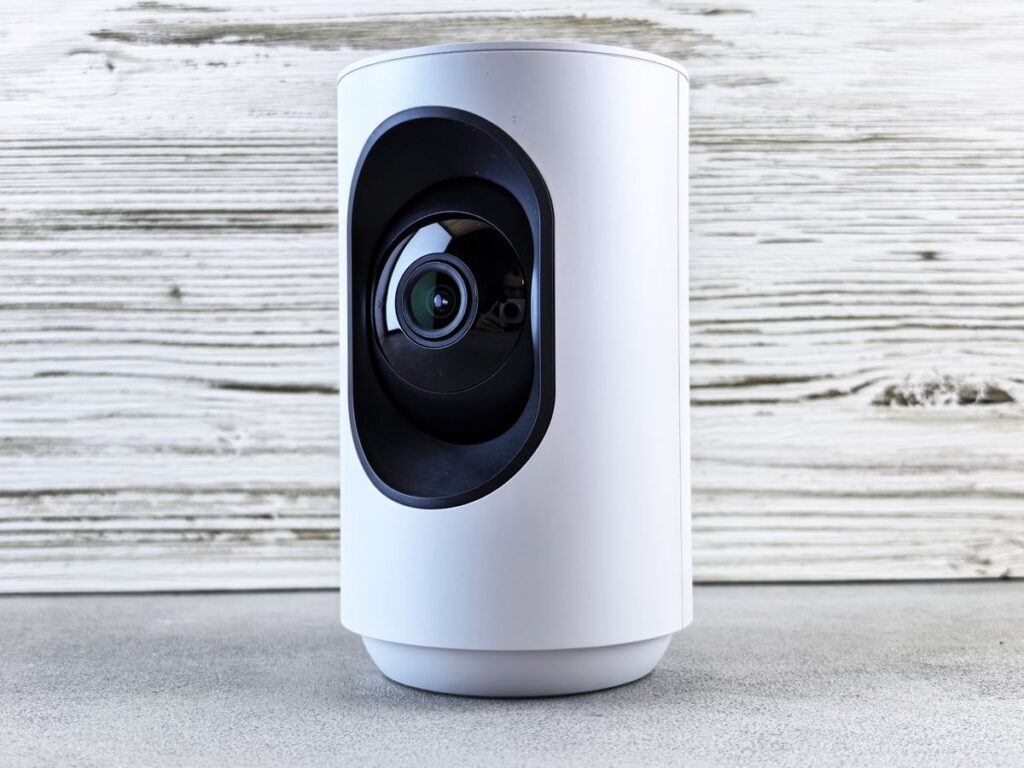
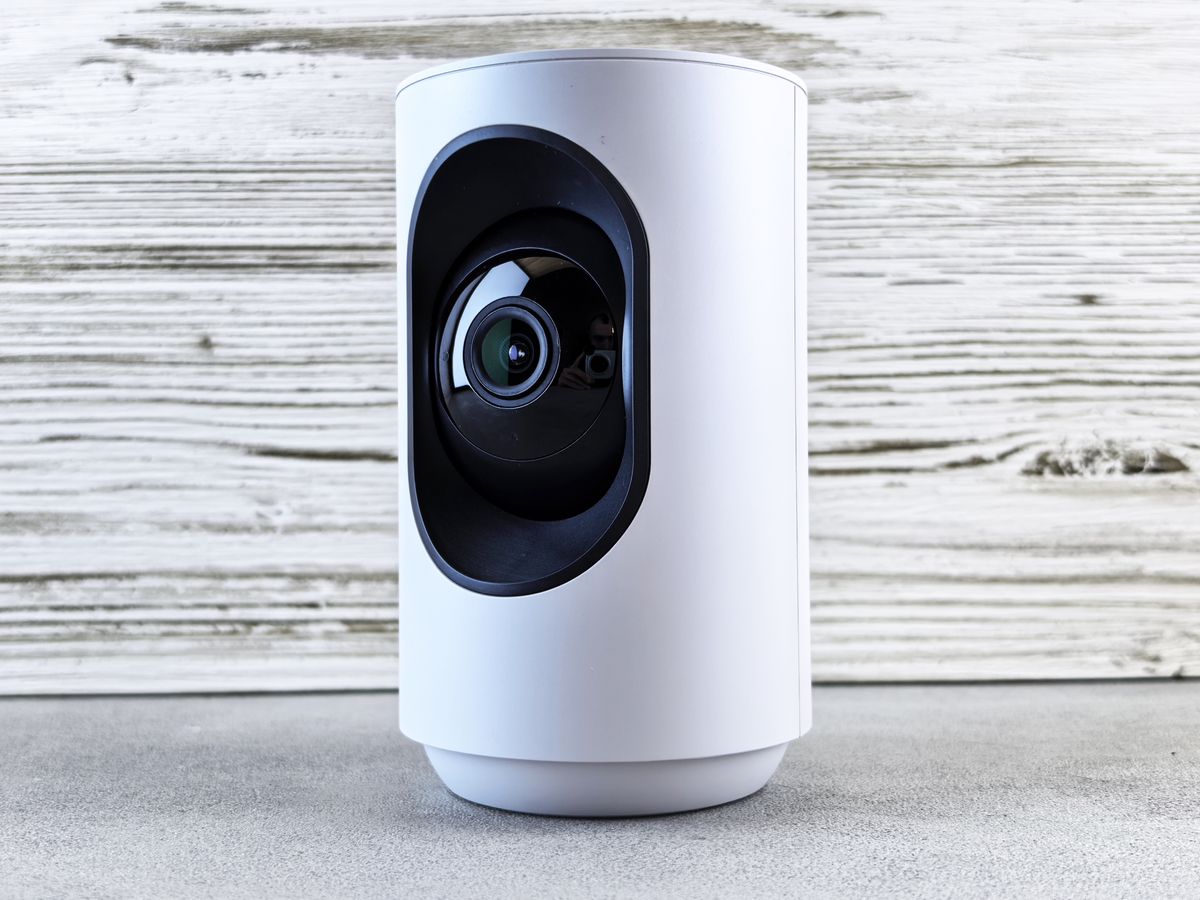
Illustrative camera photo; not a verified C210 or C220. Photo: Pexels.

A small indoor camera should help you see a particular area and retrieve useful recordings. A higher number on the box does not solve poor placement, unreliable Wi-Fi or an unsuitable storage plan. Start with the scene you need to see.

The comparison needs a version number

TP-Link’s published V1 comparison lists C210 at 2304 × 1296 resolution, commonly described as 3MP, and C220 at 2560 × 1440, described as 4MP QHD. These specifications apply to the referenced versions, not every regional revision sold under the same name.

Current U.S. C210 marketing also includes person detection, while C220 highlights additional detection uses. Read the regional specification and firmware support for the stock you will receive. Avoid paying for an upgrade based on a feature the cheaper unit already supplies.

Which difference is useful?

Your priority What to inspect
General room overview Placement and usable field of view
Seeing a smaller detail Resolution at your actual distance
Fewer irrelevant alerts Exact supported detection types and settings
Retrieving a recording Local storage and any cloud-plan requirements

Resolution is only part of image quality

C220’s documented resolution is a reason to consider it when you need more detail, but we have not tested image quality side by side. Lighting, subject distance, compression and movement can affect what you can identify.

Put the camera close enough to the area of interest without blocking its movement. A clear view of an entire room can still leave faces or labels too small to interpret. Decide what detail matters rather than buying on the phrase “2K,” which appears across different resolutions.

Pan and tilt do not see everywhere simultaneously

These cameras can aim around a room, but the lens records the direction it is facing at that moment. Coverage claims should not be interpreted as a simultaneous panoramic recording of every corner.

Check how tracking, privacy zones and saved positions behave on your actual model. For a critical doorway, a stable useful view may matter more than frequent automatic movement. Verify the camera returns to the position you expect.

Storage needs its own budget

Check the supported memory-card capacity, recording modes and recommended card type for the exact version. An empty card slot does not include a card. Cloud clips and features may involve a separate Tapo Care plan, so confirm what remains available without a subscription.

Test playback and exporting a clip before relying on the system. Local storage is convenient, but a card inside a camera can be lost with the camera. Choose an appropriate arrangement for the importance of the footage.

Privacy and household use

Place indoor cameras deliberately and tell household members where they record. Use privacy mode and zones as supported, and check whether audio is enabled. Avoid putting a camera where sensitive personal activity is unnecessarily captured.

Secure the account, apply available updates and review sharing permissions. Neither a privacy button nor a detection feature substitutes for understanding who can access live view and recordings.

Who should skip both?

Choose an outdoor-rated camera for weather exposure, or a different type where power and network needs do not fit. These indoor pan-and-tilt models should not be selected as battery cameras merely because they connect by Wi-Fi.

We have not tested alert accuracy, night imaging or network recovery. Marketing descriptions and hardware comparisons establish features, not a guarantee that an alert will arrive for every event.

Final value decision

Compare the correct regional adapter, hardware revision, card cost and optional plan before paying. For Canadian buyers, a lower U.S. price may add warranty and return complications.

C210 is the value starting point for a suitable general view. C220 earns an upgrade for verified detail or detection benefits you will use. Confirm the exact feature difference on today’s listing before treating the model number as the answer.

Compare current listings in your country

These buttons open matching Amazon search listings rather than a guaranteed in-stock offer. Confirm the exact model, seller, included parts, delivered price and return terms. Offers can differ between the United States and Canada.

Tapo C210

Tapo C220

Related guides on My Indoor Space

Sources and research

Wireless keyboard and mouse on a wooden desk
Cozy Living

Logitech Pebble Keys 2 K380s vs MX Keys Mini: Is the Upgrade Worth It?

Disclosure: As an Amazon Associate, My Indoor Space earns from qualifying purchases through links in this article, at no extra cost to you.

Quick verdict

Choose K380s for a compact, lower-cost everyday keyboard when basic typing is enough. Pay for MX Keys Mini if you want illuminated keys and prefer its more conventional key shape and feel. If you enter numbers all day, consider a keyboard with a number pad before buying either compact model.

Research-based buying guide. Product information checked October 16, 2026. We have not tested these products hands-on; recommendations distinguish published features from our buying judgments.

Logitech Pebble Keys 2 K380s

Logitech MX Keys Mini

Wireless keyboard and mouse on a wooden desk
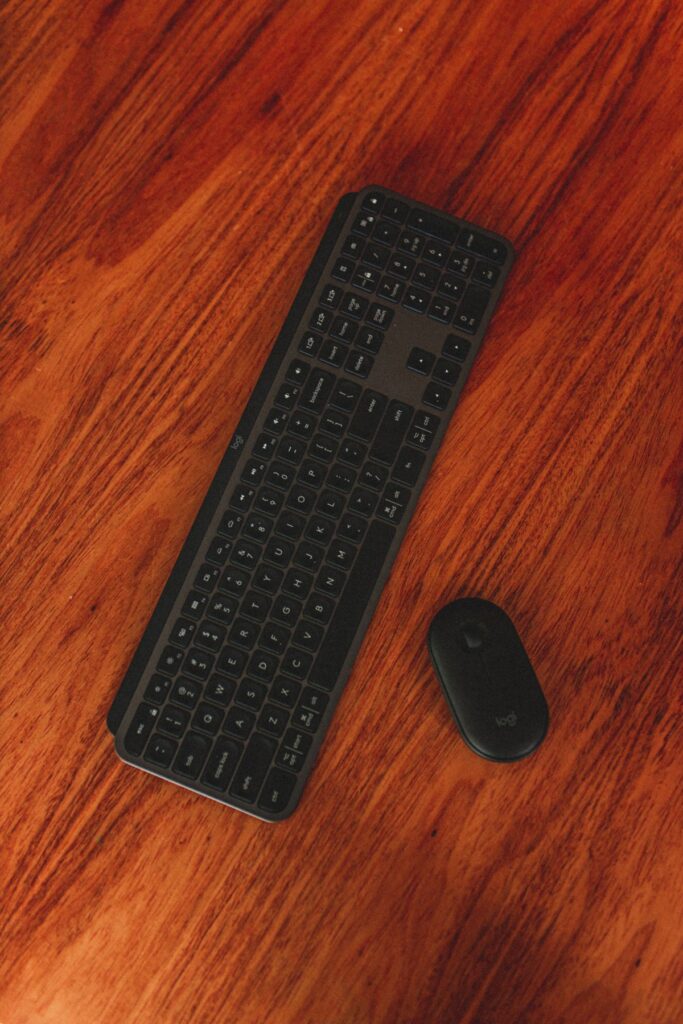
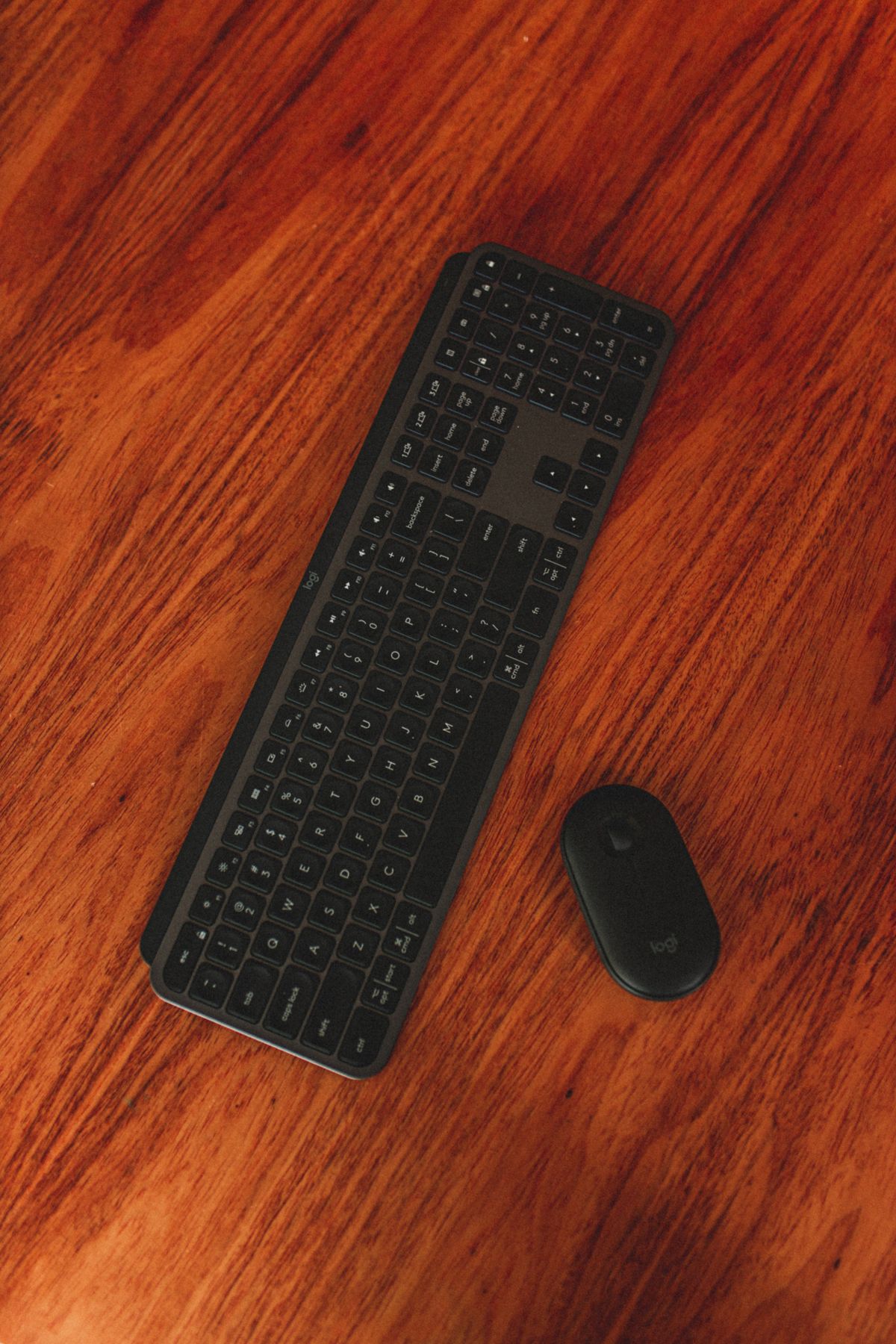
Illustrative workspace photo; compared keyboard identities are not verified. Photo: Pexels.

Compact keyboards can free space beside a laptop and let you position the mouse closer. But a small layout is only an improvement if its keys and shortcuts suit your work. The K380s and MX Keys Mini both target that compact desk, with different priorities and price levels.

Which upgrade would you notice?

Priority Starting choice Why
Lower purchase cost K380s Simple compact typing proposition
Backlit keys MX Keys Mini Smart illumination is a listed feature
Frequent spreadsheet number entry Compare another layout Neither has a dedicated number pad
Preferred key feel Try both Shape and spacing are personal

Why K380s can be enough

Logitech describes Pebble Keys 2 as a slim keyboard with round, low-profile keys and shortcut functions. Choose it for a simple desk or portable setup when you do not need a premium illuminated surface.

Check that the listing is K380s rather than the older K380. Similar photos do not establish identical shortcut or software support. Choose the correct regional key layout and verify compatibility with the devices you want to pair.

What MX Keys Mini adds

Logitech highlights smart illumination that lights the keys as hands approach and adjusts to the environment. That can be a useful upgrade when you genuinely work in dim conditions. It may matter little on a well-lit desk where you rarely look at the keyboard.

The compact MX also offers customization through supported Logitech software. Decide whether you will use those functions and whether your operating system permits them. A feature accessible on one computer may not behave identically on a tablet or managed work machine.

What independent testing contributes

RTINGS compares these two directly, describing the MX as more premium-feeling and slightly larger, with more conventional rectangular keycaps and a somewhat better typing experience in its assessment. That is independent testing context, not our own hands-on finding.

Do not assume that every typist will prefer the same feel. A low-cost keyboard you type accurately on is better value than a premium model whose layout repeatedly interrupts you.

Check the keys you use most

Look at arrows, Delete, Home and End access, function-row behaviour and operating-system legends. A photographer, writer and spreadsheet user can have different shortcut needs. Compact layouts can put a frequent action behind a combination you dislike.

Type an ordinary paragraph and perform your common editing tasks during the return period. Switching between a laptop and external keyboard should feel predictable. Keep the receipt until you have used the setup for real work.

Desk fit and connection details

Place a paper outline of the keyboard beside the mouse. Check whether you can keep both comfortably within reach and still use the desk surface. The benefit of a compact keyboard is lost if you place it too far away or leave the mouse at an awkward angle.

Confirm Bluetooth and any receiver requirements for the exact package. Do not assume a USB receiver is supplied because another Logitech product included one. Charging connections and supported operating systems should also be checked before ordering.

When to skip both

Choose a full-size layout or separate keypad if regular numeric entry is central to your work. If you prefer tall mechanical switches, compare that category instead of expecting a slim office keyboard to feel the same.

Keep an existing comfortable keyboard if the only reason to change is a new model name. Backlighting is useful when you need it; it is not a requirement for effective typing.

Canadian value and final winner

Compare the same keyboard layout, condition and bundle in CAD or USD. A bargain imported layout can be frustrating if familiar symbols move. Check local returns and service terms before paying a premium.

K380s is the sensible value starting point. MX Keys Mini earns an upgrade for illumination and a feel you prefer enough to use daily. Decide by your actual typing and layout needs, not the assumption that more expensive keys necessarily improve your work.

Compare current listings in your country

These buttons open matching Amazon search listings rather than a guaranteed in-stock offer. Confirm the exact model, seller, included parts, delivered price and return terms. Offers can differ between the United States and Canada.

Logitech Pebble Keys 2 K380s

Logitech MX Keys Mini

Related guides on My Indoor Space

Sources and research

Hand using a white mouse beside a keyboard
Cozy Living

Logitech Lift vs MX Vertical: Choose by Hand Fit Before Price

Disclosure: As an Amazon Associate, My Indoor Space earns from qualifying purchases through links in this article, at no extra cost to you.

Quick verdict

Start with Lift for smaller to medium hands, including buyers who need its left-handed version. Consider MX Vertical for medium to larger right hands and its rechargeable design. Hand fit is the deciding feature; a more expensive mouse that makes you reach for buttons is a poor upgrade.

Research-based buying guide. Product information checked October 16, 2026. We have not tested these products hands-on; recommendations distinguish published features from our buying judgments.

Logitech Lift

Logitech MX Vertical

Hand using a white mouse beside a keyboard
Illustrative desk photo; neither compared vertical mouse is pictured. Photo: Pexels.

Vertical mice change the way your hand rests on the device, but two upright shapes can feel very different. Logitech positions Lift and MX Vertical for different hand sizes. That distinction is more useful than assuming the MX name means the better mouse for everyone.

The short buying comparison

Need Better starting choice Reason
Small to medium hand Lift Logitech’s stated fit group
Medium to large right hand MX Vertical Larger shape in the range
Left-handed version Lift Left Specific left-handed option
Rechargeable ownership MX Vertical USB-C charging is listed

Try the buttons before choosing

Rest your hand on the mouse without squeezing it. Check whether the main buttons, wheel and thumb controls are reachable while your fingers stay relaxed. Lift should not feel cramped; MX Vertical should not make a smaller hand stretch around the body.

A hand-size description is a useful starting point, not a personal fit guarantee. Return policies matter because shape preference can take longer to assess than a short shop demonstration.

What the upright angle does and does not establish

Both designs use Logitech’s approximately 57-degree upright approach. The company makes ergonomic claims, but this buying guide does not promise pain relief or treatment. We have not conducted a comfort study or tested the two with different users.

A mouse is one part of a desk arrangement. Reach distance, chair and desk height, pointer settings and opportunities to change position can all affect how a setup feels. Do not buy an expensive device expecting it to compensate for an awkward workstation automatically.

Why the left-handed model matters

Lift has a designated left-handed option. Do not assume the right-handed version becomes equally suitable when buttons are reassigned in software: its physical thumb rest and shape remain different.

Check the actual product variation before ordering. A retailer may combine several colours and handedness options on one page, and selecting a colour can change the available configuration. Confirm the cart summary rather than relying on the first product photo.

Charging and connection requirements

MX Vertical’s technical sheet lists USB-C charging, Bluetooth and a Logitech Unifying receiver. Verify the receiver included in your particular package and do not assume it shares a receiver with every other Logitech device.

For either mouse, check the computer’s Bluetooth support, USB ports and operating system. Optional customization software has its own requirements, and workplace-managed computers may restrict installation. Buy for the connection you can actually use.

Who should skip both?

Skip a vertical mouse if you have tried the shape and prefer another pointing method. Buyers needing specialized gaming controls, a particular scroll feature or an ambidextrous shared device should compare those requirements directly. “Ergonomic” is not a substitute for a feature list.

If your present mouse fits well, moves predictably and meets your needs, there is no automatic reason to replace it. A new shape may require an adjustment period without providing a benefit you personally value.

Value for Canadian and U.S. buyers

Compare the exact model, handedness, receiver bundle and local warranty. A lower imported price may be poor value if returns cost more than the saving. Be cautious with business, Mac-specific or refurbished bundles carrying different contents or conditions.

During the return window, use the mouse for your usual work rather than only moving a pointer around a blank desktop. Check document selection, browser navigation and the controls you repeat most often.

Final winner

Lift is the starting choice for smaller hands and left-handed buyers; MX Vertical is the starting choice for a larger right hand and rechargeable operation. Choose comfortable reach and fit before paying for the more premium model name.

Compare current listings in your country

These buttons open matching Amazon search listings rather than a guaranteed in-stock offer. Confirm the exact model, seller, included parts, delivered price and return terms. Offers can differ between the United States and Canada.

Logitech Lift

Logitech MX Vertical

Related guides on My Indoor Space

Sources and research

Scroll to Top