Smart Home

Useful smart-home devices, connected living tips and practical technology.

Lit desk lamp beside a computer and plant
Smart Home

Is the Philips Hue Dimmer Switch V2 Worth It?

Disclosure: As an Amazon Associate, My Indoor Space earns from qualifying purchases.

Quick verdict

The Hue Dimmer Switch is worth considering when a household already uses Hue lights and wants a physical control that visitors can understand without an app. Keep app or voice control when it is already convenient. This battery-powered remote is not a wired dimmer for ordinary bulbs, and Bridge-dependent features belong in the setup cost.

Research-based buying guide. Checked October 17, 2026. We have not tested these products hands-on. Manufacturer information, attributed external findings and our editorial judgments are distinguished below.

Lit desk lamp beside a computer and plant
Lamp-and-workspace context; the Hue dimmer remote is not pictured. Stock photo: Pexels.

Which option fits your routine?

Choice Choose it for Tradeoff
Hue dimmer remote Shared physical control for a Hue setup Compatible lights and hub features matter
Hue app Existing individual control A phone must be available
Existing ordinary switch A simple conventional lighting routine Cutting power can interrupt smart-light control

Buy a Hue control, not a mains dimmer

Philips describes the accessory as a wireless, battery-powered control with a removable wall plate and magnetic placement options. It changes commands sent to compatible Hue lighting rather than physically replacing household wiring.

The checked U.S. and Canadian listings specify a Hue Bridge requirement. Older or other regional maker descriptions discuss limited direct control, but we would not buy this offer assuming every advertised function works without a Bridge. Confirm the exact package and current setup instructions before ordering.

What the Bridge changes

Hue’s product guidance describes Bridge-based customization for rooms, zones and scenes. If that is why you want the dimmer, include a compatible Bridge in the real system cost when one is not already installed. A low remote price does not represent a complete new lighting system.

If a working Hue setup already exists, the incremental purchase is easier to assess. Decide which lights and actions you would assign before buying. A remote that duplicates controls nobody uses is less valuable than one placed beside a frequently used doorway or chair.

Physical access and mounting

The maker describes adhesive installation and using the switch as a portable remote. Check the surface and supplied mounting directions before attaching the plate. Adhesive placement should not be assumed harmless to every finish, and nearby conventional switches should remain understandable.

Think about where everyone will look for the control and whether removing it from its plate makes it easier to lose. Choose a consistent position with clear labels or an obvious purpose. We have not tested button feel, response times or battery life.

Our buying decision

Buy the dimmer when the household regularly wants quick Hue on/off, brightness or scene control and a suitable placement is available. Verify one remote and its expected mounting parts rather than assuming the package contains a Bridge or bulbs.

Skip it when app control works comfortably, the home has no compatible Hue lights or a different ecosystem is the actual goal. It adds a convenient way to operate an existing system; it does not make ordinary bulbs independently smart. Compare the complete setup cost before starting a new system around one attractive remote.

Buying in the United States or Canada

Choose the button for your country and compare the exact model, included parts, seller, delivered cost and return terms. Offers and replacement-part availability can differ between Amazon USA and Canada. Confirm regional manufacturer support before relying on a guarantee for an imported product. We do not promise stock, a fixed price or delivery to every address.

Related guides on My Indoor Space

Sources and research

Specifications establish stated features, not independent proof of performance. We base our value judgments on the task, fit, upkeep and alternatives. External experiences are attributed to their sources; no personal testing or measured savings is claimed.
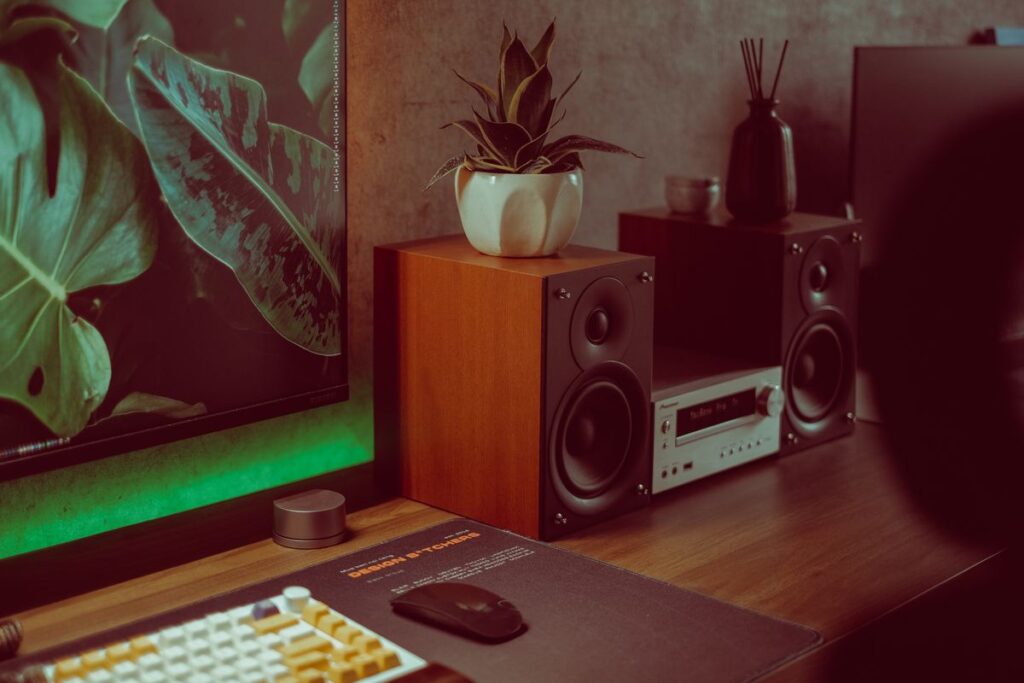
Computer and speakers arranged on a desk
Smart Home

Is the Anker PowerConf S330 Worth It Instead of a Headset?

Disclosure: As an Amazon Associate, My Indoor Space earns from qualifying purchases.

Quick verdict

PowerConf S330 is worth considering when you want headset-free computer calls in a private room and prefer a wired connection. A headset remains better suited to many shared spaces because incoming call audio is not played openly into the room. Keep your computer’s existing audio if it already works well.

Research-based buying guide. Checked October 17, 2026. We have not tested these products hands-on. Manufacturer information, attributed external findings and our editorial judgments are distinguished below.

Computer and speakers arranged on a desk
Desktop-audio context; these computer speakers are not the PowerConf S330 speakerphone. Stock photo: Pexels.

Which option fits your routine?

Choice Choose it for Tradeoff
PowerConf S330 Wired, headset-free computer conversations Room sound and open call audio
Headset Personal listening in a shared workspace Something to wear
Built-in computer audio An existing setup that meets your needs Position and controls may be less convenient

This S330 is a wired computer speakerphone

AnkerWork identifies the S330 as model A3308, connecting over USB-C with a USB-A adapter included. Its official note says it does not work with phones or tablets. Do not confuse it with other PowerConf products that offer different connection options.

Check your computer’s available port and current software support before buying. A USB-C connector does not itself prove a phone is supported. The right purchase is the exact model that serves the intended host, not any item with PowerConf in the name.

A speakerphone suits a room, not just a desk

The device plays the remote caller through a speaker and uses microphones to capture nearby speech. That can feel more natural when you dislike wearing headphones, but other people in the room can hear incoming audio and may be picked up themselves.

Consider privacy, nearby conversations and other audio sources. A noise-reduction feature is not a guarantee that household speech disappears. We have not tested intelligibility, echo handling or microphone pickup in different rooms, so cannot promise the same result beside every wall or window.

Treat microphone coverage as a maker claim

Anker advertises four microphones with 360-degree coverage and an intended pickup distance. Those describe the product’s design and marketing, not independent measurements by My Indoor Space. Room reflections, placement and speaking position remain practical considerations.

For one person at a desk, place the speakerphone as directed and avoid blocking it with papers or equipment. If several people will use it around a table, assess the return terms and suitability of the actual room rather than buying on a coverage diagram alone.

Compare the complete call routine

The wired design removes a separate charging step and keeps the speakerphone connected to the computer. It also uses desk space and a cable route. Make sure convenient physical access is worth that footprint compared with your laptop’s existing controls.

AnkerWork points users to its computer software and firmware support. Check whether installation is permitted on a managed work device and whether your call application can select the speakerphone for both input and output. We have not verified every conferencing platform or employer setup.

Our buying decision

Buy the S330 if supported computer calls are frequent, your room is suitable and not wearing a headset is a clear preference. Compare the full delivered cost with a basic wired headset and the audio equipment you already own.

Skip it for phone or tablet use, a need for wireless portability or a shared room where open audio would be intrusive. A speakerphone is worthwhile when it improves the way calls fit your workspace. It is not automatically a better choice than every headset or built-in microphone.

Buying in the United States or Canada

Choose the button for your country and compare the exact model, included parts, seller, delivered cost and return terms. Offers and replacement-part availability can differ between Amazon USA and Canada. Confirm regional manufacturer support before relying on a guarantee for an imported product. We do not promise stock, a fixed price or delivery to every address.

Related guides on My Indoor Space

Sources and research

Specifications establish stated features, not independent proof of performance. We base our value judgments on the task, fit, upkeep and alternatives. External experiences are attributed to their sources; no personal testing or measured savings is claimed.
White headphones resting on a stand
Smart Home

Is the Logitech H390 USB-A Headset Worth It for Home Calls?

Disclosure: As an Amazon Associate, My Indoor Space earns from qualifying purchases.

Quick verdict

The H390 is worth considering when you want a wired computer headset with an attached microphone and inline controls, without charging another device. Keep existing headphones if they already provide clear, comfortable calls. Choose the exact connector carefully: the linked black model is USB-A, while the H390 family also includes other variants.

Research-based buying guide. Checked October 17, 2026. We have not tested these products hands-on. Manufacturer information, attributed external findings and our editorial judgments are distinguished below.

White headphones resting on a stand
Headphone-storage context; the Logitech H390 headset is not pictured. Stock photo: Pexels.

Which option fits your routine?

Choice Choose it for Tradeoff
H390 USB-A A simple wired headset for a compatible computer Cable and headband fit
Existing headphones Calls already work comfortably May lack convenient mute or a suitable mic
Speakerphone A headset-free call in a suitable private room Other people can hear the call

Check the connector before the color

Logitech sells H390 versions with different USB connectors. The purchase links here identify the black USB-A model. If your computer only has USB-C, compare a suitable USB-C version or the cost and compatibility of an adapter before ordering.

A USB headset is not the same as a 3.5mm analog headset. Check the computer and intended call software’s audio-device support. We would not assume direct compatibility with a TV, console or phone merely because an adapter can physically join the plugs.

Microphone noise reduction is not headphone ANC

Logitech describes a noise-canceling microphone and inline volume and mute controls. That microphone feature concerns what the other caller hears. It should not be read as a promise of active noise cancellation for the person wearing the headphones.

We have not recorded microphone samples or measured background-noise rejection. A quieter room and appropriate microphone positioning still matter. If household noise is the main problem, choose based on relevant microphone evidence and your room rather than the phrase noise canceling alone.

Wired convenience includes a cable to manage

A wired headset avoids battery charging and pairing decisions. It also keeps you connected physically to the computer. Check the actual cable length on the selected package and compare it with your seating position, USB-port location and any sit-stand movement.

Route the cable so it does not catch on a drawer or pull the headset when you stand. Do not buy a wired design expecting the freedom of wireless calls. If moving around the room is essential, that requirement can outweigh the simplicity of a USB connection.

Comfort needs an individual decision

Logitech describes an adjustable headband and swiveling cushioned earpieces. Those are useful adjustment features, not proof of comfort for every head, glasses frame or long meeting. An appropriate return policy matters more than a universal comfort claim.

Consider whether you prefer wearing a headset at all. Someone who dislikes headband pressure may prefer a speakerphone in a private room, while someone sharing space may value keeping incoming audio closer to themselves. We have not performed long-duration comfort or sound-leakage tests.

Our buying decision

Buy the H390 USB-A when your supported computer has the connection, calls are frequent and physical mute and volume controls would improve the routine. Check the complete model and connector on the delivered package.

Keep current headphones when calls already work well. Skip this version for an incompatible port or a need for wireless movement. Its strongest value is an uncomplicated wired call setup at a sensible delivered price, rather than a guaranteed audio-quality upgrade for every existing headset.

Buying in the United States or Canada

Choose the button for your country and compare the exact model, included parts, seller, delivered cost and return terms. Offers and replacement-part availability can differ between Amazon USA and Canada. Confirm regional manufacturer support before relying on a guarantee for an imported product. We do not promise stock, a fixed price or delivery to every address.

Related guides on My Indoor Space

Sources and research

Specifications establish stated features, not independent proof of performance. We base our value judgments on the task, fit, upkeep and alternatives. External experiences are attributed to their sources; no personal testing or measured savings is claimed.
Ethernet cable connected to networking equipment
Smart Home

Is the TP-Link Archer T3U Nano Worth It for Desktop Wi-Fi?

Disclosure: As an Amazon Associate, My Indoor Space earns from qualifying purchases.

Quick verdict

Archer T3U Nano is worth considering when a compatible desktop needs a compact Wi-Fi connection and Ethernet is impractical. Keep working built-in Wi-Fi or a suitable cable first. It is a client adapter for one computer, not a router, mesh node or automatic cure for poor coverage throughout a home.

Research-based buying guide. Checked October 17, 2026. We have not tested these products hands-on. Manufacturer information, attributed external findings and our editorial judgments are distinguished below.

Ethernet cable connected to networking equipment
Wired-networking context for the alternative connection; the T3U Nano is not pictured. Stock photo: Pexels.

Which option fits your routine?

Choice Choose it for Tradeoff
T3U Nano Adding Wi-Fi through a supported computer port Drivers and PC location affect usefulness
Existing Wi-Fi A connection that already meets your needs Its current limitations remain
Ethernet A practical wired route to the network Requires a suitable cable path

Check drivers for the exact computer

TP-Link’s current Canadian product and download pages list Windows support and revision-specific drivers. Match your operating system and hardware version before ordering, and plan how you will obtain the driver if the computer currently has no network connection.

The marketplace listings checked also mention macOS 10.15 or earlier. That wording is not support for every newer Mac. Do not buy for a current operating system solely because the listing contains the word Mac; confirm a suitable official driver for the exact setup.

AC1300 is a class label, not internet speed

TP-Link lists up to 400Mbps on 2.4GHz and 867Mbps on 5GHz, with a USB 2.0 interface. Those are specified connection characteristics, not measured download speeds or a promise of a 1300Mbps internet transfer.

Do not add the two bands together as though a single file automatically uses both at once. Actual performance depends on the router, radio conditions, computer and connection path. We have not benchmarked this adapter, measured range or compared gaming delay with a wired link.

A tiny adapter still depends on placement

The small body is useful when you want little projecting from a computer. But a desktop tucked behind furniture or surrounded by equipment may put the radio in an unhelpful position. Consider where the available USB socket sits in the room.

If the router’s signal is weak at that location, an adapter alone may not solve the whole problem. Compare a practical Ethernet route, a different supported adapter design or a network-placement change according to the actual cause. Do not buy several overlapping fixes before identifying it.

Wi-Fi and Bluetooth are separate purchases

This guide concerns a Wi-Fi network adapter. It should not be chosen to pair a Bluetooth mouse or headset. A similarly small Bluetooth dongle may look almost identical in a photograph while doing a different job.

Also distinguish the Nano from other Archer T3U variants with different size, interface or antenna arrangements. Check the complete model name on the offer and package. Shared branding does not establish identical hardware or driver requirements.

Our buying decision

Buy the T3U Nano when the supported driver, computer port and local network conditions fit a recurring need for wireless internet access. Its small form is a useful convenience once those requirements are satisfied.

Keep an existing reliable connection when there is no specific problem to solve. Use Ethernet when the cable route is practical and it meets your needs. Skip this adapter for unsupported operating systems or as a substitute for a router or mesh system; those are different decisions and costs.

Buying in the United States or Canada

Choose the button for your country and compare the exact model, included parts, seller, delivered cost and return terms. Offers and replacement-part availability can differ between Amazon USA and Canada. Confirm regional manufacturer support before relying on a guarantee for an imported product. We do not promise stock, a fixed price or delivery to every address.

Related guides on My Indoor Space

Sources and research

Specifications establish stated features, not independent proof of performance. We base our value judgments on the task, fit, upkeep and alternatives. External experiences are attributed to their sources; no personal testing or measured savings is claimed.

Collection of smart home bulbs, cameras and hubs
Smart Home

Is the TP-Link UB500 Worth It? Check the Hardware Version First

Disclosure: As an Amazon Associate, My Indoor Space earns from qualifying purchases.

Quick verdict

UB500 is worth considering for a supported Windows PC that needs Bluetooth and has an available USB-A port. Keep working built-in Bluetooth first. Check the hardware revision carefully: the U.S. listing said Bluetooth 5.4, the Canadian listing said 5.3, and TP-Link’s documentation includes older and newer UB500 versions.

Research-based buying guide. Checked October 17, 2026. We have not tested these products hands-on. Manufacturer information, attributed external findings and our editorial judgments are distinguished below.

Collection of smart home bulbs, cameras and hubs
Connected-device context; the TP-Link UB500 dongle is not pictured. Stock photo: Pexels.

Which option fits your routine?

Choice Choose it for Tradeoff
UB500 Adding supported Bluetooth to a Windows PC Revision-specific drivers and compatibility
Built-in Bluetooth An existing connection that works Troubleshoot the actual issue first
Another device-specific solution TV, console or a different operating system A PC dongle may not serve that role

UB500 is a model family with revisions

The country pages checked identify UB500 but use different Bluetooth-version wording. TP-Link Canada’s product page still shows 5.0 information, while its download page includes V3 drivers described as supporting 5.4. These are reasons to inspect the supplied hardware version rather than combine every feature under the newest number.

Ask the seller to confirm the revision if that version is important to your purchase. Download support should be matched to the label on the unit and your operating system. A higher number in another country’s title does not guarantee identical stock in your package.

Choose it for a supported Windows computer

Check TP-Link’s current support page for the exact revision, Windows version and computer architecture. Do this before buying for an older machine or one with unusual processor support. Having a USB socket alone does not establish driver compatibility.

Do not treat a Windows-PC dongle as a general Bluetooth transmitter for a TV or a direct console accessory. Its intended host and the peripheral’s connection requirements both matter. Use a solution explicitly supported by the device you want to connect.

It adds Bluetooth, not Wi-Fi

The UB500 purchase should solve a Bluetooth task such as connecting a supported keyboard, mouse or headset to the PC. It is not the product to choose because internet reception is poor. TP-Link sells separate Wi-Fi adapters for that different connection.

Likewise, some wireless peripherals use their own receiver system rather than Bluetooth. Check the peripheral’s actual pairing options. A device marketed as wireless does not automatically gain compatibility with a generic Bluetooth dongle.

Check what is wrong with your existing connection

If built-in Bluetooth already works reliably, another radio may add no useful benefit. If it does not, identify whether the issue concerns the peripheral, its battery, pairing, drivers or your setup before paying for a replacement adapter.

Follow TP-Link’s installation guidance, including how to handle an existing Bluetooth adapter, rather than installing several drivers at random. We have not tested range, audio delay, interference or simultaneous peripheral performance. A newer listed version is not a guarantee that every connection problem disappears.

Our buying decision

Buy UB500 when you have a specific supported Windows-PC Bluetooth need, compatible peripherals and confirmation of the supplied revision. Compare the final delivered cost rather than paying more solely for a version claim that is not established for the package.

Keep built-in Bluetooth when it meets your needs. Choose a different device class for Wi-Fi, TV audio or an unsupported host. This small adapter can be good value, but exact compatibility matters more than its size or the largest Bluetooth number in a marketplace title.

Buying in the United States or Canada

The U.S. UB500 listing stated Bluetooth 5.4 and the Canadian listing stated 5.3 when checked. Manufacturer pages also distinguish hardware revisions, including V3 support. Both buttons identify UB500, but identical revision stock was not established. Confirm the delivered hardware version, correct driver, operating-system support, seller, return terms and delivered price before ordering.

Related guides on My Indoor Space

Sources and research

Specifications establish stated features, not independent proof of performance. We base our value judgments on the task, fit, upkeep and alternatives. External experiences are attributed to their sources; no personal testing or measured savings is claimed.

USB hub connected to a laptop on a wooden desk
Smart Home

Is the Anker 2-in-1 USB-A Card Reader Worth It?

Disclosure: As an Amazon Associate, My Indoor Space earns from qualifying purchases.

Quick verdict

The Anker 2-in-1 is worth considering if you frequently transfer files from SD or microSD cards and have a suitable USB-A port. Keep a built-in card slot if it already handles your cards reliably. Choose a different connector or reader class when your computer is USB-C-only or your workflow specifically needs a faster supported card interface.

Research-based buying guide. Checked October 17, 2026. We have not tested these products hands-on. Manufacturer information, attributed external findings and our editorial judgments are distinguished below.

USB hub connected to a laptop on a wooden desk
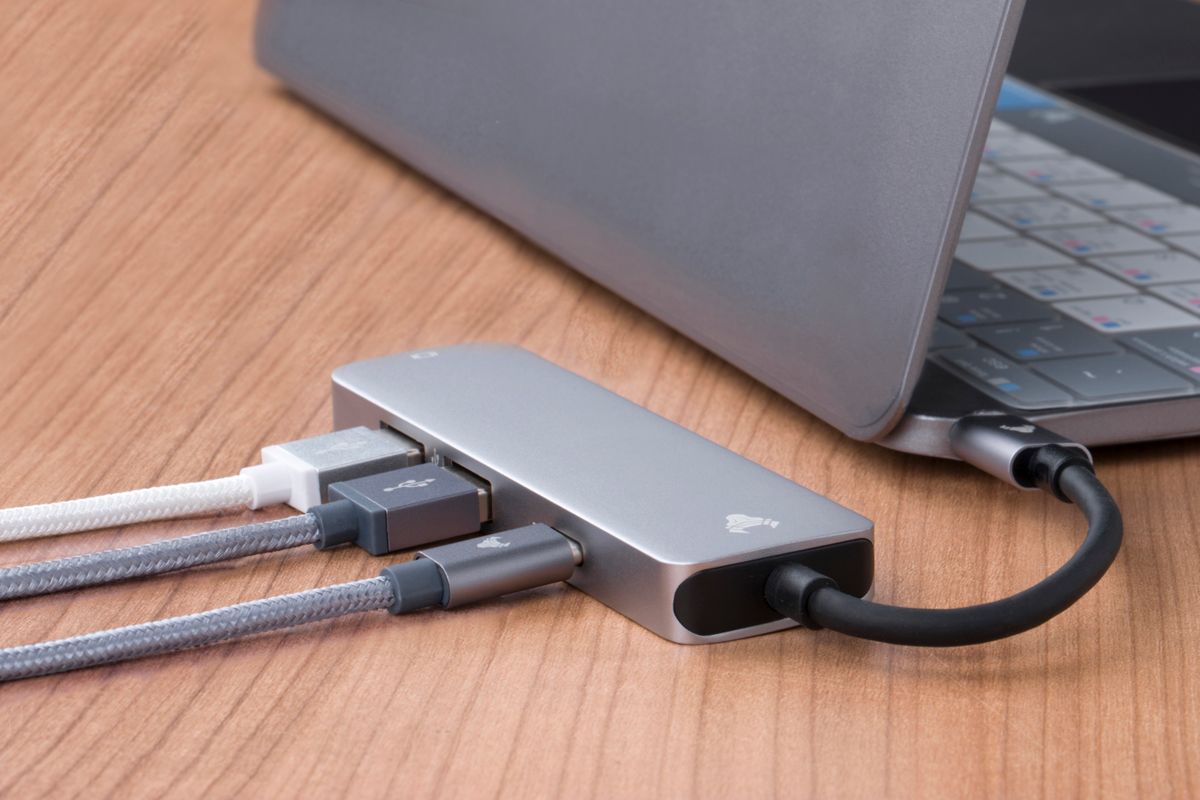
Laptop-port context; this USB hub is not the reviewed Anker card reader. Stock photo: Pexels.

Which option fits your routine?

Choice Choose it for Tradeoff
Anker A7612 reader SD and microSD access through USB-A Connector width and card-speed limits
Built-in card slot A compatible slot you already own May lack the second card format
Different reader USB-C or a specific faster-card requirement Check actual card and host compatibility

Start with your cards and connector

Anker describes the A7612 as a two-slot reader for SD-family and microSD-family cards, including UHS-I, with USB 3.0 connectivity. The physical computer connector is USB-A. It is not a universal reader for every camera memory-card format.

Check the writing on your card and your computer’s ports before buying. A microSD-to-SD sleeve may be enough if you already have a suitable SD slot. A USB-C-only laptop may be better served by a reader with its own USB-C connector instead of accumulating another adapter.

USB speed is not a measured file-copy result

The manufacturer advertises an up-to 5Gbps USB connection and explicitly notes that actual transfers depend on the card and computer port. That interface figure is not a promise that a memory card reads at 5Gbps.

We have not benchmarked this reader or tested large photo imports. Card speed, file sizes, destination drive and host limitations all affect the job. If a high-speed professional card workflow is the reason for buying, compare supported card interfaces and independent measurements rather than relying on a USB-generation label alone.

Two slots can help a specific routine

Anker says the two card slots can be used simultaneously. That is useful if you regularly handle both SD and microSD media. It does not make duplication or backup automatic: you still decide which files go where and verify important copies.

For one card used occasionally, a second slot may add little. Keep a reader that already works instead of replacing it to match a feature you rarely use. Consider whether the separate device will live on a desk or travel with the camera, and give it a consistent storage spot.

Check the space around the USB socket

The official page warns that the reader is about 35mm wide, roughly the width of two USB ports. Closely spaced connectors can therefore be the practical limit even when the USB plug itself fits.

Look at neighboring cables, a laptop case and the direction of nearby sockets. A short suitable extension may solve placement, but adds cost and another connection. Compare that complete arrangement with a cable-style reader before ordering a rigid plug-in design.

Our buying decision

Buy A7612 when its card formats, connector and clearance match a recurring transfer task. Verify current operating-system support for the exact computer: the manufacturer’s page lists some older system versions, which should not be interpreted as proof for every new device.

Skip it when a built-in reader or existing adapter already does the job. Do not buy this as a storage drive or automatic backup system; it provides access to a card. Its value is convenient compatibility at a sensible delivered price, with no transfer-speed promise beyond what your complete setup supports.

Buying in the United States or Canada

Choose the button for your country and compare the exact model, included parts, seller, delivered cost and return terms. Offers and replacement-part availability can differ between Amazon USA and Canada. Confirm regional manufacturer support before relying on a guarantee for an imported product. We do not promise stock, a fixed price or delivery to every address.

Related guides on My Indoor Space

Sources and research

Specifications establish stated features, not independent proof of performance. We base our value judgments on the task, fit, upkeep and alternatives. External experiences are attributed to their sources; no personal testing or measured savings is claimed.
Wireless mouse beside a laptop on a wooden desk
Smart Home

Logitech ERGO M575S vs a Regular Mouse: Is a Trackball Worth It?

Disclosure: As an Amazon Associate, My Indoor Space earns from qualifying purchases.

Quick verdict

Consider the ERGO M575S when you want a stationary pointing device and like controlling the cursor with your right thumb. Keep a regular mouse if its movement and grip already suit you. A trackball saves the space normally used to slide a mouse, but introduces a different technique and does not guarantee better comfort for every hand.

Research-based buying guide. Checked October 17, 2026. We have not tested these products hands-on. Manufacturer information, attributed external findings and our editorial judgments are distinguished below.

Wireless mouse beside a laptop on a wooden desk
Conventional mouse and laptop context; the M575S trackball is not pictured. Stock photo: Pexels.

Which option fits your routine?

Choice Choose it for Tradeoff
M575S thumb trackball Cursor movement without sliding the body Thumb-control learning and ball cleaning
Regular mouse A familiar pointing technique Needs movement space
Left-hand-friendly pointing device A different hand or shared setup M575S’s sculpted thumb layout may not fit

Stationary does not mean no hand movement

The M575S stays in one place while the thumb rolls its ball. That is useful on a crowded desk where a conventional mouse runs into papers or reaches the edge of a mat. Its body still occupies a fixed footprint, so measure that space rather than assuming it is tiny.

The different technique may take practice for small selections, dragging and scrolling. We have not tested learning time, precision or individual comfort. Choose for the control method and fit instead of treating the ergonomic label as a medical outcome.

Buy the M575S you intend

Logitech’s M575S has quieter-click marketing and different connectivity from some older consumer M575 configurations. The linked product in both countries is the M575S black body with silver ball. Do not mix its specifications with an older M575 or a differently packaged business listing.

Logitech’s current setup guide specifies Bluetooth or the Logi Bolt receiver and one AA battery. Check that the package includes the expected receiver and confirm current operating-system requirements. Bolt and Unifying are different receiver systems; owning a Unifying dongle is not evidence it will pair.

Fit matters more than the feature list

Look closely at the right-thumb position, palm support and reach to the wheel and side buttons. A household that swaps hands or shares a computer may prefer a different layout. A device comfortable for one person can be awkward for another.

Use an appropriate return policy when assessing fit. Do not force yourself to continue a grip that feels uncomfortable just because it reduces sliding space. Your chair, desk height and available support remain part of the overall workspace.

Software and cleaning are ownership tasks

Logitech’s setup documentation points to Options+ for customization and cursor adjustments. Check that you can install supported software on your computer if those functions matter, particularly on an employer-managed machine. Basic connection and advanced customization are different requirements.

The guide identifies a ball-eject opening for maintenance. Follow its cleaning directions and keep the tracking area clear of buildup. We have not tested long-term wear or how often cleaning will be needed in different homes. A stationary device still needs upkeep.

Our buying decision

Buy the M575S if a fixed pointing position solves a real space problem and thumb control appeals after checking fit. Compare its complete price and connectivity with an ordinary mouse you already own.

Skip it when a familiar mouse works well, you need a different hand layout or the required connection is unavailable. The strongest reason to change is a preferred working method in your specific space. It is an optional alternative rather than a required upgrade for every small desk.

Buying in the United States or Canada

Choose the button for your country and compare the exact model, included parts, seller, delivered cost and return terms. Offers and replacement-part availability can differ between Amazon USA and Canada. Confirm regional manufacturer support before relying on a guarantee for an imported product. We do not promise stock, a fixed price or delivery to every address.

Related guides on My Indoor Space

Sources and research

Specifications establish stated features, not independent proof of performance. We base our value judgments on the task, fit, upkeep and alternatives. External experiences are attributed to their sources; no personal testing or measured savings is claimed.
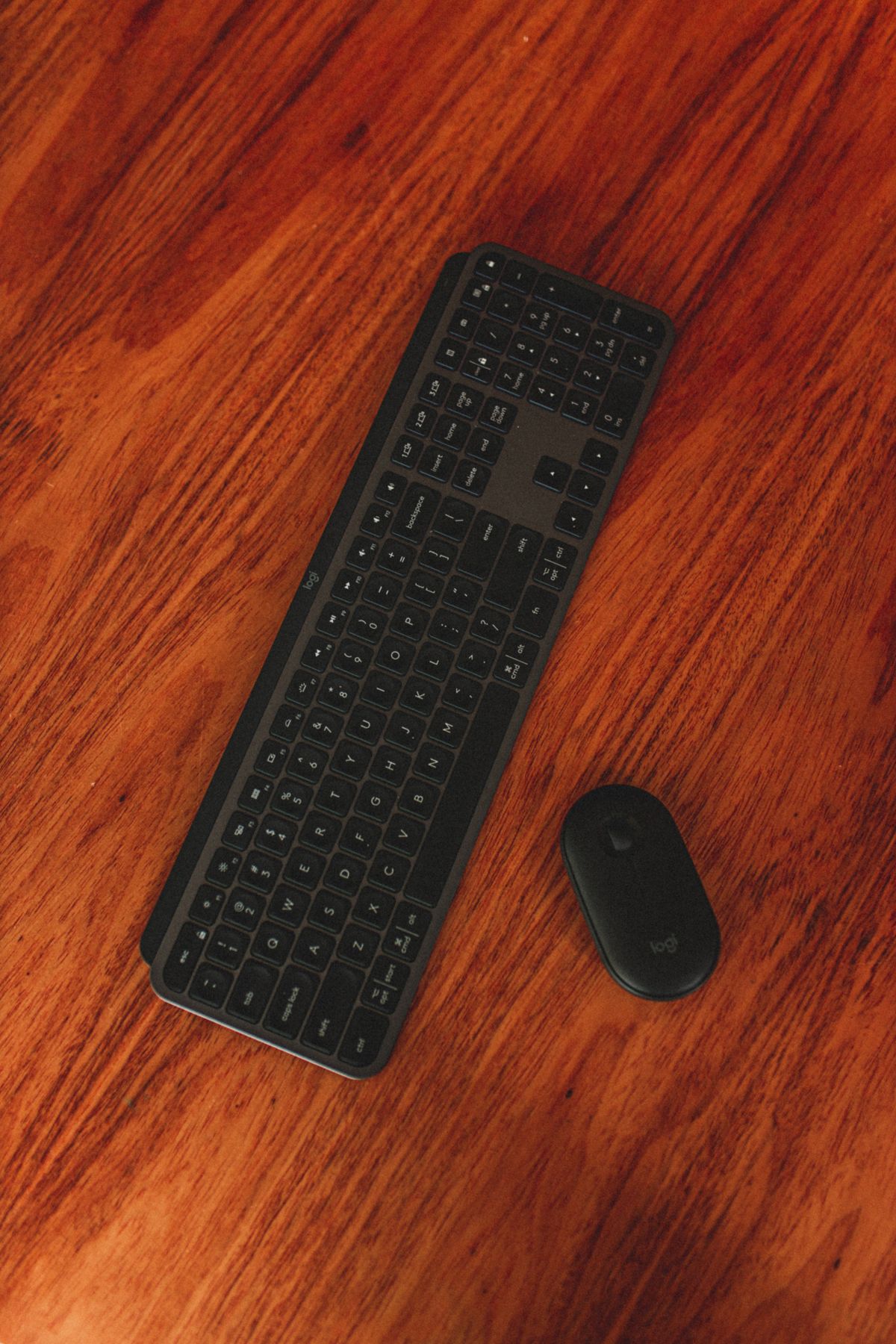
Wireless keyboard and mouse on a wooden desk
Smart Home

Is the Logitech K400 Plus Worth It for a TV-Connected PC?

Disclosure: As an Amazon Associate, My Indoor Space earns from qualifying purchases.

Quick verdict

K400 Plus is worth considering for controlling a compatible computer connected to your TV when a keyboard and touchpad in one object would simplify couch use. Keep your remote for ordinary TV navigation. Do not buy it on the assumption that a USB port makes every smart TV and streaming app compatible.

Research-based buying guide. Checked October 17, 2026. We have not tested these products hands-on. Manufacturer information, attributed external findings and our editorial judgments are distinguished below.

Wireless keyboard and mouse on a wooden desk
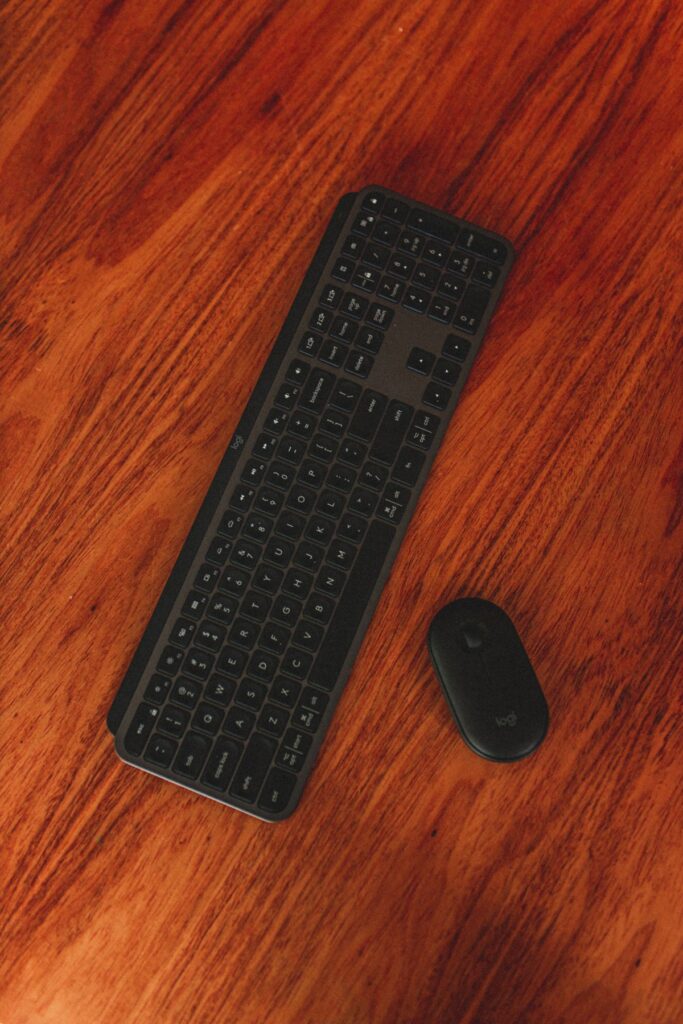
Keyboard-and-mouse workspace context; the K400 Plus is not pictured. Stock photo: Pexels.

Which option fits your routine?

Choice Choose it for Tradeoff
K400 Plus Typing and pointer control on a supported TV-connected computer Needs its USB receiver and supported host
TV remote Normal television controls and short searches Slower long-text entry
Separate keyboard and mouse Existing equipment or more typing comfort Two objects to use and store

PC-connected TV is the important phrase

Logitech positions the K400 Plus for a computer that uses the television as its display. Its built-in touchpad combines pointer and keyboard input, with media controls for the intended setup. The connection uses a USB Unifying receiver rather than direct Bluetooth pairing.

Connect the receiver to the supported host you are actually controlling. A television may have USB sockets intended for storage or servicing without accepting all keyboard functions. Check the TV manufacturer’s input guidance and the specific app before buying for direct TV use.

Check operating-system support and the port

The current Logitech page lists Windows, ChromeOS and Android support with version requirements. Verify the exact host and current requirements, especially if you are using an unusual streaming box or tablet. A supported operating-system name does not guarantee every app exposes keyboard text entry.

The included receiver needs a suitable USB connection. Count that port as part of the setup cost if your host has only USB-C or its available sockets are already occupied. Do not confuse the receiver with Logitech Bolt or assume an unrelated wireless dongle will substitute.

Couch convenience versus sustained typing

A combined keyboard and touchpad means fewer items to balance on a lap or side table. That is useful for searching, starting media or occasional browsing. Think about where it will rest and whether the touchpad position suits your hands.

For long writing sessions, a stable desk and an existing full-size keyboard may still be preferable. We have not tested typing comfort, touchpad accuracy or range in a furnished home. The K400 Plus is most persuasive as an entertainment-control tool rather than an automatic replacement for a work keyboard.

Batteries and storage still need a plan

Logitech specifies two AA batteries and an on/off switch, with an up-to battery-life claim that depends on use. That means no daily charging routine, but you still need replacements and access to the compartment. We have not measured battery life.

Store the receiver with the device when it is not installed and keep the keyboard where it can be found easily. If you already lose remotes among sofa cushions, a larger controller may help visibility but also needs a dedicated spot. Consider its full footprint before ordering.

Our buying decision

Buy it when you have verified a compatible host, a receiver connection and a real need for occasional text plus pointer control from the sofa. Compare the cost against using a keyboard and mouse you already own.

Skip it when the task is ordinary channel and playback control, when direct-TV compatibility is uncertain or when you need a different typing layout. Keep the remote available for functions the keyboard does not replace. A practical living-room setup can still use both tools for their appropriate jobs.

Buying in the United States or Canada

Choose the button for your country and compare the exact model, included parts, seller, delivered cost and return terms. Offers and replacement-part availability can differ between Amazon USA and Canada. Confirm regional manufacturer support before relying on a guarantee for an imported product. We do not promise stock, a fixed price or delivery to every address.

Related guides on My Indoor Space

Sources and research

Specifications establish stated features, not independent proof of performance. We base our value judgments on the task, fit, upkeep and alternatives. External experiences are attributed to their sources; no personal testing or measured savings is claimed.
Close view of a laptop keyboard
Smart Home

Is the OXO Sweep and Swipe Laptop Cleaner Worth It?

Disclosure: As an Amazon Associate, My Indoor Space earns from qualifying purchases.

Quick verdict

Worth considering if a compact brush-and-pad tool will make light desk cleaning more convenient. Skip it if you already keep a suitable soft brush and clean microfiber cloth handy. This is a convenience organizer, not a device-repair or disinfecting tool.

Research-based buying guide. Checked October 17, 2026. We have not tested this product hands-on. Manufacturer details and our buying judgments are distinguished below.

Close view of a laptop keyboard
Keyboard cleaning context; the OXO cleaner is not pictured. Stock photo: Pexels.

Which choice fits your routine?

Choice Best reason to choose it
Sweep and Swipe One compact tool is easier for you to keep ready
Separate brush and cloth You want larger or easily swapped cleaning surfaces
Device-maker guidance first A coating or specific cleaning restriction applies

What is inside this compact format?

OXO describes a retractable brush at one end and a shaped microfiber pad at the other, with a protective storage cap. The stated role is removing loose debris and surface smudges from devices such as laptops and tablets.

The linked product is the Sweep and Swipe cleaner, rather than an electronics-brush bundle or cleaning-fluid kit. Check the model and included items carefully. The product's compactness is its main buying argument; a small tool does not automatically provide a more thorough clean than separate suitable materials.

Start with the device's instructions

Before using any cleaning accessory, check the device maker's guidance for its screen, coating, keyboard, and openings. A general accessory listing cannot override those requirements. Follow the device's directions about power, liquids, and pressure.

We have not tested this pad on every display coating. We would not recommend a universal claim that it cannot scratch or damage a screen. Inspect the cleaning surface for grit and keep the tool within the exact use instructions rather than treating the brand name as permission for every surface.

A small pad is convenient but limited

For quick fingerprints or a small area, having the pad attached to the brush may be handy. For a large display, a clean suitable cloth offers a larger surface to work with and can be easier to exchange for a fresh one.

The question is not which tool has more features. It is which one you will keep clean and ready to use. If the separate cloth already lives beside your desk, combining it with a brush may not improve your routine.

The cleaner itself needs cleaning

OXO's instructions describe spot-cleaning the microfiber with warm water and mild soap, blotting excess moisture, and air-drying it. Its bristle guidance calls for rinsing, removing excess moisture, reshaping, and drying with the brush extended. Let the tool dry before storing it.

Those are instructions for the cleaning tool, not instructions to wet your laptop. Keep the two tasks separate. A storage cap helps protect the pad when it is put away, but it does not make a dirty cleaning surface ready for the next screen.

Who should buy and the final decision

Buy it if a compact two-ended tool suits a laptop bag or small desk and encourages a light cleaning routine you will maintain. Skip it if you prefer a larger cloth or already own the separate items. It does not fix sticky mechanisms, liquid damage, or worn screen coatings.

Our verdict is a conditional yes for convenience and portability. The cheaper choice is to keep a suitable existing brush and cloth. Upgrade because the compact format helps, not because you expect it to increase computer performance or replace proper servicing.

Buying in the United States or Canada

Use the button for your country and compare the exact model, supplied parts, seller, delivered price, and return terms before ordering. U.S. and Canadian listings can differ in availability, packaging, and price; a U.S. dollar amount is not a Canadian quote. We do not publish a fixed price here because offers change.

Check regional warranty eligibility with the manufacturer or seller, especially for an imported offer. A brand guarantee does not establish that every marketplace seller supplies the same regional coverage.

Questions before buying

Does it include a disinfecting liquid?

The linked example is a brush-and-microfiber tool. Do not assume cleaning chemicals are included or appropriate for your device.

Can I use its washing instructions on my laptop?

No. Those directions concern cleaning the tool itself. Follow the device maker's separate care guidance.

Related guides on My Indoor Space

Sources and research

The manufacturer source establishes stated features and care. Linked retailer pages identify the selected offer. Comparisons, buy/skip guidance, and value judgments are our editorial assessment; we do not claim measured durability or performance without testing.

Cables connected to a laptop
Smart Home

Are Command Cord Clips Worth It for a Home Desk?

Disclosure: As an Amazon Associate, My Indoor Space earns from qualifying purchases.

Quick verdict

Worth considering for routing individual cables along a suitable fixed surface. Choose reusable ties when you mainly need to bundle loose cables or frequently rearrange your desk. Adhesive routing and bundling solve different problems.

Research-based buying guide. Checked October 17, 2026. We have not tested this product hands-on. Manufacturer details and our buying judgments are distinguished below.

Cables connected to a laptop
Desk cable context; Command clips are not pictured. Stock photo: Pexels.

Which choice fits your routine?

Choice Best reason to choose it
Command round clips A cable needs a fixed route on a compatible surface
Reusable ties Several loose leads need bundling
Keep the existing setup Your cables already stay accessible and out of the way

What round cord clips add

3M describes Command cord clips as adhesive organizers for routing cables around work and entertainment areas. It says clips can be reused with appropriate replacement strips. The linked example is a clear round-clip pack; compare the number of clips and strips in the selected offer.

Their main value is controlling where a cable runs. A tie groups cables together, but it does not necessarily attach that bundle to the side or underside of a desk. Decide whether your actual problem is a route, a bundle, or a charger end that keeps dropping.

Surface suitability comes before quantity

A large multipack is poor value if the adhesive is unsuitable for your intended finish. Read the instructions for the exact clear-strip product and check the surface requirements. Do not assume a claim about one Command hook transfers to every other strip or clip.

For a rental or a delicate furniture finish, consider the consequences of removal before installation. The brand's damage-free positioning depends on proper use and suitable surfaces; it is not a personal guarantee for every painted or coated object. Keep the product instructions for later removal.

Leave room for movement and removal

Route a cable with enough freedom for the connected device to move as intended. A neat-looking line is less useful if turning a monitor or unplugging a laptop pulls against the connectors. Do a dry layout before committing the adhesive.

Also leave access to the removal tab in the direction the instructions require. Hiding every tab behind fixed furniture may make later removal awkward. The important space is not just where the plastic clip fits, but where your hand needs to reach when you reorganize.

When ties are the better purchase

Reusable ties make more sense when the cables travel together, the desk moves often, or you want to avoid adhesive. A basic tie can be opened and adjusted without matching a replacement strip. It may already be enough for a few leads behind a monitor.

Clips make more sense when a cable needs to follow a stable edge or surface. They are organizers, not an electrical upgrade. They do not add surge protection, repair damaged wiring, or establish that a cable is suitable for installation inside a wall.

Who should buy, and the final value decision

Buy a small appropriate pack after you have planned a route and checked the surface and cable fit. Skip the adhesive system if moving the desk frequently would mean repeatedly replacing strips. Count the clips you need instead of buying the largest pack by default.

Our verdict: useful for a defined fixed route, optional for general desk tidiness. Start with ties if bundling is the whole job. Pay for adhesive clips when attaching the cable to a compatible surface is the feature that actually solves the problem.

Buying in the United States or Canada

Use the button for your country and compare the exact model, supplied parts, seller, delivered price, and return terms before ordering. U.S. and Canadian listings can differ in availability, packaging, and price; a U.S. dollar amount is not a Canadian quote. We do not publish a fixed price here because offers change.

Check regional warranty eligibility with the manufacturer or seller, especially for an imported offer. A brand guarantee does not establish that every marketplace seller supplies the same regional coverage.

Questions before buying

Can I reuse the adhesive strip?

3M describes reusing the clip with suitable replacement strips. Do not assume a used strip can simply be pressed back on.

Are these a substitute for a cable-management box?

No. Clips route cables; a box covers a compatible arrangement of leads or equipment. Choose for the specific task.

Related guides on My Indoor Space

Sources and research

The manufacturer source establishes stated features and care. Linked retailer pages identify the selected offer. Comparisons, buy/skip guidance, and value judgments are our editorial assessment; we do not claim measured durability or performance without testing.

Scroll to Top